
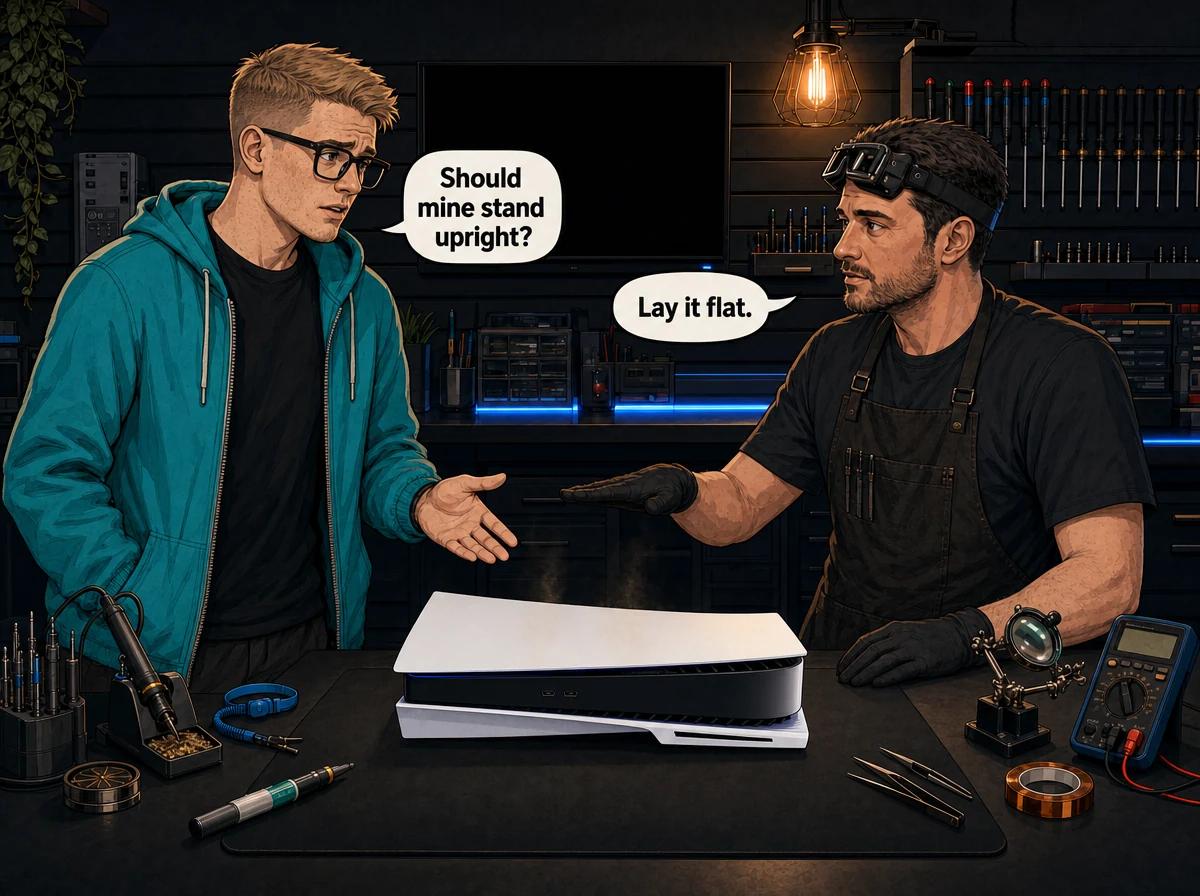
You bought the console, you found a spot for it, and then someone in a group chat told you that standing a PS5 upright will kill it. Someone else said that's nonsense and Sony designed it to stand up. Both of those people are half right, which is why the question keeps going around.
Here is the honest version, from a bench where PS5s land every week.
Sony supports both orientations and documents both in its own manuals, so a vertical PS5 is not "wrong". But the PS5 is the only console family we work on that uses liquid metal instead of thermal paste between the processor and the heatsink, and liquid metal is a fluid that gravity acts on every hour the console is upright. When it creeps away from the top edge of the processor, that area loses its thermal contact and gets hot on its own. On our bench the pattern is consistent enough that we give customers one recommendation: lay it flat. It costs you nothing, it changes nothing about how the console performs, and it removes the one variable you can actually control.
The Short Answer on PS5 Vertical or Horizontal
Lay it flat. Not because vertical is forbidden, but because horizontal has no downside and vertical has one you cannot see happening.
A flat PS5 keeps the liquid metal spread evenly across the processor the way it was applied at the factory. A flat PS5 also sits lower, takes a knock better, puts less leverage on the cable ends at the back, and is far harder for a pet or a passing hip to send off the shelf. The only real argument for vertical is that it takes up less shelf width, and shelf width is easier to solve than a cooked processor.
If your PS5 has already been standing upright for a year or two and it runs quietly and cools well, don't panic. Lay it flat from here and keep an eye on fan noise. The change is preventative, not a repair.
What Sony Actually Documents for Each PS5 Model
This part gets misquoted constantly, so it's worth being exact. Sony's guides differ between the model groups, and knowing which one you own matters if you want the console set up the way the manufacturer intended.
The original PS5 (CFI-1000, CFI-1100 and CFI-1200 model groups) ships with a single round base that is used in both orientations. Sony's quick start guide is unambiguous about that: always attach the base to the console, whether it's in the vertical or horizontal position. You reconfigure the base by rotating its top and bottom in opposite directions until it clicks, then set the hook to the position illustrated for the orientation you want. For vertical use you attach the base and secure it with a screw, tightened by hand or with a coin. For horizontal use you align the base with the marked area on the console and press it in firmly — no screw.
The PS5 Slim (CFI-2000 model group) changed this. It ships with horizontal stand feet, and the vertical stand is a separate purchase. Sony's wording in the safety guide is blunt: use the included horizontal stand feet to set the console in the horizontal position, and if you do not use the feet and set the console in a position other than instructed, there is a risk of injury, damage or malfunction. The quick start guide adds that the feet must always be attached before use. To set the console in the vertical position, you'll need the vertical stand, sold separately.
The PS5 Pro (CFI-7000 model group) carries word-for-word the same instruction as the Slim — included feet for horizontal, separate stand for vertical.
That is worth sitting with for a second. On the two newest PS5 designs, Sony ships the parts for flat placement in the box and asks you to buy the parts for upright placement. Sony's guides never call vertical placement a risk. But the default it hands every customer is horizontal.
Why Orientation Matters More on a PS5 Than on Any Other Console
Every console needs a thermal interface material between the processor and the heatsink. Air is a poor conductor of heat, and no two metal surfaces are flat enough to touch perfectly, so something has to fill the microscopic gaps.
The PS4 family, the Xbox One family and the Xbox Series consoles all use thermal paste for this. Paste is a thick compound that stays where it is put. Orientation does not move it.
Every PS5 — Disc, Digital, Slim and Pro — uses liquid metal instead. It is a gallium-based alloy that conducts heat far better than paste, which is how Sony got away with a relatively compact cooling assembly on a chip that draws a lot of power. Sony applies it at the factory and surrounds the processor with a foam and rubber gasket specifically to contain it.
The trade-off is that liquid metal is a liquid. It has surface tension, it has weight, and it has years to work with. Stand the console upright and one edge of that gasket becomes the highest point in the assembly, permanently. Gravity only ever pulls one way.
We have written the full technical explanation of that failure and how it is repaired in our guide to PS5 liquid metal problems. This post is about the decision you make before it gets that far.
What We Actually See on the Bench
Fair warning: this section is our own repair experience, not a manufacturer statement and not a published study. Nobody has run a controlled trial on ten thousand PS5s in two orientations. What we have is a workshop in Boksburg that has been taking PS5s apart since they arrived in South Africa.
What we see is a pattern. When a long-serving PS5 comes in for a thermal fault — fan screaming, shutting down mid-game, hot enough at the exhaust to be uncomfortable — and we lift the heatsink, the liquid metal is often no longer evenly spread. On consoles that lived upright it has frequently pooled toward what was the lower edge, leaving a dry patch at what was the top edge.
A dry patch is not a small problem. That part of the processor has no path to the heatsink at all. It gets hot in isolation while the rest of the chip reads as fine, so the console's own temperature sensing does not always catch it early. In the worst cases we have handled, that localised heat has cracked the processor itself. A cracked processor is the end of that motherboard.
We are not claiming this happens to every vertical PS5. Plenty of consoles stand upright for years and are perfectly healthy. We are saying that when we open the failed ones, orientation shows up in the history often enough that we stopped treating it as a coincidence.
Vertical vs Horizontal: The Practical Trade-Offs
Thermal risk is the headline, but it is not the only difference, and the rest of these are things you can see for yourself.
Stability. A flat PS5 has a wide, low footprint. An upright one is tall and narrow with the mass high up. In a house with a dog, a toddler, or a busy lounge, that difference is not theoretical — dropped and knocked-over consoles are a category of repair on their own, and most of them were standing up when it happened. Sony's own guide warns against placing the console on a surface that is unstable, tilted or subject to vibration.
Cable strain. The power, HDMI and Ethernet cables all enter at the back (the USB ports on the front take short accessory leads). Upright, the power and HDMI cables leave the console and immediately bend downward under their own weight, putting a constant sideways load on the ports. Flat, they run out horizontally with far less leverage on the socket. Port damage from cable strain is real, slow and expensive once it reaches the board.
Dust. Sony's guides warn against letting dust build up on the vents, and specifically warn that dust build-up or cigarette smoke residue on internal components such as the lens may cause the console to malfunction. Neither orientation is dust-proof. But a flat console is much easier to wipe down and vacuum around, and it does not have one vent face pointing straight up.
Airflow clearance. This one usually decides itself. People stand a PS5 up to fit it into a narrow gap in a TV unit — which is exactly the situation Sony's guide warns against when it says not to use the console in a closed cabinet or other locations where heat may build up. The orientation is not what hurt the console; the cupboard did.
Shelf space. The one honest advantage of vertical. If the only spot you have is narrow, upright fits. If that's your situation, prioritise ventilation over orientation and read the airflow rules below carefully — a well-ventilated upright PS5 is in better shape than a flat one buried in a closed cabinet.
How to Change a PS5 From Upright to Flat Safely
None of this involves opening the console. You are moving a closed console and fitting the base or feet it came with.
- Turn the console off properly from the control centre — Power, then Turn Off PS5. Do not use rest mode for this.
- Wait until the power indicator has stopped flashing and gone completely dark. Sony's safety guide specifically warns not to move the console or adjust its position when the power indicator is lit or blinking, because data may be lost or corrupted, or the console may be damaged.
- Unplug the mains cable and the HDMI cable at the console end, holding the plug rather than pulling the cable. Sony also says not to remove the power cord from the supply until the power indicator has turned off.
- Let it cool until the shell is no longer warm to the touch. The main unit is hot immediately after use.
- Work on a flat surface. Sony's Slim and Pro guides tell you to place the console on a soft cloth spread over a flat surface before attaching the feet, and that is worth doing on any model — it stops the glossy panels picking up scratches.
- Fit the horizontal hardware for your model. On the original PS5, set the hook on the round base to the horizontal position, align the base with the marked area on the console and press it in firmly. On the Slim and the Pro, insert the included horizontal stand feet into the holes in the grooves on the underside.
- Set the console down with at least 10 cm between the vents and any wall surface, on a hard, level, stable surface — not on a carpet or rug with long fibres, not in a narrow or cramped space, not inside a closed cabinet.
- Reconnect the cables and power on. Give it a few minutes of normal use and listen to the fan. It should settle, not climb.
If you cannot find the feet or the base that came with your console, that is not a reason to leave it standing on the bare shell. Sony's guides are explicit that setting the console down in a position other than instructed carries a risk of injury, damage or malfunction. Replacements are available through PlayStation support.
The Ventilation Rules That Matter More Than Orientation
If you only fix one thing after reading this, fix the airflow. A flat PS5 in a sealed cupboard will overheat long before an upright one standing in open air will.
Sony's own list for maintaining good ventilation is short, and every line of it gets broken in real South African lounges:
- Place the console at least 10 cm away from a wall surface.
- Do not place it on a carpet or rug with long fibres.
- Do not place it in a narrow or cramped space.
- Do not cover it with cloth.
- Do not allow dust to build up on the vents.
Add Sony's other placement warnings and the picture is complete: do not put the console on a surface that is unstable, tilted or subject to vibration, do not stack it with other devices, and do not put objects on top of it. A satellite decoder sitting on your PS5 is doing two bad things at once — blocking a vent and adding its own heat.
Sony's instruction for when a console does overheat is also worth knowing, because it is what you should do before anything else: when the too-hot notification appears on screen, turn the console off and wait until it cools down, then move it to a well-ventilated location that is not subject to high temperatures before resuming use.
Warning Signs Your PS5 Is Already Running Hot
Orientation is a prevention conversation. These are the signs that the conversation has moved on.
- The fan ramps up to a constant roar during ordinary gameplay, not just during a big download or an intense scene.
- The exhaust air at the back is uncomfortably hot rather than warm.
- The console shuts itself down mid-game with no warning and no error on screen, then works again once it has cooled.
- Frame rates drop and the picture stutters after twenty or thirty minutes, then recover after a break.
- The console's own too-hot notification appears on screen.
A console that shuts itself down is protecting itself. That is the safety system working, not failing. What it means is that heat is no longer being carried away from the processor properly, and the causes are usually a dust-choked heatsink, a fan that is no longer moving air, or a thermal interface that has moved or degraded.
Not sure whether your PS5 is just noisy or genuinely in trouble? WhatsApp us on 087 550 2307 — we respond immediately, 24/7, and we can usually tell you from your symptoms whether it needs a service or a proper diagnosis before you send it anywhere.
What a Professional Fix Involves
A PS5 thermal problem is not a job for a quick clean of the vents once it has reached the shutdown stage. The heat path has to be taken apart, cleaned and rebuilt.
A full PS5 service at our workshop costs R1,249 and means a complete strip-down: covers washed, every trace of dust removed from the chassis and heatsink fins, the fan cleaned properly, the old liquid metal cleaned off both the processor and the heatsink, the containment barrier restored, fresh liquid metal applied, then full reassembly and thermal testing before it goes back to you. That last step matters — we do not hand back a console we have not watched run.
If the fan itself has failed rather than just clogged, a replacement PS5 fan costs R1,449 – R1,699, depending on which fan revision your console uses. If the overheating has already reached the point of processor damage, that becomes a board-level repair assessment, and we will tell you honestly whether it is economical before touching it.
There is a R599 bench fee if you decline the repair after we have quoted, or if the console turns out to be beyond economical repair. If you go ahead with the repair, that falls away. We do not charge it on a warranty return.
Everything we do carries a six-month money-back warranty. If the same fault comes back inside that window, we fix it again at no charge.
Why We Tell Customers Not to Open It Themselves
There is a well-meaning version of this article on the internet that ends with "and while you're in there, redo the liquid metal yourself". Please don't.
Liquid metal is electrically conductive. A drop of it that escapes the gasket and lands on the wrong part of the board does not cause a thermal problem — it causes a short, and shorts on a PS5 motherboard are frequently unrepairable.
The other thing we see constantly is damage that has nothing to do with the thermal work at all. The PS5's fan connector is small and easy to tear off the board along with its traces, and rebuilding traces is hours of micro-soldering. Stripped screws, torn flex cables and cracked plastic clips all arrive on our bench regularly, attached to consoles whose original fault was minor.
Opening your console yourself risks causing additional damage — broken flex cables, stripped screws, or damaged connectors that make the repair more expensive. Cleaning the outside and the vent openings from the outside is safe and worth doing. Everything past the covers should be left to someone who does it daily. Our full guide to cleaning a console safely covers what you can do at home without risk.
South African Conditions Make This Worse
Two local realities push PS5 cooling harder than the design assumptions.
Dust. Highveld winters are dry and dusty, and a console that pulls air through a room for a couple of years accumulates a surprising amount of it. Dust does not distribute itself politely — it mats onto the heatsink fins and the fan blades, and once the fins are blocked, the fan can spin at full speed and still move almost no air.
Load shedding. The problem is not the outage; it is the reconnection. Repeated hard power cuts mean repeated hard restarts, and every restart is another full heat cycle from cold to load. Heat cycling is what ages a thermal interface over time. If you game through the schedule, your console is doing more of the thing that wears the cooling system than a console on a stable grid. Our guide to console overheating causes and fixes covers the wider picture across every console we repair.
A yearly service is not upselling in this environment. It is the same logic as changing oil.
Prevention: The Short List
- Lay the PS5 flat, using the base or the horizontal feet that came with it.
- Leave at least 10 cm between the vents and any wall surface.
- Keep it out of closed cabinets, off long-fibre rugs, and away from direct sunlight and heaters.
- Never put anything on top of it and never stack it with a decoder or a media box.
- Vacuum or wipe the vent openings from the outside every few weeks.
- Turn it fully off before you move it or change its position — never while the indicator light is on.
- Book a full service roughly once a year, or sooner if the fan is getting louder.
- If it starts shutting down on its own, stop using it and get it looked at rather than pushing through.
Frequently Asked Questions
Is it bad to stand a PS5 vertically?
Sony supports vertical use and documents how to set it up, so it is not against the manufacturer's instructions. Our position differs from Sony's only in emphasis: because every PS5 uses liquid metal that gravity can slowly move, and because we see the results of that on our bench, we recommend horizontal. If your console must stand upright for space reasons, make sure it has generous clearance and get it serviced regularly.
Does the PS5 run cooler horizontally or vertically?
Day to day, there is no meaningful temperature difference between the two orientations. The concern is not about today's temperature, it is about what happens to the liquid metal over years of heat cycling. That is why a vertical PS5 can be perfectly healthy for a long time and then develop a thermal fault seemingly out of nowhere.
Do I need the stand if I lay my PS5 flat?
Yes, and which part you need depends on the model. The original PS5 uses its single included base, clipped on with the hook set for the horizontal position — Sony says to attach the base in either orientation. The PS5 Slim and PS5 Pro use the horizontal stand feet supplied in the box, and Sony's guides warn that setting the console down in a position other than instructed risks injury, damage or malfunction. Do not rest a Slim or Pro directly on its bare shell.
Can I change my PS5 from vertical to horizontal after years upright?
Yes, and it is worth doing. Turn the console fully off, wait for the indicator light to go dark, unplug it, let it cool, fit the horizontal base or feet and set it down in open air. Moving it will not undo liquid metal that has already migrated, but it stops the process going further. If the console has been noisy or shutting down, book a service as well.
Can a PS5 that overheated because it was standing up be fixed?
Usually, yes. If the liquid metal has migrated but the processor is undamaged, a full service that cleans and re-applies it properly restores normal cooling. If the overheating went far enough to damage the processor itself, that is a board-level assessment, and sometimes the answer is that the motherboard is beyond economical repair. We tell you which one you are dealing with before any work starts.
How long does a PS5 full service take?
It depends on our bench queue and on what we find once the console is open, so we give you a realistic timeframe on WhatsApp when you book rather than a number on a web page. If you are outside Gauteng, our nationwide courier collection adds a day or two either side.
Does laying my PS5 flat affect my warranty?
No. Both orientations are covered by Sony's own documentation, so choosing one over the other makes no difference. What can affect a warranty is opening the console yourself.
Get Your PS5 Checked Before It Gets Expensive
If your PS5 has lived upright for years, or the fan has been getting louder, or it has started shutting itself down, a service now is far cheaper than a board repair later.
Here's why Console Service Centre is the right place for it:
- PlayStation and Xbox specialists — consoles are all we do, and PS5 liquid metal work is routine here, not a first attempt
- 1,329+ Google reviews at 4.9 stars — the world's most-reviewed dedicated gaming-console repair specialist on Google from customers across South Africa
- Board-level capability in-house, so we can give you the honest answer about a damaged processor instead of guessing
- Six-month money-back warranty on every repair
- Nationwide courier collection and return
WhatsApp us: 087 550 2307 — we respond immediately, 24/7
Visit us: 6 Bester Street, Witfield, Boksburg — Monday to Thursday 08:00 to 16:00, Friday and Saturday 08:00 to 13:00
Not in Gauteng? We collect and return nationwide by courier. Book it on WhatsApp, we send the waybill, you hand it over.
You can see everything we do for the console on our PS5 repair page, and if heat is your specific problem, our overheating repair service page explains exactly what gets done.
Topics Covered
About the Author

Shaun Potgieter
Founder & Head Technician
Expert console technician with 15+ years of hands-on repair experience.