
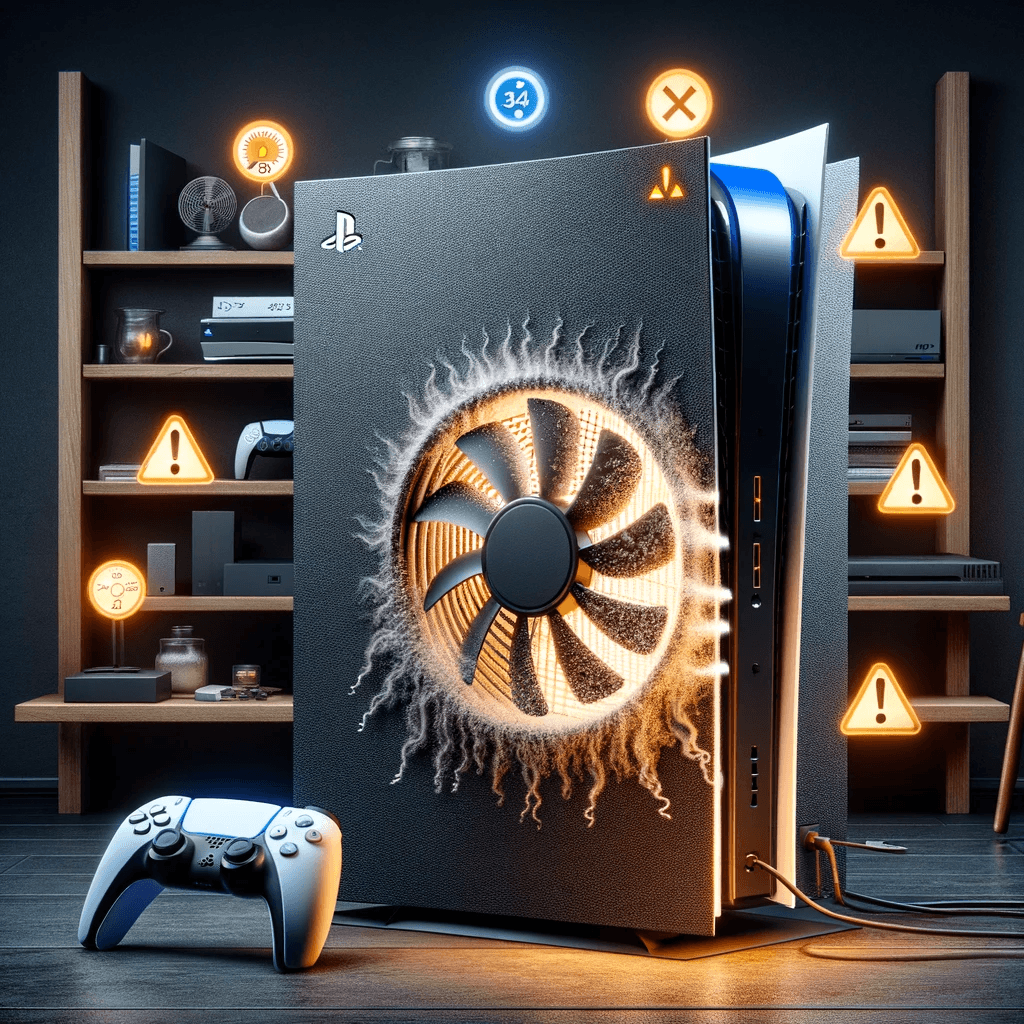
There is nothing quite as frustrating as settling in for a gaming session only to have your console shut itself down because it is overheating. Maybe you have noticed your PS5 sounding like a jet engine, your PS4 flashing a temperature warning, or your Xbox Series X blowing hot air and then powering off mid-game. You are not imagining things, and you are definitely not alone.
At Console Service Centre, we have repaired over 25,000 consoles since 2011. Overheating is one of the most common problems we see across every console generation, and South Africa's hot summers make it even worse. The good news is that some overheating issues are easy to fix at home, while others need a professional touch. This guide will help you figure out which situation you are in.
What Quick Fixes Can I Try for an Overheating Console?
Before you start worrying about internal hardware problems, try these simple fixes first. They resolve the issue in more cases than you might expect.
1. Improve Ventilation Around Your Console
Your console needs room to breathe. If it is wedged inside a TV cabinet, pushed against a wall, or sandwiched between other devices, hot air has nowhere to go. Pull your console out into the open, leaving at least 10-15 cm of clearance on all sides, especially around the exhaust vents.
2. Vacuum the Dust Out of the Vents
Dust is the number one enemy of console cooling. Unplug the power cable, then run a low-powered or handheld vacuum along all the intake and exhaust openings. You will be amazed at how much dust comes out.
This is Sony's own instruction, not just our preference — PlayStation's support site tells PS5 owners to disconnect the AC power cable and then "use a low-powered vacuum cleaner to remove any dust that has accumulated in and around the air vents". Reach for a vacuum rather than a can of air: a vacuum lifts dust out, while blowing tends to push it off the vent mesh and deeper onto the heatsink fins, where nothing short of a teardown will get it back. If a can of air is all you have, use it gently from the intake side and never let the jet spin the fan — the bearing is designed for the motor's speed, not an air jet's.
3. Check Your Room Temperature
Consoles are designed to operate in ambient temperatures up to about 35 degrees Celsius. If your room is hotter than that, particularly during a Gauteng summer with no air conditioning, your console is fighting an uphill battle. A fan pointed toward the console or moving it to a cooler room can make a real difference.
4. Place Your Console on a Flat, Hard Surface
Placing your console on carpet, a blanket, or a sofa cushion blocks the bottom vents and traps heat underneath. Always use a flat, hard surface like a desk, shelf, or entertainment unit. Avoid stacking anything on top of your console as well.
5. Power Cycle Your Console
Sometimes the system just needs a proper restart. Turn the console off completely (not rest mode or instant-on), unplug the power cable from the wall, wait 30 seconds, then plug it back in and power on. This resets the fan controller and clears any temporary software glitches that might be affecting thermal management.
If these quick fixes solve your problem, excellent. If your console is still overheating after trying all five, keep reading. The issue is likely internal.
Why Is My Console Overheating? The Real Causes
When the quick fixes do not work, something inside the console is preventing it from cooling properly. Here are the most common internal causes, listed from most to least frequent based on our repair data.
Dust Buildup Inside the Console
Even if you have kept the vents clear, dust accumulates deep inside the console over time. It cakes onto the heatsink fins, coats the fan blades, and blocks airflow paths that no amount of cleaning from the outside can reach. After two to three years of regular use, most consoles have a significant dust problem internally.
Dried or Degraded Thermal Interface Material
Every console has a thermal interface material (either thermal paste or liquid metal) between the processor (APU) and the heatsink. This material conducts heat away from the chip. Over time, it dries out, cracks, or degrades, creating a poor thermal connection. When this happens, the processor cannot shed its heat efficiently, and temperatures climb rapidly even under light use.
This is the most important distinction between consoles:
- PS4, Xbox One, Xbox Series X, and Xbox Series S all use standard thermal paste, which dries out after roughly 3 to 5 years
- PS5 (all models including PS5 Slim) uses liquid metal, which degrades differently and requires specialised handling
We will cover the specifics for each console family below.
Fan Failure or Degradation
Console fans wear out over time. Bearings dry up, blades collect dust and become unbalanced, and the motor weakens. A failing fan might spin slower than it should, make grinding or rattling noises, or stop spinning altogether. Without adequate airflow over the heatsink, temperatures spike quickly.
Blocked or Clogged Heatsink
The heatsink is a block of metal fins designed to dissipate heat. When dust, pet hair, or debris packs into the gaps between the fins, airflow is restricted. Even with a perfectly working fan, a clogged heatsink cannot transfer heat effectively.
South African Environmental Factors
South Africa presents some unique challenges for console cooling. Gauteng summers regularly push ambient temperatures above 30 degrees Celsius, and many homes lack air conditioning. Dust levels can be high, particularly in areas near construction or unpaved roads. Load shedding also plays a role: repeated power cycles and sudden shutdowns can stress thermal management components over time. These factors mean South African consoles often need servicing sooner than consoles in cooler, cleaner environments.
PS5 Overheating: What Makes It Different
The PS5 handles cooling differently from every other console on the market, and understanding these differences is crucial before attempting any fixes.
Liquid Metal, Not Thermal Paste
The most important thing to know about the PS5 is that Sony uses liquid metal as the thermal interface between the APU and heatsink. This is true for every PS5 model: the original Disc Edition, the Digital Edition, and the PS5 Slim.
Liquid metal is a gallium-based alloy that conducts heat far more efficiently than standard thermal paste. It transfers heat far more efficiently, which is why Sony chose it for the powerful PS5 processor.
However, liquid metal comes with significant risks:
- It is electrically conductive - if it spills onto the motherboard, it can short-circuit components and cause permanent damage
- Sony applies a foam gasket around the APU to contain the liquid metal, and disturbing this barrier incorrectly can cause spills
- Reapplication requires specialised knowledge - cleaning old liquid metal, reapplying the containment barrier, and applying fresh liquid metal is not a beginner task
This is why we strongly advise against attempting PS5 thermal maintenance at home. A mistake with liquid metal can turn an overheating problem into a dead console.
PS5 Overheating Warning Signs
The PS5 will display an on-screen message saying "Your PS5 is too hot" before shutting down. If you see this message:
- Turn the console off and let it cool for at least 30 minutes
- Check all the quick fixes listed above
- If the message returns, the issue is internal
PS5 Fan Variation
Sony has used several different fan models across PS5 production runs. Some are quieter than others, but a loud fan does not necessarily mean your console is overheating. The fan is loud because it is working hard. The real concern is when the fan is quiet but the console is still running hot, or when you see the overheating warning message despite the fan running at full speed.
Vertical vs Horizontal: Why Your PS5's Position Matters
This is something most people do not know, and it is one of the most important things you can do to prevent PS5 overheating.
When your PS5 is standing vertically, gravity slowly pulls the liquid metal downward over time. This creates a dry spot on the top side of the APU where there is no thermal coverage at all. That bare section of the processor has no way to transfer heat to the heatsink, and it starts overheating severely in that localised area.
We have seen this firsthand in our workshop. We have opened PS5 consoles that have been stored vertically for extended periods and found the liquid metal pooled at the bottom of the APU, with the top half completely dry. In the worst cases, the APU has literally cracked in half from the extreme, uneven heat stress. When a processor cracks, the console is beyond repair.
Our recommendation: always keep your PS5 lying flat (horizontal). This keeps the liquid metal evenly spread across the entire surface of the APU. We sell horizontal stands at our shop specifically for this reason, so your PS5 sits securely on its side without wobbling.
If you have been keeping your PS5 vertical for a long time and it is starting to overheat, it is worth getting it checked before the damage becomes permanent.
What You Can Safely Do at Home
Sony designed the PS5 with user-accessible side panels. You can remove these panels (they slide off without tools) and vacuum out the dust trapped underneath — Sony's manual recommends exactly this. It is safe, and worth doing every few months. However, going deeper than this, particularly anywhere near the heatsink and liquid metal, should be left to professionals.
If your PS5 is overheating and basic cleaning has not helped, it likely needs a professional PS5 service that includes a full teardown, deep clean, and liquid metal inspection. Our guide on why a PS5 still overheats after cleaning explains what surface cleaning can and can't fix.
PS4 Overheating: The Most Common Console We Service for This
The PS4 is the console we see most often for overheating repairs, and for good reason. Most PS4 consoles are now 7 to 10 years old, well past the point where the factory thermal paste has dried out.
Thermal Paste Degradation
Every PS4 model (Original, Slim, and Pro) uses standard thermal paste between the APU and heatsink. This paste typically dries out and loses effectiveness after 3 to 5 years of regular use. Once it dries, the APU cannot transfer heat to the heatsink efficiently, causing temperatures to rise rapidly.
If your PS4 is more than 4 years old and has never been serviced, there is a very high chance the thermal paste needs replacing. This is the single most common cause of PS4 overheating.
PS4 Model Differences
- PS4 Original (CUH-1000/1100/1200): The oldest models with the least efficient cooling design. These overheat most frequently and are often the loudest
- PS4 Slim (CUH-2000): Smaller and more power-efficient, but the compact design means less room for airflow. Still vulnerable to thermal paste degradation
- PS4 Pro (CUH-7000): More powerful hardware generating more heat. The Pro runs hotter by design, making thermal paste condition even more critical
PS4 Overheating Warning Signs
The PS4 displays a message warning that the console is too hot and will shut down if the temperature does not decrease. You may also notice:
- The fan running at maximum speed constantly (the "jet engine" sound)
- The console shutting down during graphically intensive games
- The console feeling extremely hot to the touch, particularly on top
- Games lagging or frame rates dropping as the processor throttles itself
If your PS4 is showing these symptoms, a PS4 full service involving a teardown, deep clean, and fresh thermal paste will almost certainly solve the problem.
Xbox Overheating: Series X, Series S, and Xbox One
Xbox consoles handle cooling differently across generations, and each has its own overheating quirks.
Xbox Series X
The Xbox Series X uses an impressive cooling solution with a large vapour chamber heatsink and a single 130mm exhaust fan at the top of the console. This design is actually quite effective, and the Series X overheats less frequently than PS4 or PS5 consoles in our experience.
When it does overheat, the causes are typically:
- Dust buildup blocking the top exhaust or bottom intake vents
- The console being placed in an enclosed space (the vertical design needs clearance above)
- Thermal paste degradation (the Series X uses standard thermal paste, not liquid metal)
The Xbox Series X uses standard thermal paste, making thermal reapplication a straightforward procedure during a professional service.
Xbox Series S
The Xbox Series S has a smaller chassis than the Series X, which means less room for airflow. Despite being less powerful (and generating less heat), the compact design can lead to thermal issues, particularly when dust accumulates. The Series S is digital only with no disc drive, so all its internal space is dedicated to the motherboard, PSU, and cooling system.
Overheating on the Series S is most commonly caused by dust buildup in the compact airflow channels rather than thermal paste failure, though both can occur.
Xbox One
The Xbox One family has its own overheating characteristics:
- Xbox One Original: This is the only modern console with an external power supply (the large power brick). The console itself has an internal fan, but the external PSU can also overheat and cause shutdowns. Make sure the power brick has ventilation too
- Xbox One S: Moved to an internal PSU and runs cooler overall, but still susceptible to dust buildup
- Xbox One X: This model is notorious for overheating. It packs powerful hardware into a relatively compact chassis, and the thermal paste dries out faster than you might expect. If you have an Xbox One X that sounds like a hairdryer, it almost certainly needs a Xbox One thermal paste replacement
All Xbox One models use standard thermal paste, and a professional service with fresh paste and a deep clean typically resolves overheating completely.
When Should I Take My Overheating Console to a Repair Shop?
Some overheating symptoms indicate a problem that cannot be fixed at home. If you notice any of the following, your console needs professional attention:
- The console shuts down within minutes of turning on, even after cleaning the vents and improving ventilation
- The fan does not spin at all when the console is powered on (fan motor failure)
- You hear grinding, clicking, or rattling from the fan area
- There is a burning or electrical smell coming from the console (stop using it immediately)
- The console has been overheating for weeks and performance has degraded significantly
- You have already cleaned the exterior but the problem persists (the issue is internal)
These symptoms point to internal problems like dried thermal paste, liquid metal degradation, a failing fan, or a severely clogged heatsink that requires a full teardown to address.
Not sure what is wrong? WhatsApp us at 087 550 2307 - we respond immediately, 24/7, and can often give you a good idea of what is wrong based on your symptoms before you send your console in.
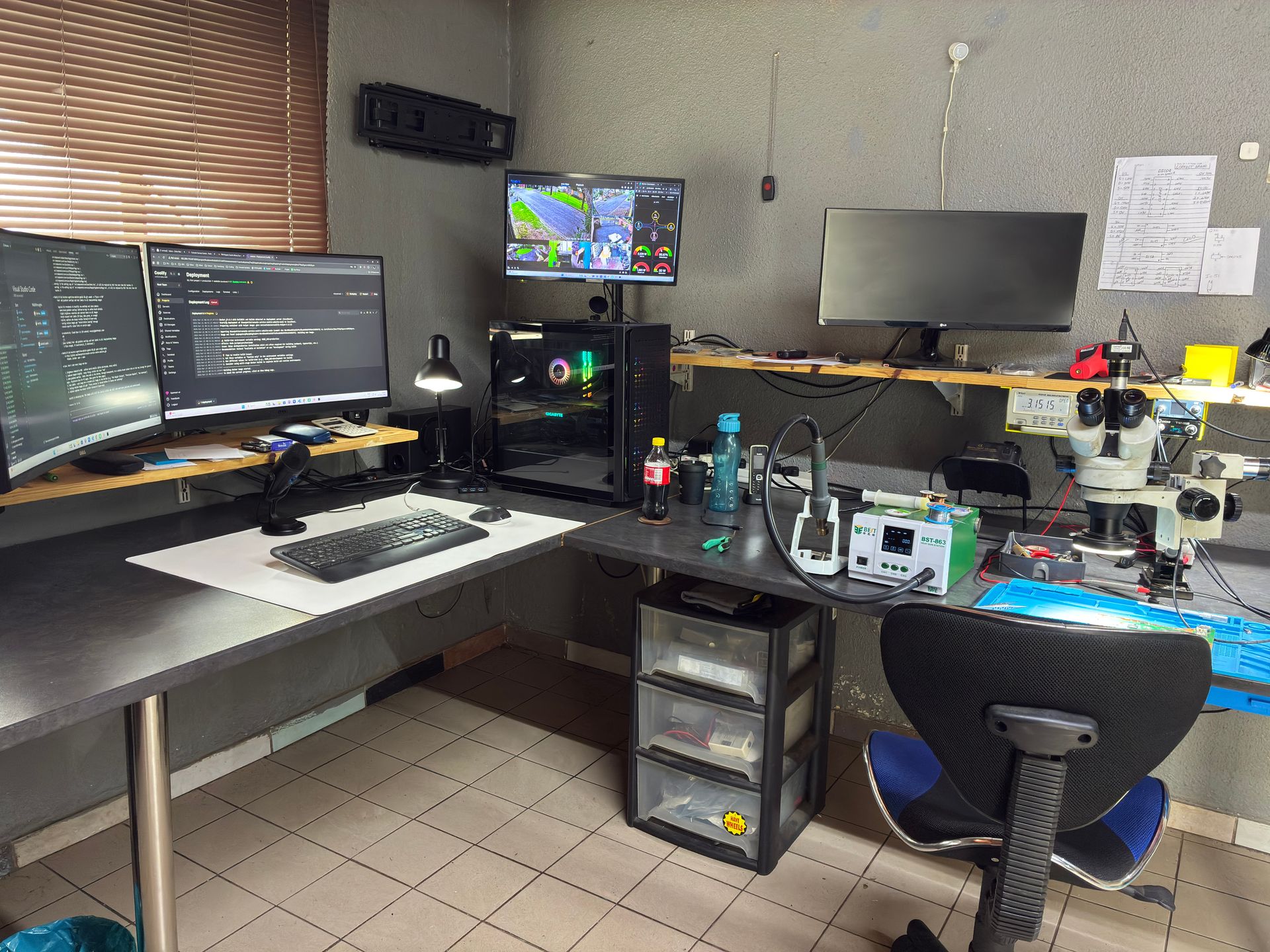
What Does a Professional Console Service Include?
When you bring your console to Console Service Centre for an overheating issue, here is exactly what we do:
Full Teardown
We completely disassemble your console, removing every component so we can access the heatsink, fan, and thermal interface. This is not a quick wipe of the vents. We get to every internal surface.
Deep Cleaning
Using specialised brushes, dust-removal tools, and isopropyl alcohol, we remove all dust, debris, and residue from:
- The heatsink fins
- The fan blades and housing
- The power supply unit
- The motherboard surface
- All airflow channels and vents
Thermal Interface Reapplication
This is the most critical part of the service:
- For PS4, Xbox One, Xbox Series X, and Xbox Series S: We clean off the old dried thermal paste and apply fresh, high-quality thermal compound
- For PS5 (all models): We carefully clean the old liquid metal, inspect and replace the containment barrier if necessary, and apply fresh liquid metal. This requires specialised tools and experience due to the conductive nature of liquid metal
Fan Inspection and Testing
We inspect the fan for bearing wear, blade damage, and motor condition. If the fan is failing, we replace it. We test the fan at various speeds to ensure it responds correctly to temperature changes.
Thermal Testing
After reassembly, we run the console under load to verify that temperatures are within safe operating ranges and that the fan ramps up and down correctly. We do not hand back a console until we are confident the overheating issue is fully resolved.
6-Month Warranty
Every repair comes with our 6-month money-back warranty. If the same overheating issue returns within six months, we fix it again at no charge.
Overheating Service Pricing
Here are our current prices for overheating-related repairs across all console families:
PlayStation 4 (Original, Slim and Pro):
| Repair | Price |
|---|---|
| Fan Replacement | R1,599 |
*Prices shown are the total amount payable.
Get an exact quote on WhatsApp →PlayStation 5 (including Slim):
| Repair | Price |
|---|---|
| Internal 17 Blade Fan (Fat) | R1,449 |
| Internal 19 Blade Fan | R1,599 |
| Internal 23 Blade Fan | R1,699 |
| Internal 23 Blade Fan (Original) | R1,699 |
*Prices shown are the total amount payable.
Get an exact quote on WhatsApp →Xbox One (Original, S and X):
| Repair | Price |
|---|---|
| Fan Replacement | R1,499 |
*Prices shown are the total amount payable.
Get an exact quote on WhatsApp →Xbox Series S and Series X:
| Repair | Price |
|---|---|
| Fan Replacement | R1,499 - R1,599 |
*Prices shown are the total amount payable.
Get an exact quote on WhatsApp →How Do I Prevent My Console From Overheating in South Africa?
Prevention is always better than repair. Here are practical steps to keep your console running cool, with some advice specifically for South African conditions.
Monthly Exterior Cleaning
Vacuum the vents once a month with the power cable unplugged. This takes two minutes and prevents dust from building up to problematic levels. If you have pets, do it fortnightly, as pet hair accelerates clogging significantly. Our complete console cleaning guide walks through safe external cleaning step by step.
Proper Ventilation
- Leave 10-15 cm clearance on all sides of your console
- Never place your console inside an enclosed TV cabinet with the doors closed
- If your entertainment unit has a back panel, remove it or cut ventilation holes
- Keep other heat-generating devices (routers, set-top boxes, amplifiers) away from your console
Avoid Soft Surfaces
Always place your console on a hard, flat surface. Carpet, blankets, and cushions block vents and trap heat underneath. If you must use the console on a soft surface temporarily, place a flat board or tray underneath it.
Manage Summer Heat
South African summers can push indoor temperatures well above 30 degrees Celsius. During heat waves:
- Game during cooler parts of the day if possible
- Use a desk fan pointed toward your console
- Consider a portable air conditioner for your gaming room
- Take breaks during extended sessions to let the console cool down
Use a Surge Protector
While not directly related to overheating, load shedding and power surges can damage the PSU and other components that affect thermal management. A quality surge protector or UPS protects your console from electrical damage that can indirectly cause overheating issues.
Schedule a Full Service Every 2-3 Years
Just like a car needs a regular service, your console benefits from a professional clean and thermal paste or liquid metal reapplication every two to three years. This preventive maintenance extends the life of your console and keeps it running quietly and coolly. Given South Africa's dusty and hot conditions, every two years is ideal.
Frequently Asked Questions
Why does my console sound like a jet engine?
A loud fan usually means the cooling system is working overtime to keep temperatures down. The most common cause is dust buildup on the heatsink, which forces the fan to spin faster to compensate. It can also indicate that the thermal paste (or liquid metal on PS5) has degraded, meaning the heatsink is not absorbing heat efficiently. A full service with cleaning and thermal reapplication typically eliminates the noise.
Can overheating permanently damage my console?
Yes, prolonged overheating can cause permanent damage. Modern consoles have thermal protection that shuts them down before critical damage occurs, but repeated overheating cycles stress the solder joints on the APU and other components. Over time, this can lead to solder cracking and component failure. If your console is regularly shutting down from overheating, get it serviced sooner rather than later to prevent irreversible damage.
How often should I clean my console?
We recommend vacuuming the vents once a month as basic maintenance. For a full internal clean with thermal paste or liquid metal reapplication, every 2 to 3 years is a good interval. If you live in a particularly dusty area, have pets, or game heavily, you may want a professional service every 18 months to 2 years.
Is it safe to open my PS5 to clean it?
You can safely remove the PS5's side panels (they slide off without tools) to access the dust catchers and clean surface-level dust. This is encouraged by Sony and will not void your warranty. However, going deeper than the side panels, especially disassembling the heatsink where the liquid metal sits, is risky and should be done by a professional. Liquid metal is electrically conductive, and a spill can cause a short circuit on the motherboard.
My console still overheats after I cleaned the vents. What now?
If external cleaning has not solved the problem, the issue is almost certainly internal. The thermal paste or liquid metal has likely degraded and needs reapplication, or the heatsink itself is clogged with dust that external cleaning cannot reach. A professional teardown and service is the next step. WhatsApp us at 087 550 2307 and describe your symptoms. We can usually tell you what is wrong and what to expect.
How much does an overheating service cost?
Overheating service prices start from R1,599 and vary by console model. See the full pricing tables above for your specific console, or WhatsApp us at 087 550 2307 for a quote.
How long does a console overheating repair take?
At Console Service Centre, a standard overheating service (teardown, deep clean, thermal reapplication, testing) is usually done in 3-5 working days, depending on how many repairs are in our queue — quicker when we're quiet, and stretching longer when the workshop is especially busy. We will keep you updated on progress throughout. If additional repairs are needed (such as a fan replacement), we will contact you with a quote before proceeding.
Can I send my console in for repair if I do not live in Boksburg?
Absolutely. We offer nationwide courier repairs through The Courier Guy. You ship your console to us, we repair it, and we send it back. Many of our customers are from Cape Town, Durban, Pretoria, and other cities across South Africa. WhatsApp us at 087 550 2307 to arrange a courier repair.
Where Can I Get My Overheating Console Repaired in South Africa?
Here is why Console Service Centre is your best choice for overheating repairs:
- Console repair specialists since 2011 — over 25,000 consoles repaired
- Every overheating scenario imaginable — we have seen and fixed them all
- 1,329+ Google reviews with a 4.9-star rating
- PlayStation and Xbox specialists - We do not do phones or general electronics
- 6-month money-back warranty - If the same issue returns, we fix it free
Whether your PS5 needs a liquid metal service, your PS4 needs fresh thermal paste, or your Xbox needs a deep clean, we have got you covered. We have also written guides on related issues like PS5 not turning on and PS4 not powering on if your overheating console has progressed to a power failure.
Ready to Get Your Console Fixed?
WhatsApp us: 087 550 2307 - We respond immediately, 24/7
Visit us: 6 Bester Street, Witfield, Boksburg
Can't get to us? We offer nationwide courier repairs. Ship your console to us via The Courier Guy, we will fix it and send it back. Simple.
Topics Covered
About the Author

Shaun Potgieter
Founder & Head Technician
Expert console technician with 15+ years of hands-on repair experience.