
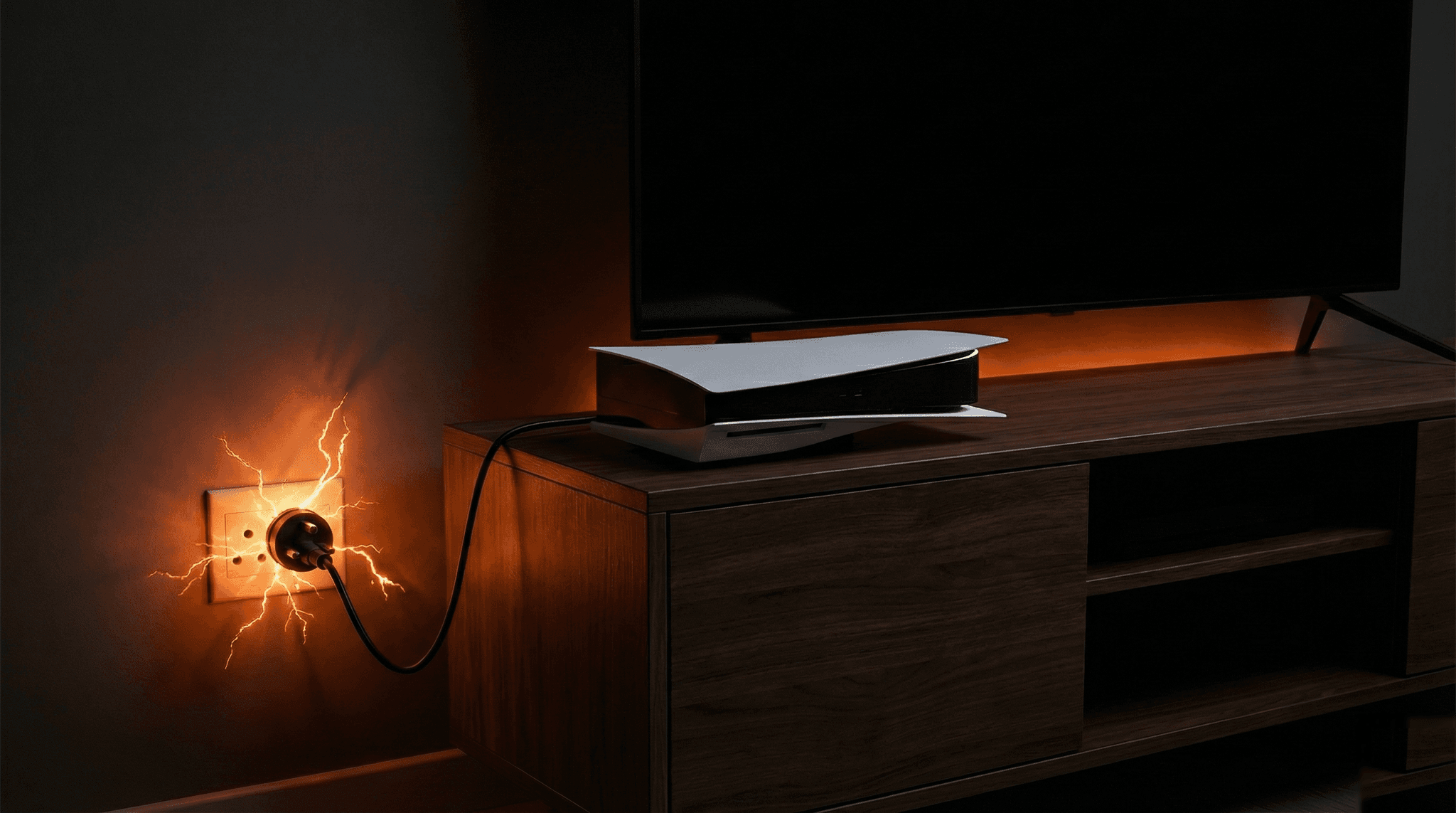
If you live in South Africa, you know the drill. The lights flicker, the inverter kicks in (if you're lucky), and your heart sinks as your console shuts off mid-game. Then, when the power comes back, you press the power button and... nothing. Your console is dead.
Load shedding has been a harsh reality for South African gamers since 2008. And while Eskom has made significant progress in stabilising the grid, the threat of power surges, voltage fluctuations, and sudden outages hasn't gone away. Thunderstorms, municipal infrastructure failures, and the ever-present possibility of load shedding returning mean your console is never truly safe without proper protection.
At Console Service Centre, we've repaired over 25,000 consoles since opening in 2011. A significant number of the power-related repairs we see -- consoles that won't turn on, blown power supplies, corrupted storage drives -- trace back to one root cause: an unprotected power event. Whether it's load shedding, a lightning strike, or just the power flickering for a second, the damage can be the same.
This guide covers everything you need to know about protecting your PS5, PS4, or Xbox from power damage -- and what to do if the worst has already happened.
What to Do Right Now if the Power Just Went Out
If your power has just cut out (or you know load shedding is about to hit), here's what to do immediately:
-
Turn off your console properly if you still have time. If you get a warning that load shedding is starting, save your game and shut down through the system menu. Don't just pull the plug.
-
Switch off the wall socket. Once your console is off (or if the power already cut), switch off the wall socket and unplug the power cable from the wall. This is the single most important thing you can do.
-
Unplug your console from the wall entirely. Don't just switch the socket off -- physically remove the plug. The power-back surge that comes when electricity is restored can travel through even switched-off sockets in some cases.
-
Wait at least 5 minutes after power returns. When the lights come back on, don't immediately plug your console in. Wait for the power to stabilise. The first few minutes after load shedding ends are when voltage spikes are at their worst.
-
Plug in and test. Once you've waited, plug your console back in and power it on. If it starts up normally, you're in the clear.
These five steps take less than two minutes and could save you a costly repair bill. The vast majority of load shedding damage we see at our workshop could have been prevented by simply unplugging the console before the power went out.
How Load Shedding Actually Damages Your Console
It's not the power going off that kills your console. It's the power coming back on.
Here's what happens during a typical load shedding cycle and why it's dangerous for electronics:
The Power-Back Surge
When Eskom restores power to your area, the initial voltage can spike significantly above the normal 230V that South African households receive. This is called a power-back surge (or switching surge), and it's different from a lightning surge. It happens because:
- The grid has been off and thousands of appliances all try to draw power simultaneously
- Transformers and substations can overshoot voltage as they re-energise
- Municipal infrastructure in many areas is old and poorly maintained, leading to unstable voltage delivery
This surge can push through your wall socket and straight into your console's power supply. Console power supplies are designed to handle normal voltage fluctuations, but a large spike can overwhelm the built-in protection and damage internal components.
Sudden Power Loss During Operation
If your console is running when the power cuts, several things can go wrong:
-
Storage corruption. Your PS5's SSD or PS4's hard drive may have been in the middle of writing data. A sudden cutoff can corrupt game saves, system files, or even the operating system itself. This is why you sometimes see "Repairing console storage" messages after a power cut.
-
Thermal shock. When a console is under load (especially during gaming), the processor and power supply are running hot. A sudden shutdown means the cooling fan stops immediately while components are still hot. While this alone rarely causes permanent damage, repeated thermal cycling from frequent load shedding can weaken solder joints over time.
-
Incomplete system updates. If your console was installing a system update when the power went out, the update can become corrupted. This can leave your console stuck in a boot loop or unable to start properly.
Voltage Fluctuations (The Silent Killer)
Even when load shedding isn't happening, South Africa's power grid can deliver inconsistent voltage. Many areas experience:
-
Under-voltage (brownouts): The voltage drops below normal levels. This forces your console's power supply to work harder to maintain stable output, generating excess heat and shortening its lifespan.
-
Over-voltage: The voltage exceeds normal levels. Even small over-voltage events, repeated over months, can degrade electronic components.
-
Frequency instability: The AC frequency should be a steady 50Hz in South Africa. Grid instability can cause this to fluctuate, which some power supplies handle poorly.
Console Won't Turn On After a Power Outage? Try This First
If your console refused to turn on after a power cut or load shedding, don't panic. In many cases, the console itself is fine -- it just needs a proper power reset. Here's what to try for each console:
PS5 Power Reset
- Unplug the power cable from the back of the PS5 completely.
- Wait 30 seconds to allow any residual charge to drain.
- Press and hold the power button on the console for 15 seconds (while still unplugged). This drains any remaining power from the internal capacitors.
- Reconnect the power cable and try turning it on.
If the PS5 still won't turn on, try a different power cable (it uses a standard figure-8/IEC C7 cable). If it still won't respond at all -- no lights, no beep, nothing -- the power supply has likely been damaged and needs professional PS5 repair.
PS4 Power Reset
- Unplug the power cable from the back of the PS4.
- Wait 30 seconds.
- Hold the power button for 15 seconds while unplugged.
- Reconnect and test.
If your PS4 shows no signs of life after this, the internal power supply may need replacing. Check out our complete PS4 troubleshooting guide for more detailed steps.
Xbox One Power Reset
- Unplug the power cable from both the console and the wall socket.
- Wait 30 seconds.
- If you have an Xbox One Original, check the power brick's LED. It should glow orange (standby) or white (on). If there's no LED at all, the external power brick may be damaged.
- Reconnect and test.
Important note: The Xbox One Original is the only modern console with an external power supply (the large "power brick"). The Xbox One S and Xbox One X have internal power supplies. If your Xbox One Original's power brick has no LED light, it has likely failed and needs replacement.
Xbox Series X/S Power Reset
- Unplug the power cable from the back of the console.
- Wait 30 seconds.
- Hold the power button for 10 seconds while unplugged.
- Reconnect and test.
The Xbox Series X and Series S both have internal power supplies. If the console shows absolutely no response after a power reset, the PSU likely took damage from the surge. You can reach out for Xbox Series repair if needed.
If Your Console Turns On But Something Seems Wrong
Sometimes the console powers on after a power outage but doesn't behave normally:
-
Stuck on a black screen: The console turns on (you hear a beep, see a light) but your TV shows nothing. This could be HDMI-related damage from the surge. Read our PS5 black screen troubleshooting guide for help.
-
"Repairing console storage" message: This is actually a good sign. The console detected corrupted data and is fixing it. Let it complete -- do not turn off the console during this process, even if it takes a long time.
-
Boot loop (keeps restarting): The console turns on, shows the logo, then shuts off and restarts repeatedly. Try booting into Safe Mode (PS5/PS4) or performing a factory reset via the troubleshooting menu (Xbox).
-
Unusually loud fan or overheating: If your console survived the surge but now runs hotter or louder than before, the thermal management system may have been affected. Our console overheating guide covers this in detail.
What Gets Damaged Inside Your Console During a Power Surge
When a power surge hits your console, it doesn't damage everything equally. Some components are far more vulnerable than others:
Power Supply Unit (PSU) -- Most Common Casualty
The power supply is your console's first line of defence against bad power. It converts the 230V AC from your wall socket into the clean, stable DC voltage that the console's motherboard needs (typically 12V for modern consoles).
When a surge hits, the PSU takes the brunt of it. Common damage includes:
- Blown capacitors -- the capacitors that filter and stabilise voltage can fail
- Damaged MOSFETs -- the transistors that switch and regulate power
- Blown fuses -- internal fuses may trip or burn out entirely
- Damaged power management ICs -- the chips that control power delivery
The good news: if the surge only damaged the power supply, the rest of your console is usually fine. The PSU essentially sacrificed itself to protect the motherboard. This is the most common scenario we see at Console Service Centre, and it's a straightforward repair.
Important safety note: Console power supplies contain capacitors that store 200-400 volts per capacitor, even after the console is unplugged. These are genuinely dangerous -- they can cause serious burns or worse. Never attempt to open or repair a console power supply yourself. This is one repair that absolutely must be done by a professional.
HDMI Port and Encoder Chip
Power surges can travel through HDMI cables too, especially if your TV took a surge and fed it back through the HDMI connection. This can damage:
- The HDMI port itself (bent or fused pins)
- The HDMI encoder chip (Panasonic MN864739 on PS5, MN86471A on PS4 Original)
Signs of HDMI damage after a surge: the console turns on and sounds normal, but there's no picture on your TV.
Motherboard Components
In severe surges (especially direct lightning strikes), the voltage spike can get past the power supply and damage motherboard components directly. This is the worst-case scenario and can include:
- Damaged processor voltage regulators
- Burnt traces on the circuit board
- Failed memory or storage controllers
Motherboard-level damage is more complex to repair but is often still fixable with professional micro-soldering work.
Storage Drives
- PS5: The custom 825GB NVMe SSD can suffer data corruption from sudden power loss, though physical SSD damage from surges is uncommon.
- PS4: The 2.5-inch SATA hard drive is more vulnerable to corruption from sudden shutdowns. Repeated power cuts can lead to bad sectors and eventual drive failure.
- Xbox Series X: The custom 1TB NVMe SSD handles sudden power loss reasonably well, but data corruption is still possible.
How to Protect Your Console from Load Shedding and Power Surges
Prevention is always better (and cheaper) than repair. Here's how to protect your console, ranked from most effective to basic:
Option 1: UPS (Uninterruptible Power Supply) -- Best Protection
If your console has already been damaged by a power surge and you have household insurance, our gaming console insurance claim guide walks through the entire claims process for South African insurers.
A UPS is the gold standard for console protection. It provides:
- Surge protection -- filters out voltage spikes before they reach your console
- Battery backup -- when the power cuts, the UPS switches to battery, giving you time to save your game and shut down properly
- Voltage regulation (AVR) -- smooths out under-voltage and over-voltage fluctuations
What to look for in a UPS for gaming:
- Minimum 600VA / 360W for a console + TV setup
- Pure sine wave or simulated sine wave output -- cheaper "stepped" sine wave UPS units can cause issues with some power supplies
- Automatic Voltage Regulation (AVR) -- this is critical for South Africa's unstable grid
- Enough battery runtime to save your game and shut down (even 5-10 minutes is enough)
A UPS doesn't need to run your console for hours. You just need enough time to save and shut down safely. Even a basic 600VA UPS from Takealot or Makro will give you those crucial few minutes.
Option 2: Quality Surge Protector -- Good Basic Protection
If a UPS is outside your budget, a proper surge protector is the next best thing. But here's the critical detail that many South Africans get wrong:
A multi-plug is NOT a surge protector.
Unless the device specifically states a Joule rating for surge protection, it offers zero defence against power surges. That R49 multi-plug from the shop? It's just splitting your wall socket into more sockets. It does nothing to protect your electronics.
What to look for in a surge protector:
- Joule rating of at least 1,000+ joules for gaming equipment
- Response time under 1 nanosecond -- how quickly it reacts to a surge
- Indicator light showing the surge protection is still active (surge protectors degrade over time and lose their protection ability)
- Load shedding-rated -- standard surge protectors handle lightning surges but may not handle the slower, sustained voltage fluctuations from load shedding. Look for products specifically marketed for South African conditions.
South African brands like Clearline, Ellies, and Africa Surge make products specifically designed for local power conditions, including load shedding surges.
Option 3: DB Board Surge Protection -- Whole-House Solution
A surge protector installed at your electrical distribution board (DB board) protects every appliance in your home. This is installed by a qualified electrician and provides a first line of defence against surges entering your home from the grid.
This is an excellent long-term investment, especially if you have multiple expensive electronics (TV, sound system, console, computer). It works best in combination with a plug-level surge protector or UPS for critical equipment.
Option 4: The Free Method -- Just Unplug
If you can't invest in any protection equipment right now, the simplest and most effective free method is:
- Check the load shedding schedule (use the EskomSePush app)
- Unplug your console before load shedding starts
- Wait 5 minutes after power returns before plugging back in
This costs nothing and prevents 100% of power-back surge damage. The only downside is that you need to remember to do it every time, and it doesn't protect against unexpected outages or thunderstorm surges.
When Should I Take My Console for Repair After a Power Surge?
If your console won't turn on after a power event and the power reset steps above didn't work, you're looking at internal damage that needs professional attention. Here are the signs:
- Completely dead -- no lights, no beeps, no fan spin, no response at all
- Brief flicker -- console shows a light for a split second then dies
- Burning smell -- if you smell burnt electronics, do NOT try to turn it on again. Unplug it immediately
- Sparking or popping -- obviously stop using it immediately
- Powers on but no display -- could be HDMI damage from the surge
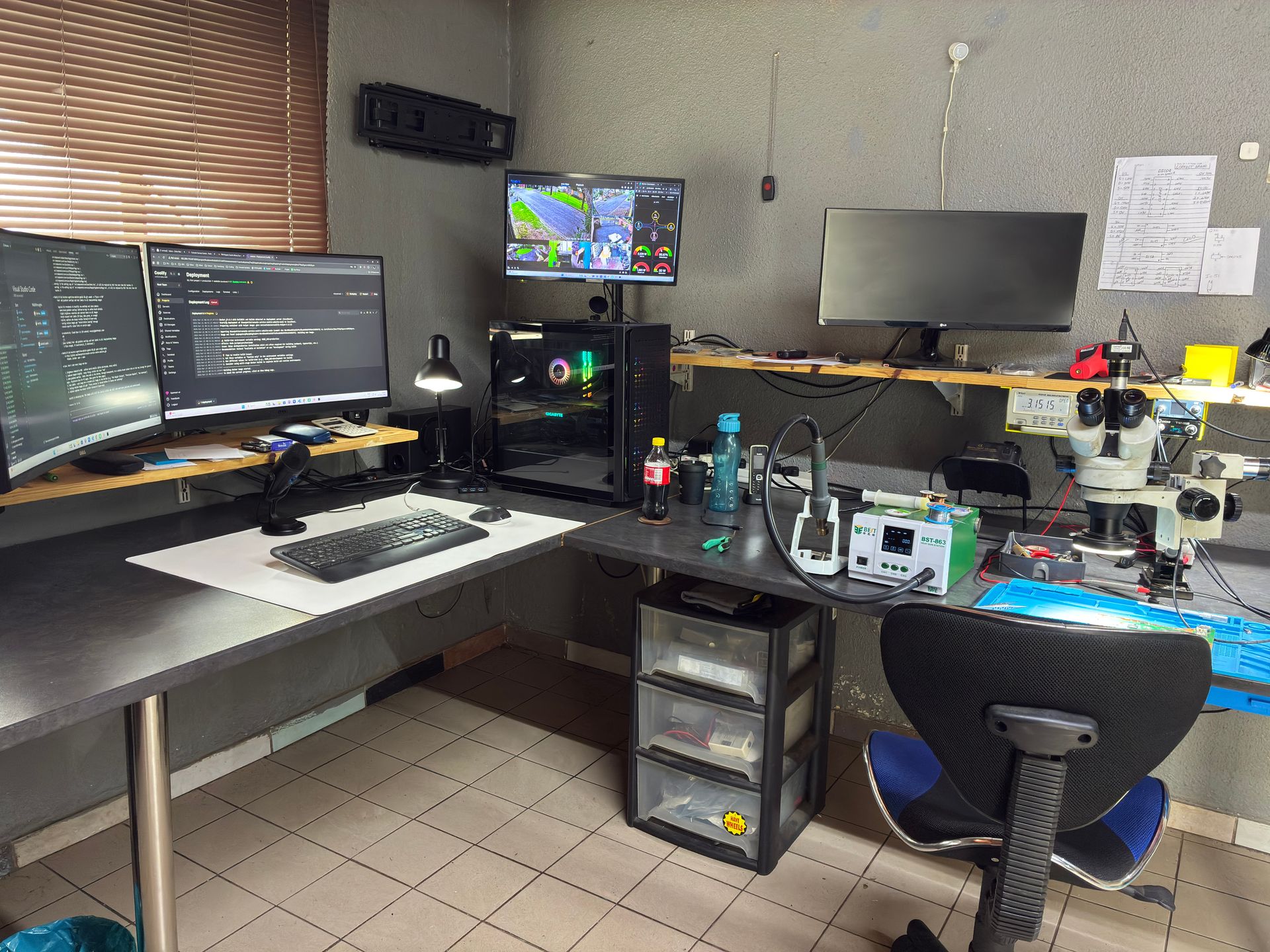
What Professional Repair Involves
At Console Service Centre, when a console comes in with power surge damage, here's our process:
- Diagnosis -- we test the power supply, motherboard, and all affected components to determine exactly what failed
- Component-level repair -- we repair or replace the specific damaged components (power supply, HDMI IC, voltage regulators, etc.)
- Full testing -- after repair, we thoroughly test the console to ensure everything works correctly
- Quality assurance -- every repair comes with our 6-month money-back warranty
Power supply repairs are one of the most common repairs we do, and we have a high success rate. In many cases, if the PSU absorbed the surge, the rest of the console is perfectly fine once the power supply is repaired or replaced.
Not sure what's wrong? WhatsApp us at 087 550 2307 -- we respond immediately, 24/7, and can often give you a good idea of what's wrong based on your symptoms before you send your console in.
How Do I Protect My Console from Load Shedding Long-Term?
Beyond surge protection, here are some habits that will extend your console's life in South Africa's challenging power environment:
Always Shut Down Properly
Never just pull the power cable or switch off the wall socket while your console is running. Always use the system menu to shut down:
- PS5/PS4: Hold the PS button, select Power, then "Turn Off PS5/PS4"
- Xbox: Hold the Xbox button, select "Turn off console"
This ensures all data is written to storage correctly and prevents corruption.
Keep Your Console on a Dedicated Circuit
If possible, plug your console and TV into a wall socket that isn't shared with heavy-draw appliances like kettles, heaters, or microwaves. These appliances can cause small voltage dips when they switch on, which stresses your console's power supply over time.
Use Rest Mode Wisely
During periods of frequent load shedding, consider turning your console fully off instead of leaving it in rest mode (PS5/PS4) or instant-on mode (Xbox). A console in rest mode is still drawing power and is still vulnerable to a surge. A console that's fully off and unplugged is completely safe.
Invest in Protection -- It Pays for Itself
A decent UPS costs between R1,000 and R3,000. A surge protector costs R200-R800. A console power supply repair costs significantly more -- and that's if the damage is limited to just the PSU. The maths is simple: protection is always cheaper than repair.
Check Your Home's Earthing
Poor earthing in South African homes is more common than you'd think, and it significantly reduces the effectiveness of surge protectors. If you're investing in surge protection, have an electrician verify that your home's earthing is up to standard.
Frequently Asked Questions
Can load shedding permanently damage my PS5 or PS4?
Yes. The power surge that occurs when electricity is restored can damage your console's internal power supply, HDMI encoder chip, or in severe cases, the motherboard itself. The most common damage is to the power supply unit, which is repairable. Protecting your console with a UPS or surge protector, or simply unplugging it before load shedding, prevents this entirely.
Will a multi-plug protect my console from power surges?
No. A standard multi-plug simply splits one wall socket into several -- it provides zero surge protection. You need a device with a stated Joule rating (the higher the better, minimum 1,000 joules for gaming equipment). Check the packaging carefully: if it doesn't mention Joules, it's not a surge protector.
My PS5 won't turn on after a power outage. Is it fixable?
In most cases, yes. The most common cause is a damaged power supply, which is a straightforward repair for an experienced technician. Try a power reset first (unplug, wait 30 seconds, hold the power button for 15 seconds while unplugged, reconnect). If that doesn't work, contact us via WhatsApp for a diagnosis.
What size UPS do I need for a gaming console?
A 600VA (360W) UPS is sufficient for most setups (console + TV). This won't run your games for hours -- it provides enough battery backup (5-15 minutes) to save your game and shut down safely. Look for a UPS with Automatic Voltage Regulation (AVR) for the best protection against South Africa's voltage fluctuations. If you have additional peripherals (sound bar, external drive), consider stepping up to 800VA or 1000VA.
Does unplugging my console damage it?
If your console is turned off, unplugging it is perfectly safe and is actually the best protection against power surges. If your console is running when you unplug it, you risk data corruption on the storage drive. Always shut down through the system menu first, then unplug.
Can a power surge damage my saved games?
Yes. A sudden power loss while your console is writing data to storage can corrupt save files. Some games use cloud saves (PS Plus, Xbox Game Pass) which provide a backup. For games that only save locally, a power cut at the wrong moment can mean lost progress. This is another reason why a UPS is valuable -- it gives you time to save properly.
How do I know if my surge protector is still working?
Most quality surge protectors have an indicator light that shows whether the surge protection circuitry is still active. After absorbing a major surge, the protection components can degrade or fail entirely, meaning the device is now just an expensive multi-plug. Check the indicator light regularly and replace the surge protector if the protection light has gone out. Many South Africans continue using "protected" power strips without realising the surge protection died months or years ago.
Is it safe to use my console during a thunderstorm?
We strongly advise against it. Lightning surges are far more powerful than load shedding surges and can damage electronics even through surge protectors. If a thunderstorm is approaching, save your game, shut down properly, and unplug your console from both the wall socket and the HDMI cable (surges can travel through HDMI too). This is especially important in Gauteng, which has some of the highest lightning strike rates in the world.
Where Can I Get My Console Repaired After Load Shedding Damage in South Africa?
If load shedding or a power surge has already damaged your console, we're here to help. Power supply repairs are one of our most common jobs -- we know exactly what to look for and how to fix it.
Here's why Console Service Centre is your best choice:
- Console repair specialists since 2011 -- over 25,000 consoles repaired
- We know what we're doing -- every power-related issue, every model
- 1,346+ Google reviews with a 4.9-star rating
- PlayStation and Xbox specialists -- we don't do phones or general electronics
- 6-month money-back warranty -- if the same issue returns, we fix it free
Ready to Get Your Console Working Again?
WhatsApp us: 087 550 2307 -- We respond immediately, 24/7
Visit us: 6 Bester Street, Witfield, Boksburg
Can't get to us? We offer nationwide courier repairs. Ship your console to us via The Courier Guy, we'll fix it and send it back. Simple.
Opening your console yourself risks causing additional damage -- broken flex cables, stripped screws, or damaged connectors that make the repair more expensive. Console power supplies contain high-voltage capacitors (200-400V) that are genuinely dangerous. Our DIY vs professional repair guide explains why internal repairs should always be left to professionals.
Topics Covered
About the Author

Shaun Potgieter
Founder & Head Technician
Expert console technician with 15+ years of hands-on repair experience.