
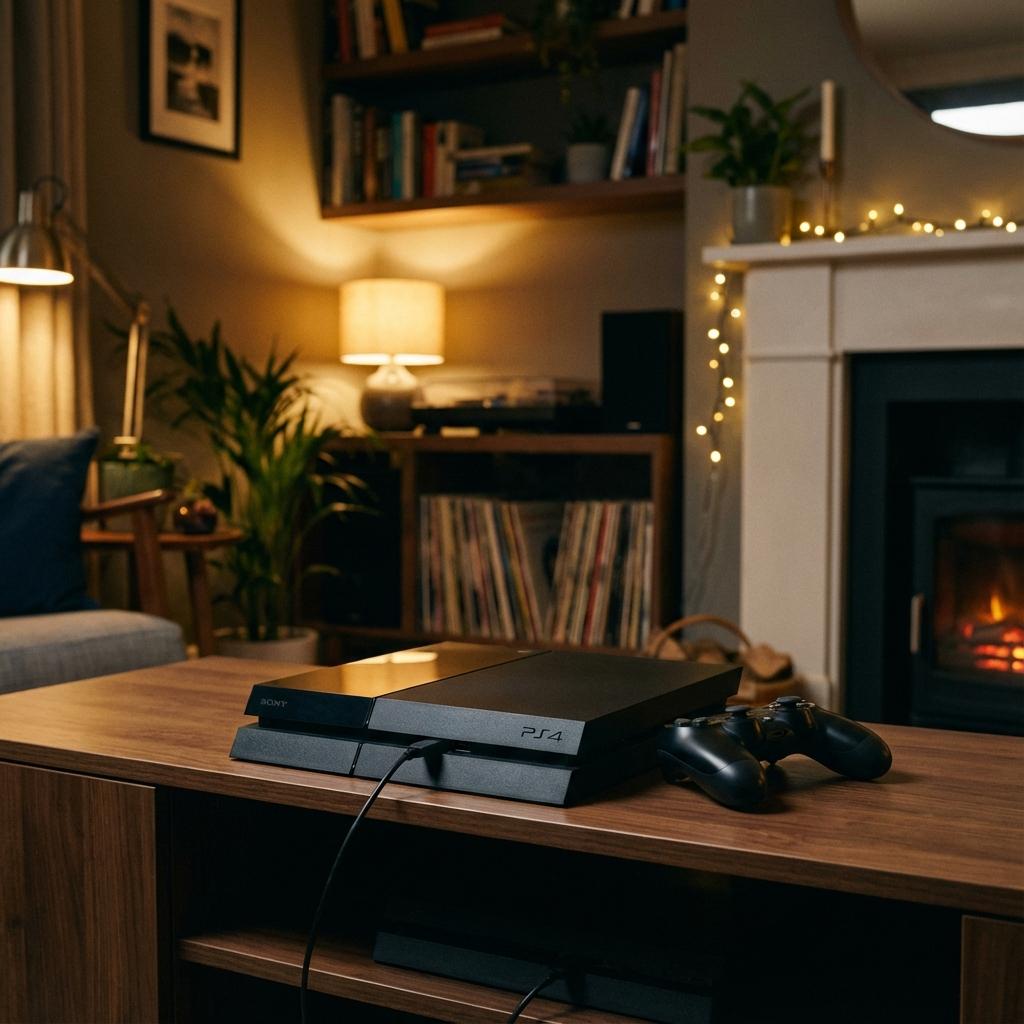
Is your PS4 refusing to power on? You're not alone - this is one of the most common issues we see at Console Service Centre. Since 2011, after repairing consoles and fixing thousands of PS4 power problems, we've put together this comprehensive guide to help you diagnose the issue and understand your options.
Whether your console is completely dead, beeping and shutting off, or showing the dreaded blue light of death, this guide covers everything you need to know.
What Quick Fixes Can I Try When My PS4 Won't Turn On?
Before diving into complex troubleshooting, let's rule out the simple stuff. These basic checks are worth ruling out first, because they solve a fair number of "PS4 won't turn on" cases:
1. Check Your Power Cable
This sounds obvious, but you'd be surprised how often a loose or damaged power cable is the culprit.
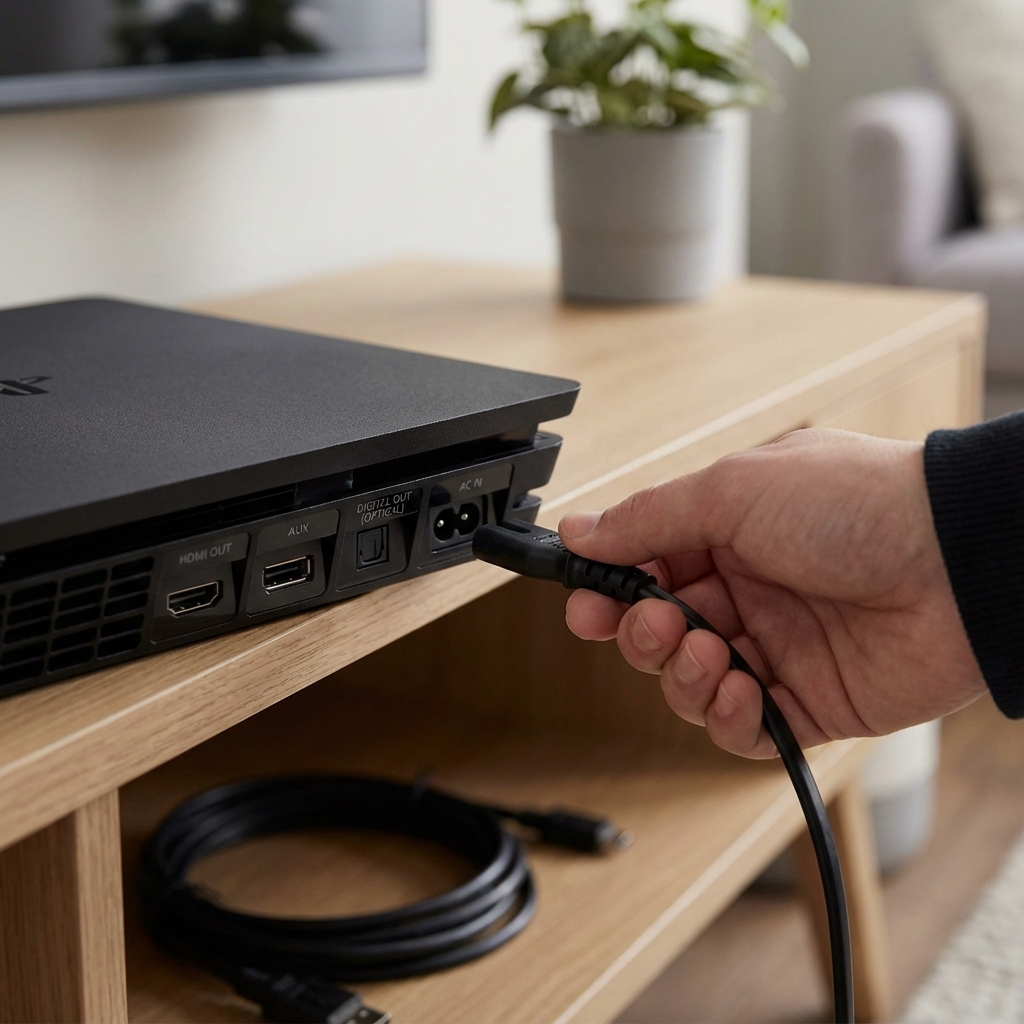
- Unplug the power cable from both the wall and the back of your PS4
- Inspect the cable for any visible damage, fraying, or bent pins
- Try a different power cable if you have one available (standard IEC C7 figure-8 cable)
- Reconnect firmly - you should feel it click into place
2. Test a Different Power Outlet
Don't trust that your usual outlet is working. Plug something else in (a lamp or phone charger) to verify the outlet has power. Load shedding can trip some outlets, leaving them switched off even after power returns.
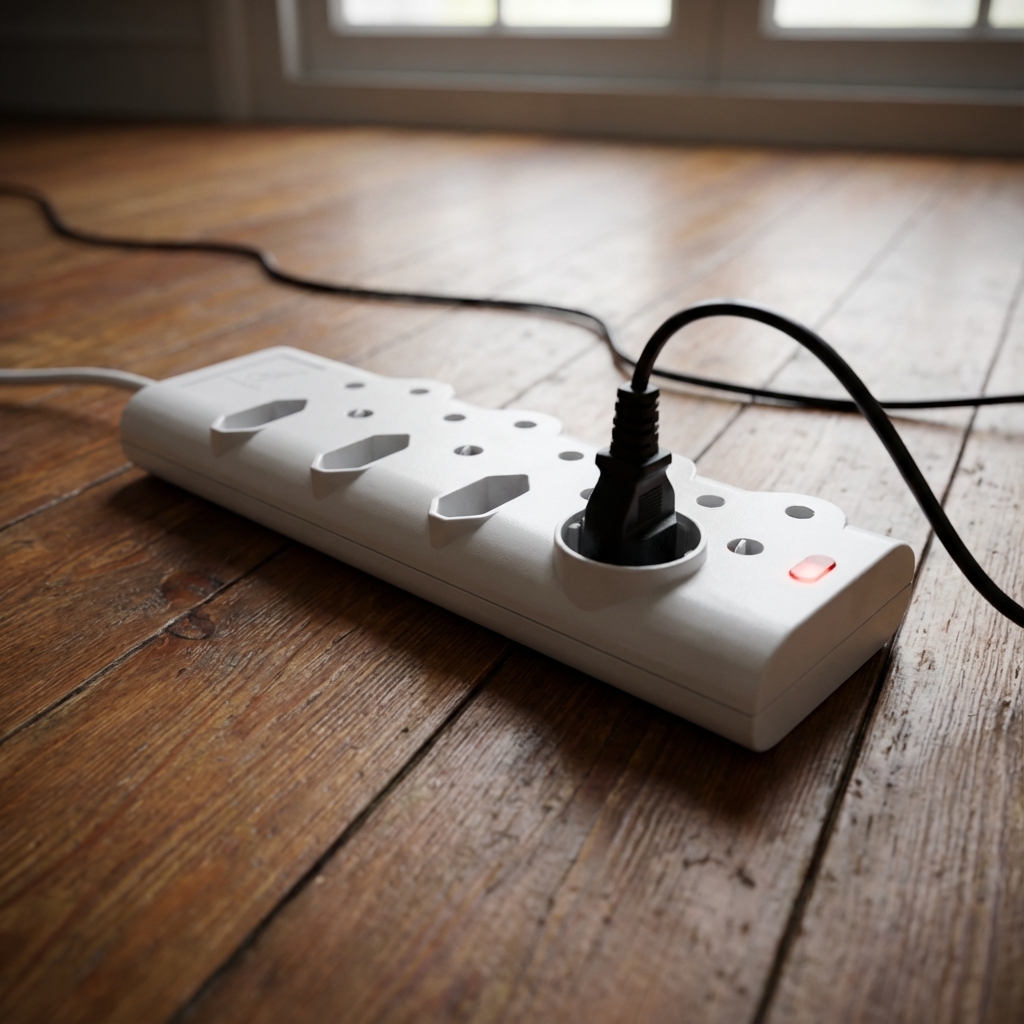
3. Bypass the Surge Protector
If your PS4 is plugged into a surge protector or power strip, try plugging it directly into the wall outlet. Surge protectors can fail silently, blocking power while appearing normal.
4. Perform a Proper Power Cycle
A hard power cycle clears the console's internal state and can resolve temporary glitches:
- Unplug the power cable from the back of the PS4
- Wait 60 seconds (not 10 seconds - a full minute matters)
- Press and hold the power button for 30 seconds while unplugged (this drains residual power)
- Reconnect the power cable and try turning it on
If your PS4 springs to life after these steps, brilliant - you've saved yourself a trip to the repair shop. If not, let's dig deeper.
Diagnosing the Problem: What's Actually Happening?
Not all "won't turn on" problems are the same. How your PS4 behaves (or doesn't) tells us a lot about what's wrong. Here's how to identify your specific issue:
Scenario 1: Completely Dead (No Response at All)
Symptoms: You press the power button and absolutely nothing happens. No lights, no beeps, no sounds, no fan - complete silence.
What this usually means:
- Power supply unit (PSU) failure - This is by far the most common cause we see on the bench
- Blown internal fuse
- Damaged motherboard power circuit
Can you fix it at home? Unfortunately, no. A completely dead PS4 almost always requires internal component repair or replacement.
Scenario 2: Beeps Once Then Dies
Symptoms: Your PS4 beeps when you press the power button, the blue light might flash briefly, then everything shuts off immediately.
What this usually means:
- PSU failing under load - It has enough power to start but can't sustain operation
- Short circuit on the motherboard - The PSU's protection circuit kicks in
- Overheating protection - Though unlikely if it dies instantly
Try this: Unplug all peripherals (controllers, USB devices, HDMI cable) and try again. A short-circuiting accessory can cause this behaviour. If your PS4 beeps repeatedly rather than once, our PS4 3 beeps of death guide explains what that specific pattern means.
Scenario 3: The Blue Light of Death (BLOD)
Symptoms: The PS4 turns on, the blue light pulses, you might hear the fan start, but it never reaches the solid white light. It may pulse indefinitely or shut off after a few seconds.
What this usually means:
- APU (processor) connection failure - The solder joints between the chip and motherboard have cracked
- South Bridge chip failure - Common on older PS4 Original models
- HDMI encoder issue - Though this usually shows different symptoms
- Corrupted system software - The least severe possibility
Important: BLOD is often a hardware failure, but it's worth trying safe mode first (see below).
Scenario 4: Turns On But No Display
Symptoms: You hear the beep, the light is solid white (or blue then white), you hear the fan, but nothing appears on your TV.
What this usually means:
- This is actually an HDMI or display issue, not a power problem
- Try a different HDMI cable and TV input first
What PS4 Power Fixes Can I Try at Home?
If your PS4 shows any signs of life, these methods might help:
Safe Mode Boot
Safe Mode is Sony's built-in recovery environment. Even consoles with issues can sometimes boot into Safe Mode.
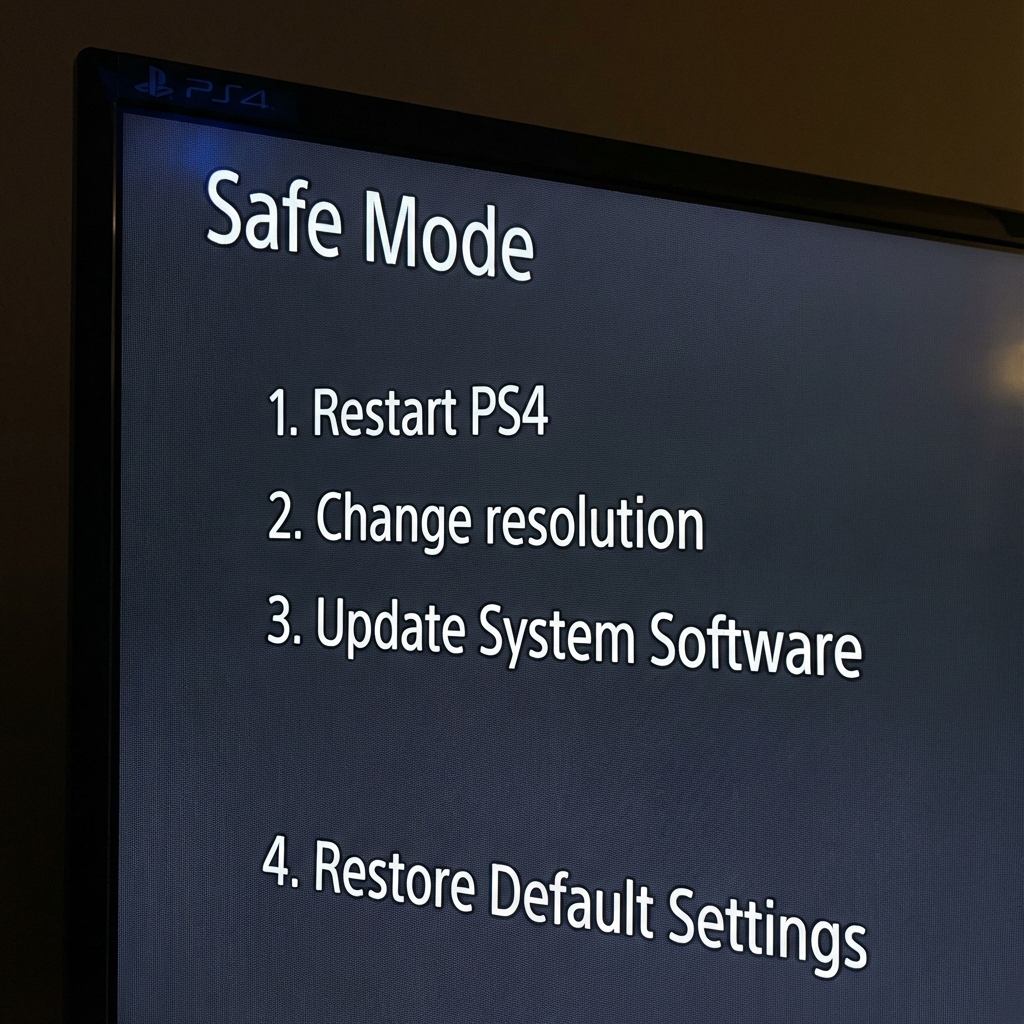
How to access Safe Mode:
- Make sure your PS4 is completely off (not in rest mode)
- Press and hold the power button until you hear two beeps - one immediately, one after about 7 seconds
- Release the button after the second beep
- Connect your controller via USB (wireless won't work in Safe Mode)
- Press the PS button on your controller
Safe Mode options to try:
- Option 1 - Restart PS4: Simple restart, worth trying first
- Option 3 - Update System Software: Install updates from USB or internet
- Option 4 - Restore Default Settings: Resets settings without deleting games
- Option 5 - Rebuild Database: Reorganises the hard drive, fixes many software issues (safe, doesn't delete data)
- Option 6 - Initialise PS4: Factory reset - use as last resort (deletes everything)
- Option 7 - Initialise PS4 (Reinstall System Software): Complete system reinstall from USB
Note: If you can't get into Safe Mode at all, you're likely dealing with a hardware issue.
Controller Reset
Sometimes the issue is communication between your controller and console:
- Locate the small reset hole on the back of your DualShock 4 (near the L2 button)
- Use a paperclip or pin to press the button inside for 5 seconds
- Connect the controller via USB and try powering on
Hard Drive Check
A failing hard drive can prevent boot:
- Remove the hard drive cover (slide off the glossy panel on the Original/Pro, or remove the cover on Slim)
- Check the hard drive is seated properly in its caddy
- Remove and reseat the drive - unscrew it, take it out, put it back firmly
- Try booting without the hard drive (it should at least show an error message if the system is working)
When Should I Take My PS4 to a Repair Shop?
While we've shared what you can try at home, some issues require professional diagnosis and repair. Here's when it's time to call in the experts:
Signs Your PS4 Needs Professional Repair
- Completely dead with no response at all - this is almost always PSU or motherboard
- BLOD persists after trying Safe Mode - likely needs reflow or chip repair
- Physical damage - liquid spills, drops, lightning strikes
- Burning smell - stop using immediately, this indicates component failure
- Clicking or grinding sounds - hard drive failure
- Problem is intermittent - working sometimes is often worse than not working at all (indicates failing component)
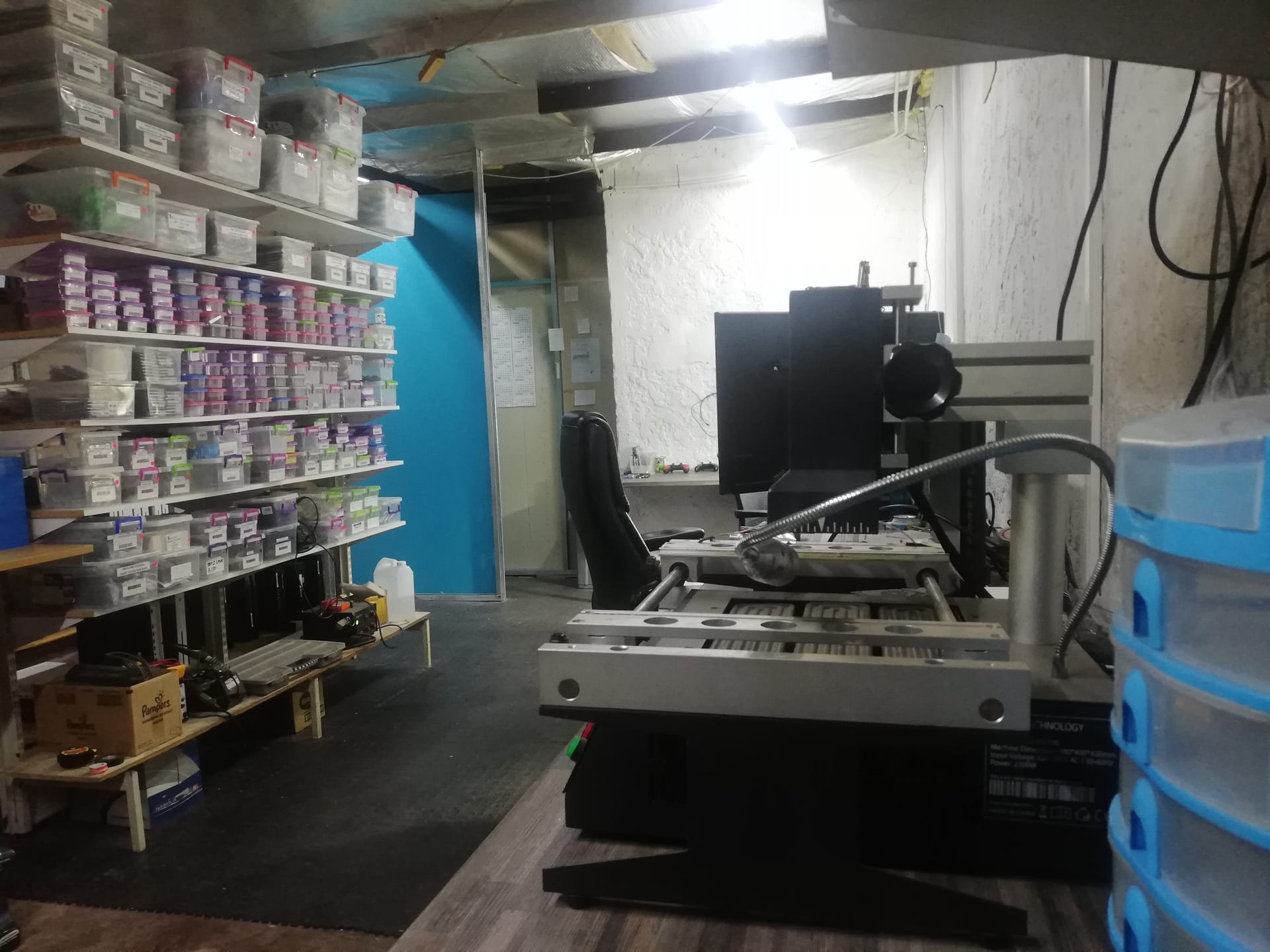
What Professional Repair Involves
At Console Service Centre, here's our typical process for PS4 power issues:
- Honest diagnosis - We identify exactly what's wrong and give you a clear written quote before any work starts. Diagnostic is included in the repair cost if you proceed; R599 bench fee if you decline or the unit is unrepairable
- Transparent pricing - You know the cost before we proceed
- Quality parts - We use reliable replacement components
- Thorough testing - Every repair is stress-tested before return
 5. 6-month warranty - Full money-back guarantee on all repairs
Common PS4 Power Repair Costs
Being upfront about pricing - here's what you can typically expect:
PS4 Original:
| Repair | Price |
|---|---|
| South Bridge Chip 25G Replacement | R1,349 |
| Wi-Fi/Bluetooth Module Replacement | R1,449 |
| PSU 4pin ADP-200ER Replacement | R1,699 |
| PSU 4pin ADP-240CR Replacement | R1,849 |
| PSU 5pin ADP-240AR Replacement | R1,849 |
*Prices shown are the total amount payable.
Get an exact quote on WhatsApp →PS4 Slim:
| Repair | Price |
|---|---|
| South Bridge Chip 36G Replacement | R1,399 |
| Wi-Fi/Bluetooth Module Replacement | R1,449 |
| PSU ADP-160CR Replacement | R1,749 |
| PSU ADP-160FR Replacement | R1,749 |
| PSU ADP-160ER 160P1A (N16) Replacement | R1,849 |
| South Bridge Chip 42GG Replacement | R2,199 |
*Prices shown are the total amount payable.
Get an exact quote on WhatsApp →PS4 Pro:
| Repair | Price |
|---|---|
| South Bridge Chip 46GG Replacement | R1,449 |
| Wi-Fi/Bluetooth Module Replacement | R1,449 |
| PSU ADP-300CR Replacement | R1,799 |
| PSU ADP-300FR Replacement | R1,799 |
| PSU ADP-300ER Replacement | R1,849 |
*Prices shown are the total amount payable.
Get an exact quote on WhatsApp →Preventing Future Power Problems
Once your PS4 is working again, here's how to keep it that way:
Use a Quality Surge Protector
South Africa's electrical grid can be unpredictable. A decent surge protector (not a cheap power strip) protects against the kind of damage we cover in our load shedding console protection guide:
- Voltage spikes during load shedding transitions
- Lightning-induced surges
- General grid instability
Look for one with a joule rating of at least 1000J.
Ensure Proper Ventilation
Overheating stresses internal components, including the PSU:
- Keep at least 10cm clearance around all vents
- Never put your PS4 in an enclosed cabinet while gaming
- Clean dust from vents every few months
- Position horizontally for best airflow (vertical is fine, but horizontal is better for thermals)
Don't Leave It in Rest Mode During Load Shedding
If load shedding hits while your PS4 is in rest mode, the sudden power loss can damage components over time. Either:
- Turn it off completely if you're expecting load shedding
- Use a UPS (uninterruptible power supply) to maintain power
Listen for Warning Signs
Early intervention prevents bigger problems:
- Loud fan - Clean it before it overheats
- Occasional power issues - Don't ignore intermittent problems
- Error messages - Screenshot them, they help with diagnosis
Frequently Asked Questions
Can a PS4 be fixed if it won't turn on?
Yes, in most cases. The large majority of PS4 power issues we see are repairable. The most common repair is power supply replacement, which has an excellent success rate. Even more serious motherboard issues can often be fixed with component-level repair.
How much does PS4 power repair cost?
It depends on what's wrong. Power supply repairs typically range from R1,699 – R1,849 depending on your PS4 model. Motherboard repairs vary from R1,349 – R2,199. We always diagnose first and give you an exact quote before proceeding.
Is it worth repairing an old PS4?
Usually, yes. A PS4 repair is significantly cheaper than buying a replacement console (even second-hand). Plus, your games, saves, and settings stay intact.
How long does PS4 power repair take?
Most power supply replacements are completed within 1-3 working days. More complex motherboard repairs may take 3-5 days depending on parts availability. We offer nationwide courier service, so you don't need to be local.
Will I lose my game data?
For power-related repairs, your data is usually safe - the hard drive isn't affected. However, we always recommend backing up to PS Plus cloud storage or USB drive when possible. If your PS4 died suddenly, your data is likely still there.
What's the difference between PS4 Original, Slim, and Pro power supplies?
Each model uses a different internal power supply unit with varying wattage and form factors. The Original and Slim use lower wattage units, while the Pro requires a more powerful PSU to drive its enhanced hardware. Repairs are similar but use model-specific parts.
Where Can I Get My PS4 Repaired in South Africa?
Dealing with a PS4 that won't turn on is frustrating, especially when you just want to game. We've been fixing PlayStation consoles since 2011, with more than 25,000 successful repairs and 1,329+ Google reviews.
Every repair comes with our 6-month money-back warranty - if the same issue returns, we'll fix it again free of charge.
Ready to Get Your PS4 Working Again?
WhatsApp us: 087 550 2307 - We respond immediately, 24/7
Visit us: 6 Bester Street, Witfield, Boksburg
Nationwide service: Can't get to us? We offer courier repairs via The Courier Guy. Ship your console to us, we'll fix it and send it back.
Don't let a broken PS4 collect dust - let's get you back in the game.
Console Service Centre specialises exclusively in PlayStation and Xbox repairs. We don't do phones, TVs, or general electronics - just consoles, done properly.
Topics Covered
About the Author

Shaun Potgieter
Founder/Head Technician
Expert console technician with 15+ years of hands-on repair experience.