
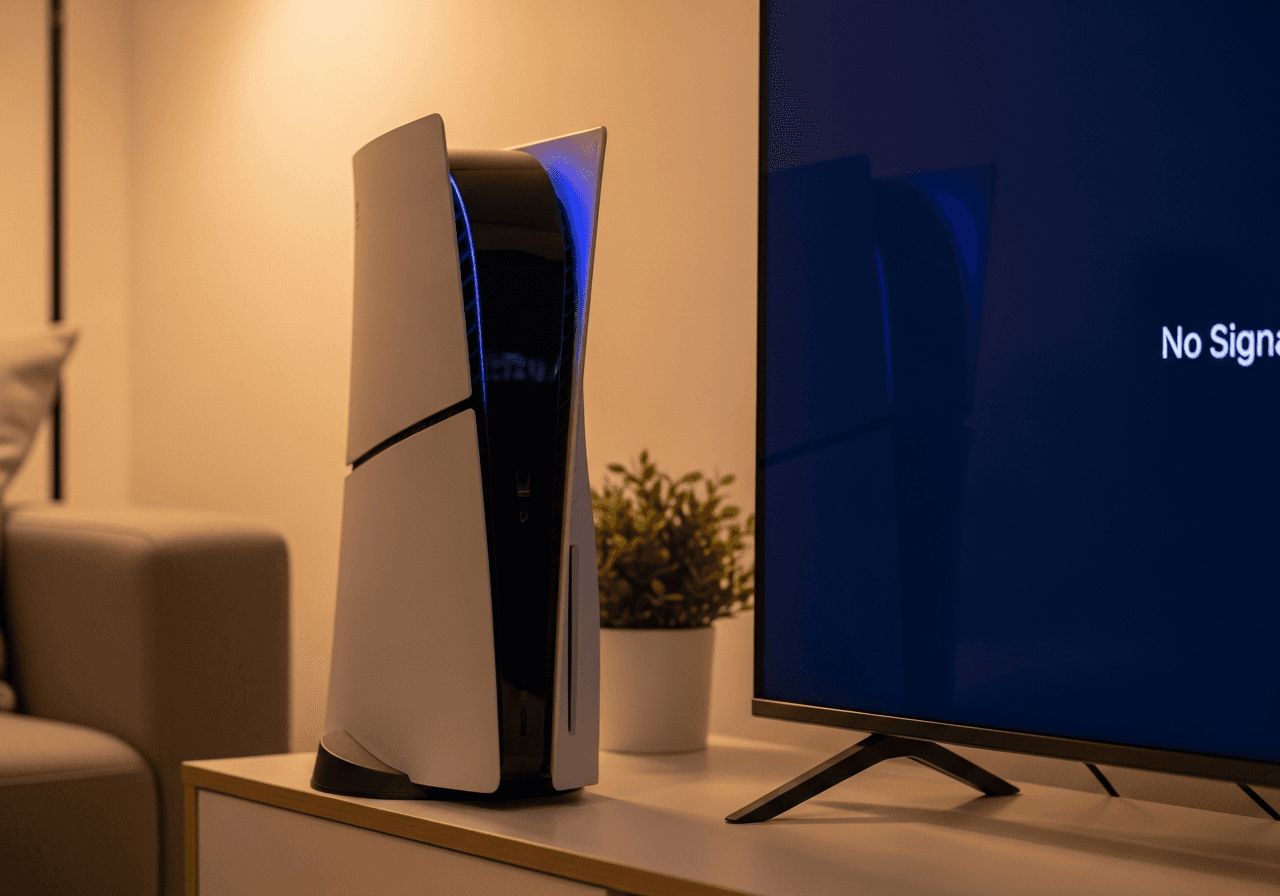
You press the power button on your PS5. Nothing happens. No light, no beep, no fan noise - just silence. Or maybe you get a brief blue flash before it dies again. Either way, your gaming session just came to a screeching halt.
We get it. A PS5 that won't turn on is one of the most stressful console problems you can face - especially when you don't know if it's a simple fix or something serious. The good news? After repairing over 25,000 consoles at Console Service Centre, we can tell you that most PS5 power issues ARE fixable.
This guide covers everything from 30-second fixes to understanding when your console needs professional attention. Whether your PS5 is completely dead, clicking and shutting off, stuck on a blue light, or randomly powering down, we've got you covered.
What Quick Fixes Can I Try When My PS5 Won't Turn On?
Before we get into the technical stuff, let's rule out the simple causes. These basic checks solve a good number of "PS5 not turning on" cases and take less than five minutes.
1. Check Your Power Cable
The most overlooked fix of all. PS5 uses a standard IEC C7 "figure-8" power cable - the same type used by many electronics.
- Unplug the cable from both the PS5 and the wall outlet
- Inspect the cable for any visible damage, fraying, or bent prongs
- Reconnect firmly at both ends - push it in until it's fully seated
- Check the console end specifically - the PS5 port can feel loose if the cable isn't pushed in properly
- Try a different cable if you have one (PS4 uses the same cable type)
2. Try a Different Power Outlet
This one catches more people than you'd think:
- Plug directly into a wall socket - not a power strip, extension lead, or multi-plug
- Try a completely different outlet in another room if possible
- In South Africa, if you've recently had load shedding, check that your surge protector hasn't tripped or blown its fuse
- Avoid overloaded circuits - unplug other devices from the same outlet
3. Perform a Full Power Cycle
A proper power cycle drains all residual electricity from the console's capacitors, which can resolve many power glitches:
- Unplug the power cable from the back of your PS5
- Wait at least 60 seconds - a full minute is important (some technicians recommend up to 20 minutes for stubborn issues)
- While unplugged, press and hold the power button for 15 seconds - this drains any residual charge
- Release the button, then wait another 30 seconds
- Plug the cable back in and try turning it on
This simple reset resolves issues caused by power fluctuations, failed rest mode wake-ups, and minor electrical glitches.
4. Check for Rest Mode Issues
If your PS5 was in rest mode when it "died," it may be stuck in a frozen rest state:
- Press and hold the power button for about 15 seconds until you hear a second beep (or until the light goes off completely)
- Wait 30 seconds, then press the power button normally
- If this was the issue, consider disabling rest mode to prevent it happening again
5. Disconnect All Peripherals
External devices can sometimes interfere with the boot process:
- Unplug everything except the power cable - HDMI, USB drives, external storage, controllers (yes, even wired controllers)
- Try powering on with nothing connected
- If it works, reconnect devices one at a time to find the culprit
If your PS5 powers on after these steps - brilliant! You've saved yourself time and money. If not, let's dig deeper into what's going on.
Understanding PS5 Power Light Patterns
Your PS5's power indicator light is actually a diagnostic tool. Understanding what different light patterns mean helps you identify the problem faster.
What Each Light Pattern Means
| Light Pattern | What It Means | Likely Issue |
|---|---|---|
| No light at all | No power reaching the console | Power cable, outlet, or internal PSU failure |
| Blue then off | Console tries to start but fails | PSU, motherboard, or overheating protection |
| Blinking blue (no transition to white) | Console stuck during boot | Hardware failure or severe software corruption |
| Solid white | Console is on and working | Normal - if no picture, see our PS5 black screen guide |
| Solid orange | Rest mode | Normal - press power to wake |
| Blinking white | Console error or shutting down | Hardware issue if continuous |
| Pulsing red | Overheating warning | Turn off immediately - check ventilation |
Key Diagnostic Rules
- No light at all = Electrical problem. Focus on power supply chain (cable → outlet → internal PSU)
- Brief blue flash then off = Console is getting power but can't complete startup. Likely PSU can't sustain load, or overheating protection kicks in
- Blue light stays on (never turns white) = Console frozen mid-boot. Could be software or hardware
- Red pulsing light = Your PS5 is overheating. Turn it off, let it cool for at least 30 minutes, and check for dust blockage
Why Won't Your PS5 Turn On? The 6 Main Causes
Understanding what's causing the problem helps you find the right fix. Here are the six main reasons a PS5 won't power on, listed from most common to least common based on our repair data.
1. Power Supply Failure
The PS5 has an internal power supply unit (PSU) - unlike the original Xbox One which had an external power brick, the PS5's PSU is built right into the console.
The PS5's PSU (model ADP-400DR) converts your wall electricity into the 12V power the console needs. When it fails:
- Complete dead console - no lights, no sounds, no response
- Console turns on briefly then dies - PSU can't sustain the power load
- Random shutdowns during gameplay - PSU failing under stress
Common causes of PSU failure:
- Power surges (especially during load shedding in South Africa)
- Component degradation over time (capacitor failure)
- Poor ventilation causing PSU overheating
- Manufacturing defects
2. Overheating Protection
Your PS5 has built-in thermal protection that will prevent it from turning on (or shut it down) if the console is too hot. This is actually a safety feature - it prevents permanent damage to the processor.
Why your PS5 overheats:
- Dust buildup in vents and fan - the most common cause
- Poor placement - enclosed TV cabinet, carpet, against a wall
- Liquid metal issues - The PS5 uses liquid metal (not thermal paste) as the thermal interface between the APU and heatsink. Over time, particularly in vertically positioned consoles, the liquid metal can migrate or develop dry spots
- Fan failure - rare but possible
Signs of overheating shutdown:
- Console was running hot before it stopped
- Fan was unusually loud before shutdown
- Red pulsing light on the power indicator
- Console worked fine initially but won't restart until cooled down
3. Power Surge Damage
This is particularly relevant in South Africa where load shedding is a daily reality. When power cuts and comes back, the voltage spike can damage sensitive electronics.
What power surges can damage:
- Power supply capacitors (most common)
- Motherboard voltage regulators
- Storage controller
- Other sensitive components
If you suspect surge damage:
- Did the PS5 stop working during or right after a power outage?
- Was it plugged in (even in rest mode) during load shedding?
- Were other electronics affected at the same time?
4. Corrupted System Software
Sometimes your PS5 won't boot not because of hardware failure, but because the system software has become corrupted. This can happen after:
- A failed system update
- Power loss during a software installation
- Hard drive/SSD errors
- Forced shutdown during a write operation
Signs of software corruption:
- Console starts to boot but gets stuck (blue or white light, never reaches home screen)
- Console enters a boot loop (turns on, off, on, off repeatedly)
- Error codes appear before shutdown
- Console only works in Safe Mode
5. Physical Damage
Accidental damage can cause power issues that aren't immediately obvious:
- Dropped console - internal connections can come loose
- Liquid damage - even small spills can cause shorts on the motherboard
- Damaged power port - the socket where the cable plugs in can crack or break
- Insect infestation - believe it or not, cockroaches love warm electronics and their droppings can cause short circuits (we see this more often than you'd expect in South Africa's warmer climate)
6. Motherboard Failure
The most serious cause - actual component failure on the main circuit board. This includes:
- Failed voltage regulators - components that manage power distribution
- Blown capacitors - can be caused by surges or manufacturing defects
- APU (processor) failure - rare but catastrophic
- Shorted components - caused by liquid damage or manufacturing defects
Signs of motherboard failure:
- No response at all (completely dead)
- Burning smell from the console
- Visible damage (burn marks, bulging capacitors)
- Console was working fine, then suddenly died and never came back
How to Fix Your PS5 Using Safe Mode
If your PS5 has enough power to boot (you see a light, even briefly), Safe Mode might be your ticket to fixing it. Safe Mode starts the console with minimal functions, bypassing many software issues.
How to Enter Safe Mode
-
Turn off your PS5 completely - the light must be completely off. If the console is stuck, press and hold the power button for about 15 seconds until it forces off.
-
Press and hold the power button - Keep holding after the first beep.
-
Wait for the second beep - This comes about 7 seconds after the first. Release the button after you hear it.
-
Connect your DualSense controller via USB - Safe Mode does NOT support wireless connections. Use a USB-C cable plugged directly into the front of your PS5.
-
Press the PS button on your controller - The Safe Mode menu should appear.
Safe Mode Options for Power Issues
Once in Safe Mode, these options are most relevant for power problems:
Restart PS5
The simplest option - a clean restart that can resolve minor glitches causing boot failures.
Rebuild Database
This is the recommended first step for most boot issues. It scans your drive and rebuilds the system database without deleting any of your games, saves, or data. Think of it like reorganising a messy filing cabinet - everything is still there, just properly sorted.
- Takes 10-30 minutes depending on storage usage
- Does NOT delete games or save data - completely safe
- Fixes corrupted system files that may prevent normal booting
Reset PS5 (Restore Default Settings)
If rebuilding the database doesn't work, this resets all settings to factory defaults while keeping your games installed. You'll need to set up Wi-Fi, accounts, and preferences again.
Reset PS5 (Reinstall System Software)
The nuclear option - completely wipes your PS5 and reinstalls the operating system from scratch. This deletes everything - games, saves, settings, accounts. Only use this if nothing else works and you believe the issue is software-related.
Before using it, make sure your saves are backed up to PlayStation Plus cloud storage.
What If Safe Mode Won't Work?
If your PS5 can't even enter Safe Mode:
- No light at all when holding power button = Power supply or electrical failure. No software fix will help.
- Light comes on but Safe Mode doesn't appear = Try a different TV/monitor and HDMI cable (Safe Mode may be loading but not displaying)
- Console shuts down during Safe Mode = Overheating or PSU failure under load
When Safe Mode isn't accessible, it's almost always a hardware issue that needs professional repair.
What If the Basic PS5 Power Fixes Didn't Work?
If the basic fixes and Safe Mode didn't solve your problem, try these more advanced approaches.
Check Your PS5's Storage
A failing SSD can cause boot issues:
- Boot into Safe Mode (if possible)
- Try Rebuild Database first
- If that fails, try reinstalling system software via USB:
- Download the full PS5 reinstallation file from PlayStation's website (not the update file - the full one, about 1GB)
- Save it to a USB drive in the correct folder structure:
PS5/UPDATE/PS5UPDATE.PUP - Boot into Safe Mode and select Reset PS5 (Reinstall System Software)
- Follow the on-screen instructions
Inspect for Physical Damage
Carefully check your PS5 for signs of damage:
- Sniff near the vents - a burning or electrical smell means stop and seek professional repair immediately
- Listen when you press power - any clicking, buzzing, or crackling sounds indicate hardware problems
- Check the power port - shine a light inside and look for bent pins or debris
- Feel the bottom of the console - excessive heat even when "off" could indicate a short circuit
Test With Minimal Configuration
Strip your PS5 down to absolute basics:
- Unplug ALL cables except power
- Remove any external SSD or USB devices
- If you have a disc edition, make sure no disc is stuck in the drive
- Try powering on
- If it works, add peripherals back one at a time
Disable Rest Mode (Prevent Future Issues)
If your PS5's power issue was caused by a rest mode bug (your console "died" while in rest mode), disable it once you've got it working again:
- Go to Settings > System > Power Saving
- Set "Time Until PS5 Enters Rest Mode" to "Don't Put in Rest Mode" for both "During Media Playback" and "While Playing Games"
- Instead, turn your PS5 off completely when you're done playing
The PS5 rest mode bug has been a known issue since launch. While Sony has improved it with firmware updates, it still causes problems for some users. Read our PS5 rest mode problems guide for a deep dive into this issue.
When Should I Take My PS5 to a Repair Shop?
Sometimes DIY fixes aren't enough. Here's how to know when it's time for professional help, and what the repair process looks like.
Signs Your PS5 Has a Hardware Problem
Your PS5 almost certainly needs professional repair if:
- Completely dead - no light, no sound, no response even after full power cycle, cable swap, and outlet change
- Burns or smells - any burning smell or visible scorch marks. Stop using it immediately
- Clicking or buzzing sounds when you press power - suggests PSU or capacitor failure
- Console turns on for a few seconds then dies - PSU can't sustain load, or thermal protection tripping instantly
- Visible damage to the power port, motherboard, or any internal component
- Liquid damage - even if the console dried out, corrosion can cause ongoing issues
- Boot loop that Safe Mode can't fix - hardware-level failure
- Works for a while then shuts down repeatedly - thermal or PSU degradation
What Professional PS5 Power Repair Involves
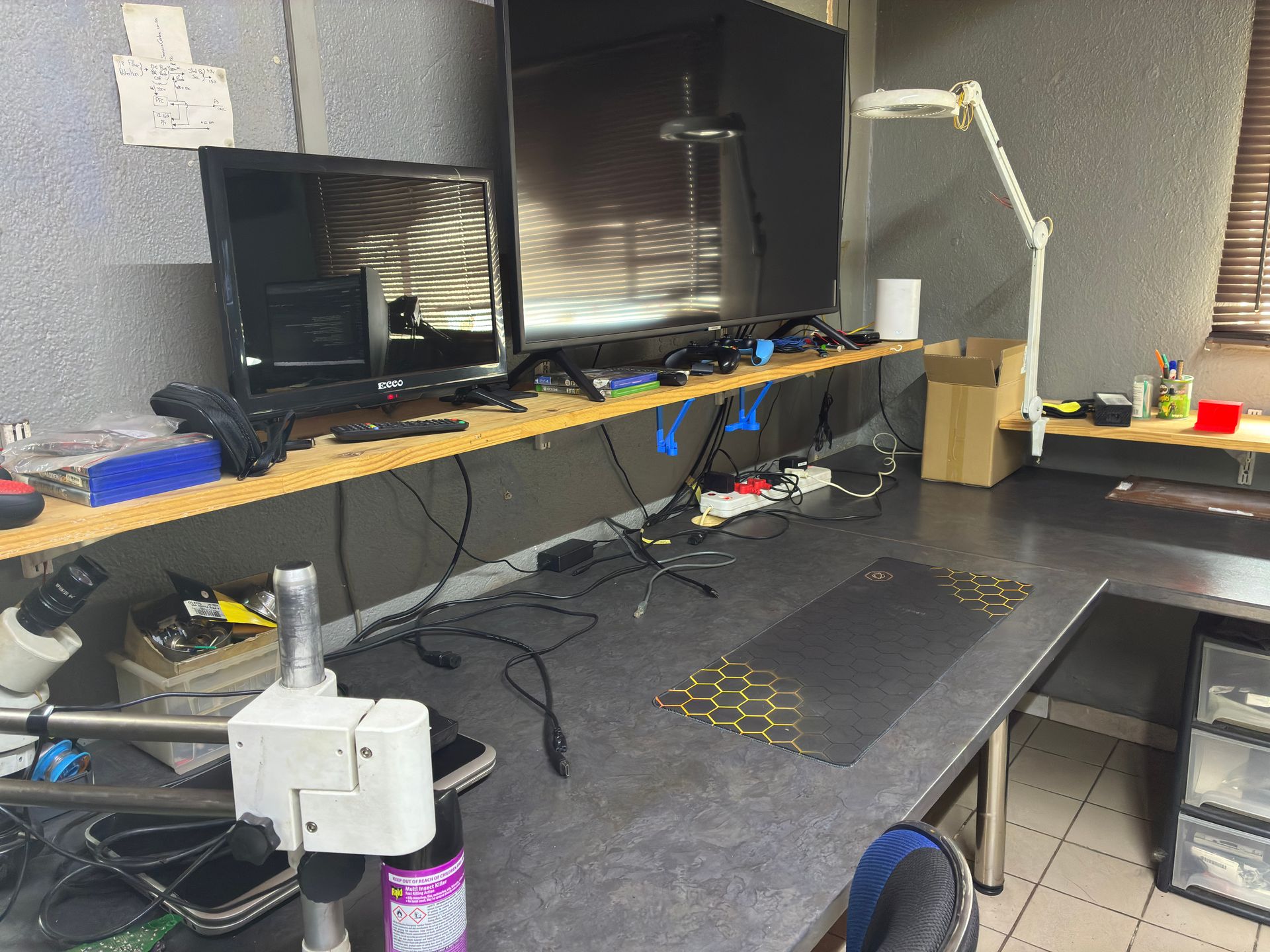
At Console Service Centre, here's how we approach PS5 power and no-power repairs:
Step 1: Diagnostic Testing
We connect your PS5 to our diagnostic equipment to identify the exact fault. Is it the PSU? A blown capacitor? A motherboard short? Knowing precisely what's wrong prevents wasting time and money on guesswork.
Step 2: Component-Level Repair
Depending on the diagnosis:
- Power supply repair/replacement - We repair or replace the internal PSU (ADP-400DR unit)
- Capacitor replacement - Failed capacitors are removed and replaced with new ones using our rework station
- Voltage regulator repair - If the motherboard's power regulation has failed
- Liquid metal reapplication - If overheating is the root cause, we carefully clean and reapply the liquid metal thermal interface
- Board-level repair - For more complex motherboard issues requiring micro-soldering
Step 3: Full Testing
After repair, we test extensively:
- Power cycling (on/off multiple times)
- Extended gameplay test (stress testing under load)
- Temperature monitoring
- All ports and functions verified
Get a Quote for Your PS5 Repair
The cost depends on what's actually failed - we diagnose first and give you a firm, no-obligation quote before any work begins. We always aim for the most cost-effective repair that properly fixes the problem.
Here are our current prices for PS5 power-related repairs:
PS5:
| Repair | Price |
|---|---|
| ADP-400DR Power Supply | R1,749 |
| ADP-400FR Power Supply | R1,799 |
| ADP-400ER Power Supply | R1,849 |
| South Bridge Chip 61GG Replacement | R1,849 |
| South Bridge Chip 69GG Replacement | R1,849 |
| ADP-400GR Power Supply | R2,049 |
| South Bridge Chip 62GG Replacement | R3,199 |
| Pro ADP-420DR Power Supply | R4,199 |
*Prices shown are the total amount payable.
Get an exact quote on WhatsApp →PS5 Slim:
| Repair | Price |
|---|---|
| South Bridge Chip 61GG Replacement | R1,849 |
| South Bridge Chip 69GG Replacement | R1,849 |
| ADP-400GR Power Supply | R2,049 |
| South Bridge Chip 62GG Replacement | R3,199 |
*Prices shown are the total amount payable.
Get an exact quote on WhatsApp →WhatsApp us: 087 550 2307 - We're available 24/7 and respond immediately. Describe your symptoms and we can often give you a good idea of what's wrong before you send your console in.
Call us: 087 550 2307 - During business hours (Mon-Thu 08:00-16:00, Fri-Sat 08:00-13:00)
How to Protect Your PS5 From Power Issues
Prevention is always better (and cheaper) than repair. Here's how to keep your PS5 healthy.
1. Use a Quality Surge Protector
This is essential in South Africa with our load shedding situation:
- Invest in a quality surge protector rated at 1000 joules or higher
- Replace it after it absorbs a major surge (they have a limited lifespan)
- Better yet, use an uninterruptible power supply (UPS) - this gives your PS5 clean power and time to shut down properly during outages
- Never leave your PS5 in rest mode during scheduled load shedding slots -- see our load shedding console protection guide for more tips
2. Power Down Properly
- Always shut down through the menu: Press PS button > Power > Turn Off PS5
- Don't just pull the power cable or switch off at the wall while the console is on
- Avoid using rest mode if you've had power-related issues before
- Wait for the light to go completely off before unplugging
3. Ensure Proper Ventilation
Overheating kills power supplies and other components over time:
- Keep at least 10cm clearance around all sides of the console
- Never put your PS5 inside an enclosed TV cabinet while gaming
- Position horizontally if possible (slightly better for airflow AND prevents liquid metal migration)
- Clean dust from the vents every 2-3 months with a low-powered vacuum (Sony's own guidance)
- Don't place your PS5 on carpet, blankets, or soft surfaces that block vents
4. Keep Firmware Updated
Sony regularly releases system updates that fix bugs and improve stability:
- Enable automatic updates in Settings > System > System Software
- Don't interrupt firmware updates once they start
- If an update fails, use Safe Mode to retry
5. Watch for Warning Signs
Catch problems early before they become failures:
- Loud fan noise - could indicate dust buildup or failing thermal management
- Occasional shutdowns - may be early signs of PSU degradation
- Unusually hot console - something is blocking airflow or thermal interface is degrading
- Slow boot times - could indicate SSD or software issues
- Disc drive making unusual sounds - drive issues can sometimes affect power delivery
Frequently Asked Questions
Why is my PS5 not turning on at all - no light, no sound?
If your PS5 shows absolutely no sign of life (no light, no beep, no fan), the issue is in the power delivery chain. Start by checking the obvious: try a different power cable, plug directly into a wall outlet (not a power strip), and do a full power cycle (unplug for 60 seconds, hold power button for 15 seconds while unplugged). If none of that works, the internal power supply has likely failed and needs professional repair. This is especially common after power surges or load shedding.
Can a PS5 power supply be repaired or does it need replacing?
In many cases, the PS5's internal power supply (ADP-400DR) can be repaired rather than fully replaced. Common fixes include replacing failed capacitors or other individual components. At Console Service Centre, we diagnose the specific fault and repair at component level where possible, which is often more cost-effective than a full PSU replacement. For current pricing, WhatsApp us on 087 550 2307 - we're available 24/7 and can give you a quote based on your symptoms.
Why does my PS5 turn on for a second then shut off?
This symptom - a brief power-on followed by immediate shutdown - usually indicates one of three things: the power supply can't sustain load (it has enough juice to start but fails under full power draw), the console is triggering thermal protection immediately (severe overheating or thermal sensor fault), or there's a short circuit on the motherboard. Try a full power cycle first, but if it persists, this almost always needs professional diagnosis and repair.
Does PS5 use thermal paste or liquid metal?
The PS5 uses liquid metal as its thermal interface material - NOT thermal paste. This is true for all PS5 models including the Digital Edition and PS5 Slim. Liquid metal has much better thermal conductivity than thermal paste, but it's electrically conductive, meaning spills or migration can cause short circuits. Sony applies a barrier gasket around the APU to contain it. Liquid metal reapplication requires specialist knowledge - it's not a DIY job.
Will load shedding damage my PS5?
Load shedding itself (the power going off) is less harmful than the power coming back on. When electricity is restored, voltage spikes can damage sensitive components in your PS5's power supply and motherboard. The biggest risks are: leaving your PS5 in rest mode during load shedding, not using a surge protector, and having the console on when power cuts. To protect your PS5: use a quality surge protector (1000+ joules), power down completely before scheduled load shedding, and consider a UPS for clean power delivery.
How do I know if my PS5 power supply is failing?
Warning signs of a failing PS5 PSU include: console randomly shutting down during gameplay (especially graphically intense games that draw more power), unusual clicking or buzzing sounds from inside the console, console taking longer to turn on than usual, console turning on for a few seconds then dying, and the console working intermittently (sometimes turns on, sometimes doesn't). If you notice any of these symptoms, it's best to get a professional diagnosis before complete failure occurs.
Can I replace the PS5 power supply myself?
While it's physically possible, we strongly recommend against DIY PS5 power supply replacement. The PS5's internal PSU requires near-complete disassembly to access, and the repair often involves component-level work (replacing specific failed capacitors or regulators) rather than swapping the entire unit. Incorrect reassembly can cause additional damage, void any remaining warranty, and the liquid metal thermal interface can be disturbed during the process. Professional repair is safer and more cost-effective in the long run.
My PS5 won't turn on after a power outage - what should I do?
After a power outage, try these steps in order: First, wait 5 minutes for any voltage fluctuations to settle. Then unplug your PS5 for at least 60 seconds and hold the power button for 15 seconds while unplugged. Try a different wall outlet. If it still won't turn on, try booting into Safe Mode and selecting "Rebuild Database." If nothing works, the power surge likely damaged the internal PSU or motherboard components - bring it in for professional repair. In future, always use a surge protector and power your PS5 down completely before expected outages.
How much does PS5 power repair cost?
PS5 power-related repairs range from R1,749 – R4,199 depending on the specific fault. A straightforward power supply repair is at the lower end, while complex motherboard work costs more. WhatsApp us at 087 550 2307 for a quote based on your symptoms.
Is it worth repairing a PS5 that won't turn on?
Absolutely, in almost all cases. A new PS5 costs upwards of R10,000 in South Africa, while most power-related repairs cost a fraction of that. That's a significant saving. Plus, your game library, trophies, and digital purchases are tied to your PlayStation account, not the console itself - so they'll all be there when your repaired PS5 boots up. Contact us on 087 550 2307 for a quote - you'll likely be surprised at how affordable the repair is compared to replacing the whole console. The only scenario where repair might not be worth it is severe motherboard damage affecting multiple components, which is relatively rare.
Where Can I Get My PS5 Power Repaired in South Africa?
A PS5 that won't turn on is stressful - but in most cases, it's completely fixable. Whether it's a simple power cycle fix you can do right now, or a power supply repair that needs professional hands, the important thing is your gaming isn't over.
Here's why Console Service Centre is your best choice for PS5 power repairs:
- Console repair specialists since 2011 — we have seen every PS5 problem imaginable
- 25,000+ consoles repaired - We know what we're doing
- 1,346+ Google reviews with a 4.9-star rating - Real customers, real results
- PlayStation and Xbox specialists - We don't do phones or general electronics, just gaming consoles
- 6-month money-back warranty - If the same issue returns, we fix it free
- Component-level repair - We fix the actual problem, not just swap expensive parts
Ready to Get Your PS5 Working Again?
WhatsApp us: 087 550 2307 - We respond immediately, 24/7
Visit us: 6 Bester Street, Witfield, Boksburg
Can't get to us? We offer nationwide courier repairs. Ship your console to us via The Courier Guy, we'll fix it and send it back. Simple.
Not sure where to get your PS5 fixed? Read our guide on where to fix your PS5 in South Africa — it covers what to look for in a repair shop and why location doesn't matter with courier service.
Don't let a dead PS5 ruin your gaming. Whether it's a power surge, a failing power supply, or something else entirely, we'll diagnose it properly and get you sorted.
Console Service Centre specialises exclusively in PlayStation and Xbox repairs. We don't do phones, TVs, or general electronics - just consoles, done properly. View our full range of PS5 repair services.
Topics Covered
About the Author

Shaun Potgieter
Founder & Head Technician
Expert console technician with 15+ years of hands-on repair experience.