
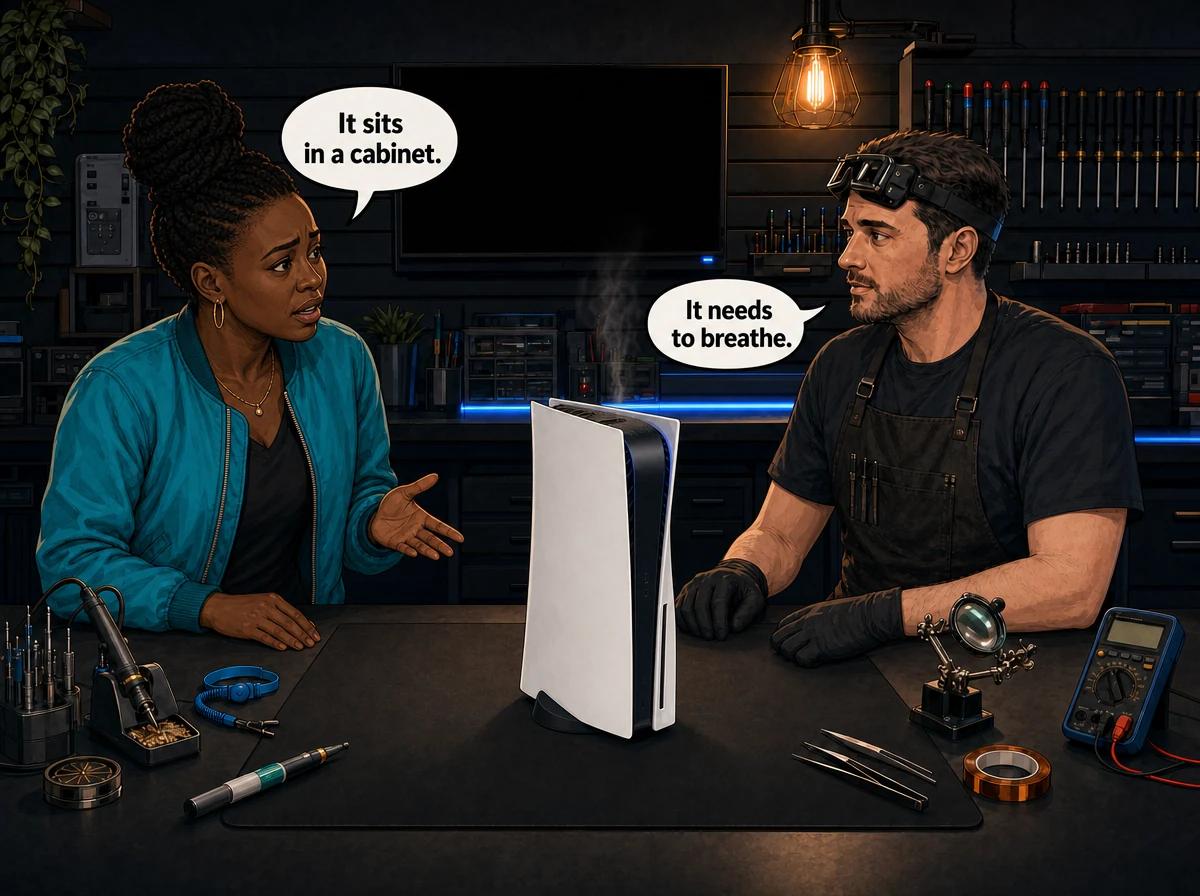
You bought a slim TV cabinet, tucked the PS5 neatly behind a glass door, and now it runs loud, gets hot to the touch, or shuts itself off mid-game. You are not alone — this is one of the most common setups we see behind an overheating PS5, and the fix usually costs nothing. Where you put the console matters as much as how you use it.
The best place to put your PS5 is on an open shelf or on top of a TV unit, with clear air space around every vent and nothing sealing it in. Sony recommends leaving at least 10 cm (about 4 inches) of clearance, with the most important gap behind the rear exhaust where hot air leaves the console. A closed entertainment unit or a tight compartment traps that hot air, so the PS5 keeps breathing in its own exhaust and steadily climbs in temperature. Keep it off carpets, out of direct sunlight, away from other heat-producing gear, and lay it flat rather than standing it upright. We are Console Service Centre in Boksburg, and we service PS5s that have cooked themselves in a cabinet almost every week.
Why a Cabinet Cooks Your PS5
A PS5 cools itself by pulling cool air in and pushing hot air out — the main exhaust is the wide vent across the back. That only works if there is somewhere for the cool air to come from and somewhere for the hot air to go.
Seal the console inside a closed entertainment unit and you break both halves of that cycle. The hot air it just expelled has nowhere to escape, so it collects in the compartment. The console then draws that same warm air back in. Each cycle starts a little hotter than the last. Within an hour of gaming, the air trapped around the console can be far warmer than the room, and the PS5 has no cool air left to work with.
The console will try to protect itself. When internal temperatures climb too high, the fan spins up loud and fast, and if that is not enough, the PS5 will power off on its own to prevent damage. People often mistake that shutdown for a power fault or a broken console when the real problem is simply the box it lives in.
The furniture that causes the most trouble
- Closed TV cabinets with glass or solid doors — the classic offender. Even with the door open, a deep compartment restricts airflow.
- Tight cubby holes sized for the console with no gap on the sides or back.
- Shelves directly above a decoder, amplifier, or another console — you are feeding it pre-warmed air.
- Enclosed gaming desks where the PS5 sits in a sealed lower cupboard.
- Anywhere against a wall with the rear exhaust pointing straight at it.
If your PS5 lives in any of these, moving it is the single most valuable thing you can do today, and it is free.
Quick Wins: Where to Put It Instead
Before you assume something is broken, try these placement changes. They solve a large share of the overheating cases we get asked about.
- Move it onto an open shelf or the top of the TV unit. Open air on at least three sides beats any enclosed space, every time.
- Leave a hand's width of clearance around it. Aim for Sony's 10 cm minimum, with the biggest gap behind the rear exhaust so hot air can actually leave.
- Lay it flat (horizontal). More on why below — for the PS5 specifically, flat is the safer long-term choice.
- Get it off the carpet. Carpet fibres block the lower vents and hold heat. A hard surface or a low shelf is far better.
- Keep it out of direct sun. A console sitting in afternoon sun through a window starts its day already warm.
- Give hot neighbours some distance. Don't stack it on or right next to a decoder, sound system, or router.
If you make these changes and the console still overheats, runs loud, or shuts down, the problem is likely inside — dried-out cooling or dust buildup — and that is where a professional service comes in.
Lay It Flat: Placement and the PS5's Liquid Metal
There is a reason we push flat placement harder for the PS5 than for older consoles. Inside a PS5, Sony uses liquid metal between the main processor and the heatsink instead of ordinary thermal paste. Liquid metal is an excellent conductor of heat, which is exactly what a powerful chip in a small box needs.
The catch is that liquid metal is, well, liquid. When a PS5 is stood upright for long stretches, that liquid metal can slowly migrate downward under gravity. Over time it can leave a dry patch on the top edge of the processor with no thermal coverage at all. That spot then has nothing carrying its heat away, so it overheats badly in one concentrated area.
We have seen the worst-case result on our own bench: PS5 processors cracked in half by prolonged overheating traced back to liquid metal migration in vertical consoles. That is not a scare story — it is a repair we have done. For that reason we tell every PS5 owner the same thing: keep it flat. If you want the full argument, we wrote a dedicated guide on standing your PS5 vertically versus laying it flat.
Flat placement also has a practical airflow benefit. Lying down, the console's vents sit clear of walls and the exhaust has open space behind it. Standing upright in a narrow gap, those same vents are far more likely to end up pressed against a panel.
How to Tell Your PS5 Is Overheating in Its Spot
Placement problems show up in fairly predictable ways. If you notice any of these, look at where the console lives before you assume it needs a repair:
- The fan gets loud, then louder the longer you play, especially in the same room temperature.
- The console is hot to the touch on the top and around the rear vent after an hour or two.
- It powers off by itself during demanding games, often with a temperature-related message on screen.
- Games crash or freeze more often during long sessions than short ones.
- The area around the console feels warm — the cabinet interior, the shelf above it, the wall behind it.
A console that only misbehaves during long sessions, and behaves fine for short ones, is almost always a cooling story. Heat builds up over time, so short bursts stay under the threshold while marathons cross it.
How to Set Up Your PS5 for the Best Airflow
Here is the setup we recommend to every customer, step by step. All of this is external — you never need to open the console.
- Pick an open spot. The top of the TV unit or an open shelf with nothing boxing it in on the sides or back.
- Lay the console flat on that surface, feet or stand seated properly so it sits level.
- Pull it away from the wall. Leave at least 10 cm behind the rear exhaust vent.
- Clear the sides and top. Nothing stacked on top, nothing pressed against the side vents.
- Check the floor underneath. If it is on a low shelf near carpet, make sure the bottom vents are not sitting on fibres.
- Route cables loosely so a bundle of cables isn't blocking the exhaust.
- Wipe the outside and vents every few weeks with a dry microfibre cloth to stop dust building at the vent openings.
That last point matters in South Africa specifically. Our homes are dusty, and dust is the slow killer of console cooling. It settles on the vents, gets pulled inside, and coats the fan and heatsink until air can barely move through. Good placement keeps most of it out; a full service clears what gets in.
Never open the console to clean inside it yourself. You can safely wipe the exterior and clear the vent openings from the outside, but opening a PS5 risks broken flex cables, stripped screws, and damaged connectors that turn a simple service into an expensive board repair. The power supply also holds high-voltage charge that is dangerous to handle. Leave the inside to a professional.
Can't Move It? How to Make a Cabinet Safer
Sometimes an open shelf isn't an option — the lounge is set up around a specific unit, or the console has to live where the TV is. If you're stuck with a cabinet, you can still cut the heat risk down a lot with a few changes. None of these involve touching the console itself.
- Take the doors off, or leave them open. A cabinet with the doors permanently removed behaves much more like an open shelf. If you can't remove them, at least keep them open whenever you're gaming.
- Open up the back. Many TV units have a removable back panel or a pre-cut cable hole. Take the panel off or enlarge the opening so the hot air the console pushes out the rear has a clear path to leave the compartment.
- Raise the console off the base. Standing it on small feet or a couple of hard spacers lifts the lower vents off the shelf so air can reach them from underneath.
- Give it the whole compartment. Don't share the shelf with a decoder, amplifier, or router. One warm device per compartment, with the console getting the most open one.
- Point the exhaust at the opening. Face the rear vent toward the back gap you've opened up, not toward a solid panel.
Even with all of that, a cabinet is still a compromise. If the console runs noticeably louder or hotter in the unit than it does when you pull it out onto the open shelf for a test, that's your answer — it wants the open spot.
A quick way to test your setup
Play a demanding game for an hour in the console's normal spot and note how loud the fan gets and how warm the area feels. Then pull the console fully into the open, on a hard surface with space all round, and play the same game for another hour. If it's clearly quieter and cooler in the open, the placement was throttling it — and no repair will fix a spot that suffocates the console. Sort the placement first, then judge whether anything inside still needs attention.
When Good Placement Isn't Enough
If you have moved the console into open air, laid it flat, cleared the vents, and it still overheats, the cooling system itself needs attention. This is normal after a few years of use, and it has nothing to do with you doing anything wrong.
The usual culprits are dust that has already built up inside on the fan and heatsink, and thermal material that has degraded over time. On a PS5 that means the liquid metal has spread thin, dried at the edges, or migrated. Neither of these fixes itself, and neither is a safe DIY job on a PS5 — the liquid metal is electrically conductive and will short the board if it touches the wrong component.
A full PS5 service is the fix. We strip the console down completely, wash the covers, remove all internal dust, deep-clean the fan and heatsink, replace the thermal material with fresh liquid metal applied correctly, reassemble, and test the temperatures before it goes back to you. A full PS5 service costs R1,249. You can read exactly what a PS5 full service includes if you want the detail.
If the heat has already damaged the cooling hardware — a fan that rattles, seized, or died — a replacement PS5 fan starts from R1,449. And if a console has been overheating badly for a long time, sometimes the damage reaches the board itself, which is board-level repair territory. Catching a placement problem early is always cheaper than fixing what long-term heat does.
Not sure what's wrong? WhatsApp us at 087 550 2307 — we respond immediately, 24/7, and can often give you a good idea of what's going on from your symptoms before you send the console in.
We also wrote a guide for the frustrating case where a PS5 still overheats after cleaning — worth a read if a previous clean didn't hold.
Prevention: Keep It Cool for the Long Run
Good placement is prevention you only have to set up once. A few habits keep it that way:
- Leave the spot open. Don't be tempted to tidy the console back into a closed cabinet for looks. Cool beats neat.
- Dust the vents monthly. A dry microfibre wipe on the outside vents takes 30 seconds and keeps dust from being pulled inside.
- Mind load shedding heat. Rooms with the windows shut during a hot Highveld afternoon get warm fast. If a room bakes, don't game a long session in it without airflow.
- Book a service every couple of years. Even a well-placed console collects dust internally over time. A periodic full service resets the cooling before heat does any harm.
- Watch the fan. If it suddenly runs louder than it used to in the same spot, that is your early warning to check placement and dust.
Treat the PS5 like it needs to breathe, because it does. For the full picture on the console's cooling and the faults heat causes, our PS5 repair services page lays out everything we handle.
Get Your PS5 Sorted
Here's why Console Service Centre is your best choice:
- Years of hands-on console repair experience — we started back in 2011
- Thousands of consoles repaired — we know what we're doing
- 1,321+ Google reviews at 4.9 stars — the world's most-reviewed dedicated gaming-console repair specialist on Google — our track record speaks for itself
- PlayStation and Xbox specialists — we don't do phones or general electronics
- 6-month money-back warranty — if the same issue returns, we fix it free
Ready to Get Your PS5 Running Cool Again?
WhatsApp us: 087 550 2307 — we respond immediately, 24/7
Visit us: 6 Bester Street, Witfield, Boksburg
Can't get to us? We offer nationwide courier repairs. Ship your console to us via The Courier Guy, we'll fix it and send it back. Simple.
Frequently Asked Questions
Where is the best place to put a PS5?
On an open shelf or the top of a TV unit, with clear air around every vent and nothing boxing it in. Sony recommends at least 10 cm of clearance, with the largest gap behind the rear exhaust. Avoid closed entertainment units, tight cubbies, carpet, and direct sunlight, and lay the console flat rather than standing it upright.
Can I keep my PS5 in a closed TV cabinet?
We strongly advise against it. A closed cabinet traps the hot air the console just expelled, so it recirculates warm air and steadily overheats. If a cabinet is your only option, remove the doors, cut a rear opening for airflow, and leave generous space on all sides — but an open shelf is always the safer choice.
How much space does a PS5 need around it?
Sony recommends a minimum of 10 cm (about 4 inches) of clearance, with particular attention to the rear where the main exhaust vent sits. More is better. The goal is simple: cool air must be able to reach the console, and hot air must be able to leave it.
Should I stand my PS5 vertically or lay it flat?
We recommend laying it flat. The PS5 uses liquid metal cooling that can slowly migrate downward when the console stands upright for long periods, which can leave a dry spot on the processor and cause severe localised overheating. Flat placement avoids that risk and usually gives the vents more open space too.
Why does my PS5 keep shutting off during games?
A PS5 that powers off during demanding games is often protecting itself from heat. Check its placement first — an enclosed cabinet, blocked vents, carpet, or a spot in the sun are common causes. If the console still shuts off in an open, dust-free spot, the internal cooling likely needs a professional service.
How much does it cost to fix an overheating PS5?
The usual fix is a full PS5 service, which clears the dust and replaces the degraded cooling — the live price is in the pricing section above, and a fan replacement is quoted there too if heat has damaged the fan. We only charge a R599 bench fee if you decide not to go ahead with the repair after we diagnose it. WhatsApp us on 087 550 2307 for an exact quote for your console.
Is it safe to open my PS5 to clean the dust myself?
No. You can safely wipe the exterior and clear the vent openings from the outside, but opening the console risks broken flex cables, stripped screws, and connector damage — and the power supply holds a dangerous high-voltage charge. Internal cleaning and thermal work should be left to a professional.
Can overheating in a cabinet permanently damage my PS5?
It can if it goes on long enough. Sustained overheating stresses the processor and its cooling, and in bad cases we have seen PS5 processors crack from prolonged heat. Most consoles caught early only need a service. The ones that reach permanent damage are usually those that ran hot in a sealed space for months. Fixing the placement and booking a service at the first warning signs is what keeps a cheap problem cheap.
Does putting my PS5 on top of a decoder or router make it worse?
Yes. Stacking the console on or right beside another device that runs warm — a decoder, amplifier, router, or a second console — means it draws in air that's already been heated. Give each device its own space with a gap between them, and put the PS5 in the most open position of the three.
Topics Covered
About the Author

Shaun Potgieter
Founder & Head Technician
Expert console technician with 15+ years of hands-on repair experience.