
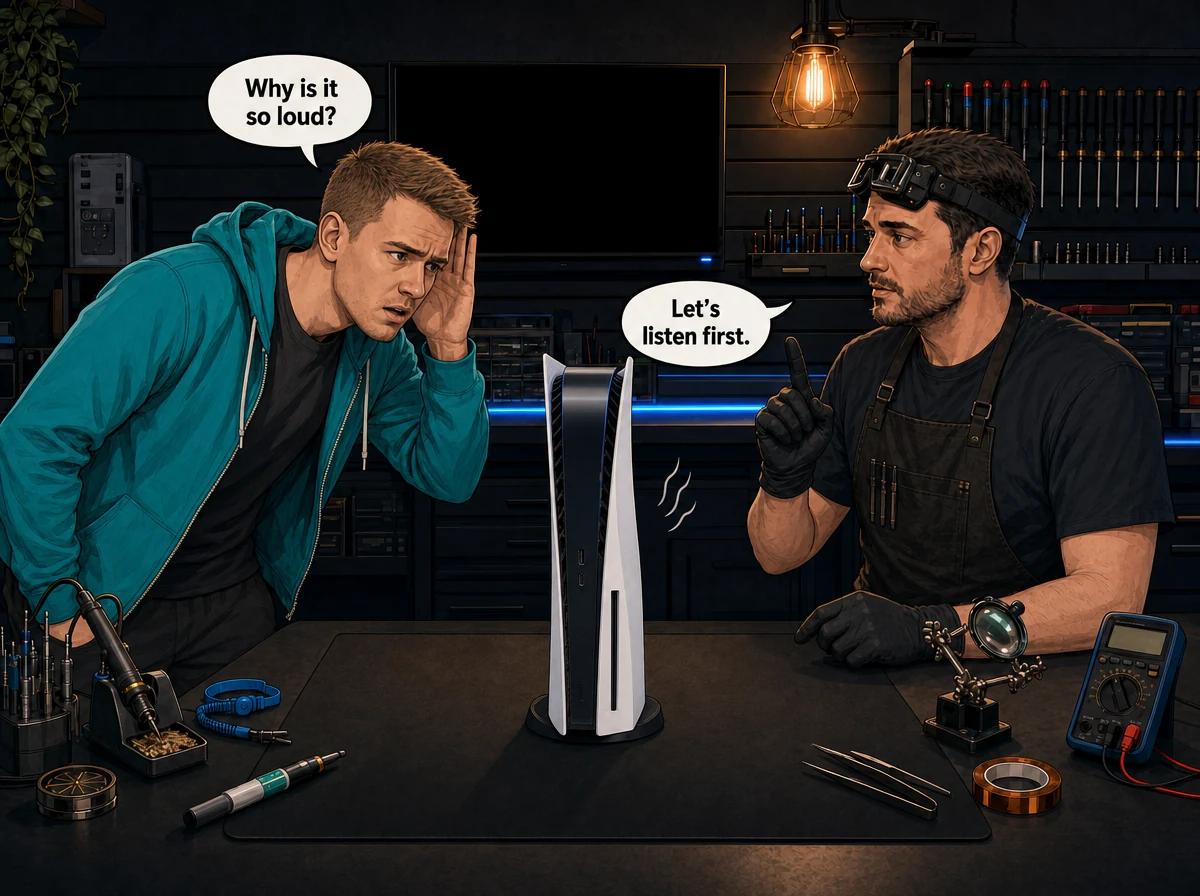
A PS5 fan loud noise problem almost always falls into one of four groups. A smooth roar that builds during games and eases on the menu usually means dust in the heatsink or tired liquid metal, so the fan is working harder to shift heat. A grinding, scraping or growling sound from a cold start usually means a worn fan bearing. A rattle or tick often means debris in the fan, a fan that has shifted, or a stand or surface that is vibrating. A thin, high-pitched electrical whine that changes with what is on screen is coil whine, which is not the fan at all. You can safely check placement, airflow and the stand from the outside. Anything past that is internal. Console Service Centre in Boksburg, South Africa strips the PS5 down, cleans it, replaces the liquid metal and fits a new fan when the old one is worn.
If your PS5 used to be close to silent and now sounds like a hairdryer, or it has started making a sound you cannot place, this guide is for you. We will help you work out what kind of noise you are hearing, what you can safely rule out at home, and the point where it needs a technician.
This post is about noise. If your PS5 is shutting down, showing an overheating warning or still running hot after a clean, read our guide on why a PS5 still overheats after cleaning as well.
How the PS5 Decides How Loud Its Fan Should Be
It helps to know what you are listening to. The PS5 has one large cooling fan. It pulls air in through the intakes on the front edges and pushes warm air out of the back, across a big heatsink with heat pipes that sits on top of the main processor.
Between the processor and the heatsink is a layer of liquid metal, not ordinary thermal paste. Sony uses it on every PS5 model, including the Digital, the Slim and the Pro. It moves heat very well, but it is electrically conductive, which matters later when we talk about opening the console.
The PS5 controls its own fan speed. Sony's engineers have explained that the console reads temperature sensors, including one inside the main processor, and sets the fan speed from those readings. Sony also said it can fine-tune fan behaviour through system updates. There is no menu setting that lets you pick a fan speed yourself.
That gives you the most useful rule in this whole post:
Noise that follows heat points to a cooling problem. Noise that ignores heat points to the fan itself, or to something that is not the fan.
Roar, Rattle, Grinding or Whine: What Each PS5 Fan Noise Means
Before you change anything, listen properly. Mute the TV, sit near the console and pay attention to three things: when the sound starts, whether it changes with what you are doing, and what the sound actually is.
A smooth roar that builds during games
This is the most common complaint we hear. The PS5 is quiet on the home screen, then a few minutes into a demanding game it builds into a loud rush of air. Go back to the menu and it slowly settles.
That is a fan doing its job. It is spinning faster because the processor is hot. The usual reasons are dust packed into the heatsink fins, a console squeezed into a cabinet with no airflow, a warm room, or liquid metal that is no longer making good contact. A loud but smooth whoosh is a cooling problem, not a broken fan.
A grinding, scraping or growling sound
Grinding sounds rough and gritty, as if something is dragging. The tell-tale sign is that it often starts the moment you switch on, before anything has had a chance to warm up. It may change as the fan speeds up or slows down.
This usually points to the fan bearing, the small part at the centre of the fan that lets the blades spin freely. Over time it can wear, and the fan starts to wobble and grind instead of spinning cleanly. A worn bearing does not fix itself, and cleaning around it will not bring it back.
Grinding can also come from a blade catching on the fan housing, or from a damaged blade that is no longer balanced. Either way, it is a mechanical fault in the fan.
A rattle, tick or buzz
A rattle or a regular ticking often means something is loose or touching the blades. It could be a small piece of debris that has been drawn inside, a fan that is no longer sitting firmly, or a blade with a chip that catches on each turn.
It can also be something much simpler outside the console. A stand that is not seated properly, a console resting on a hollow TV unit, or a cable pressed against the casing can all buzz in sympathy with the fan. We cover how to check these in the next section.
A thin, high-pitched whine that changes with the picture
Some PS5s make a faint electrical whine or buzz. It is higher pitched than fan noise and can change as the scene or frame rate changes, even from one menu to the next. This is usually coil whine: a sound some electronic components make as power moves through them.
Coil whine is not the fan, and dust has nothing to do with it. Cleaning will not change it, and on its own it is not usually a sign that anything is failing. It varies from console to console. If you hear it alongside crashes, shutdowns or a burning smell, that is different, and you should switch off and get it checked.
Whirring or clicking with a disc inside
Disc-edition PS5s can make their own noise when the drive spins a disc up to speed or tries to read it. If the sound only happens with a disc in the drive, take the disc out and listen again. If the noise disappears, you are dealing with the drive, not the cooling.
Quick reference
| What you hear | When it happens | Most likely cause |
|---|---|---|
| Smooth roar or rising whoosh | Builds during games, eases on menus | Dust in the heatsink, poor airflow, tired liquid metal |
| Grinding or scraping | From switch-on, even when cool | Worn fan bearing or a blade catching |
| Rattle or ticking | Steady, often rhythmic | Debris in the fan, a loose fan, a loose stand or surface |
| Thin electrical whine | Changes with what is on screen | Coil whine, not the fan |
| Whirring or clicking | Only with a disc inserted | Disc drive, not the fan |
Quick Wins: How to Troubleshoot a Loud PS5 Fan Without Opening It
Every step below is external and safe. None of them will fix a worn bearing, but they rule out the easy causes, and they sometimes take the noise down a lot.
- Give it room to breathe. Take the PS5 out of any closed cabinet. Leave clear space on every side, especially at the back where the hot air leaves. Do not stack a decoder, router or anything else on top of it or against it.
- Put it on a hard, solid surface. Carpet, a couch or a bed can block intakes and trap dust. A hollow or wobbly TV unit can also act like a drum and make a small vibration sound much louder.
- Check the stand. On the original PS5, the stand works both upright and flat. Make sure it is properly seated for the orientation you use and that nothing is loose. The PS5 Slim ships with small feet for lying flat, and its vertical stand is sold separately, so check whichever one you use is fitted correctly.
- Listen with the stand removed or the console moved. Briefly lay the console flat on a firm surface and listen again. If a rattle disappears, the noise was coming from the stand, the furniture or something touching the casing, not from inside.
- Take any disc out. As above, this rules the disc drive in or out.
- Check the room. A closed lounge on a hot Highveld afternoon makes every console run hotter and louder. If the noise is much worse in summer than in winter, heat is part of the story.
- Keep the system software up to date. Sony has said fan behaviour can be adjusted through updates, so make sure the console is not running an old version.
- Do a cold-start listen. Switch on after the console has been off for a few hours. Grinding straight away, before anything is warm, points strongly at the bearing.
If the noise follows heat and these steps quieten it, you are dealing with airflow or cooling. If it grinds or rattles from cold no matter what you do, the problem is inside the console.
Cleaning a Noisy PS5 From the Outside, and Where That Stops
Clearing the outside vents is the one hands-on job we are happy for you to do yourself. It is worth doing, as long as you know what it can and cannot reach.
How to clear the vents safely
- Switch the PS5 off fully, not into rest mode, and unplug it from the wall.
- Move it somewhere you do not mind dust landing.
- Use short bursts of compressed air across the intake and exhaust vents from a little distance. Hold the can upright so it does not spray cold liquid.
- Do not jam the nozzle into the vents, and do not use a vacuum cleaner nozzle on them, because vacuums can build static.
- Wipe the casing with a dry microfibre cloth.
- Let it sit for a few minutes before you plug it back in.
Why it often makes little difference
The dust that actually causes a loud PS5 is not the dust you can see at the vents. It is matted into the heatsink fins deep inside, often pressed into a felt-like layer. Air from the outside moves surface fluff, and sometimes pushes loose dust further in.
Compressed air also does nothing for:
- Tired liquid metal. If the liquid metal between the processor and heatsink is no longer making good contact, airflow cannot fix it.
- A worn bearing. Dust is not the problem there. The fan is physically worn.
- A chipped or shifted fan. Air will not straighten a blade or reseat a fan.
So here is the honest rule. If an outside clean makes a clear difference, good. If the PS5 is just as loud a week later, or it grinds from switch-on, you have reached the limit of what you can do without opening it.
Dust, Bearing or Something Loose: Which One Is It?
Most PS5s that come in for fan noise land in one of three groups. Here is how they usually show up, and what fixes each one.
Dust and heat: the fan is fine, the cooling is not
Signs: Quiet at first, loud during games, settles on the menu. The air from the back feels hot. The noise is a smooth rush, not a rough grind. It may be worse in summer.
What is going on: Dust has built up in the heatsink, or the liquid metal is no longer doing its job well, so heat leaves the processor slowly and the fan spins up to compensate.
The fix: A full strip-down service. We take the console apart, wash the covers, clean the fan and heatsink properly, remove the old liquid metal and apply fresh liquid metal, then test it under load. This is the most common fix for a loud PS5, and it usually brings the noise right back down. Our page on what a PS5 full service includes walks through every step.
A worn bearing: the fan itself is failing
Signs: Grinding, scraping or growling, often from a cold start. The sound does not follow heat in a neat way. It may come and go as the fan changes speed.
What is going on: The fan's bearing has worn. The blades no longer spin cleanly, so they wobble and grind.
The fix: A new fan. Cleaning a fan with a worn bearing may quieten it briefly, but the grind comes back because the part is worn out. Sony has fitted fans with different blade counts across the PS5 range, and an original PS5 and a PS5 Slim do not take the same fan, so we check what is fitted before we order the replacement.
Something loose: debris, a shifted fan, or the outside of the console
Signs: A rattle, tick or buzz. Sometimes it changes when the console is moved, laid flat or put on a different surface.
What is going on: If the noise stops when you move the console or take it off the stand, the cause was outside: the stand, the furniture or something touching the casing. If it carries on wherever the console sits, something inside is loose or catching the fan.
The fix: The outside causes you can sort yourself. An internal rattle needs the console opened so we can find what is loose, remove any debris and check the fan for damage. Sometimes the fan survives and just needs cleaning and reseating. If a blade is damaged, it gets replaced.
Why We Ask You Not to Open a Noisy PS5 Yourself
We understand the temptation, but a fan job on a PS5 is not the same as a clean on an older console.
Opening your console yourself risks causing additional damage, such as broken flex cables, stripped screws or damaged connectors, which makes the repair more expensive. We strongly recommend leaving internal repairs to professionals.
On the PS5, three things make this worse:
- The fan connector. One of the most common DIY casualties we see is a PS5 fan connector pulled clean off the main board, taking the tracks with it. Rebuilding those tracks is a long micro-soldering job and costs far more than the original service would have.
- Liquid metal. Getting to the heatsink disturbs the liquid metal. It is electrically conductive, so a stray drop on the board can short components and, in the worst case, ruin it. It must be cleaned off and reapplied with care, with the barrier around the processor in good condition.
- The power supply. The PS5's power supply is built inside the console. Console power supplies contain capacitors that can hold a dangerous charge even after the console is unplugged. We will never tell anyone to open a power supply.
If you have already opened your PS5 and the noise started afterwards, tell us when you get in touch. It helps us look in the right place first.
When a Loud PS5 Fan Needs Professional Repair
Book your PS5 in if any of these apply:
- It grinds, scrapes or rattles from a cold start.
- It is still loud after you have fixed the placement and cleared the vents.
- The fan noise is getting worse over weeks.
- It roars even on the home screen in a cool room.
- It has started shutting down, freezing or showing temperature warnings.
- You hear a clicking or ticking that changes speed with the fan.
- Someone has already opened it and the noise began after that.
What we do when a noisy PS5 comes in
- Listen and confirm the noise. We run the console and match the sound to the cause before we quote, including ruling out coil whine and the disc drive.
- Strip it down. The console is fully disassembled so we can see the fan, the heatsink and the liquid metal.
- Check the fan. We spin it by hand, look for bearing wear, damaged blades, debris and how firmly it is mounted.
- Clean the cooling system properly. Covers washed, dust removed from the fan and heatsink fins, not just the vents.
- Replace the liquid metal. The old material is cleaned off and fresh liquid metal is applied.
- Replace the fan if it is worn. A new fan of the right type for your model goes in.
- Test under load. We reassemble it and run it hard to confirm it is quiet and stable before it goes back to you.
What it costs
A full PS5 service, which covers the strip-down, cleaning and fresh liquid metal, is R1,249. That is the fix for most PS5 fan loud noise complaints.
If the fan itself is worn or damaged, a PS5 internal fan replacement is R1,449 – R1,699. The price depends on which fan your model uses, and we confirm it once we have opened the console. Most repairs are done in 4-6 working days, plus courier transit each way if you send it in.
If you decide not to go ahead with a repair, or the console cannot be repaired, a R599 bench fee applies to cover the diagnostic work.
Not sure what the noise is? WhatsApp us at 087 550 2307. We respond immediately, 24/7. Send a short video with the sound, tell us when it happens, and we can usually tell you whether it sounds like dust, a bearing or something loose before you send the console in.
Can a Loud PS5 Fan Damage the Console?
The noise on its own does not hurt anything. What matters is the cause behind it.
If the fan is roaring because heat is not leaving the processor properly, the console spends long periods running hot, which is hard on the board over time. A failing bearing tends to get worse, and a fan that slows down or stops will let the console overheat.
That is why we would rather see a noisy PS5 early. A full service or a new fan is a routine job. A board damaged by long-term heat is not.
Upright or Flat: Does It Affect PS5 Fan Noise?
Sony uses liquid metal between the processor and heatsink. When a PS5 stands upright for a long time, we have seen the liquid metal shift with gravity, leaving part of the processor with poor contact. That makes the console run hotter, and a hotter console means a louder fan.
For that reason, we recommend keeping your PS5 flat. If you prefer it upright, make sure it is on its proper stand with plenty of space around it. Our guide to PS5 vertical vs horizontal placement explains this in more detail, including how to change orientation safely.
Keeping Your PS5 Quiet for Longer
A few habits make a real difference to how loud a PS5 gets over the years.
- Give it open space. Out of closed cabinets, nothing stacked on top, a clear gap behind it.
- Keep it off soft surfaces. No carpets, couches or beds.
- Lie it flat if you can. It is our standing recommendation for liquid metal reasons.
- Clear the outside vents every few months. Short bursts of compressed air with the console off and unplugged.
- Keep the room ventilated. South African summers are hard on consoles in closed rooms.
- Get a full service when the noise starts creeping up. Do not wait until it is shutting down.
Frequently Asked Questions
Why is my PS5 fan so loud all of a sudden?
A sudden jump in noise usually means the console is running hotter than before. Common reasons are a blocked vent, a new spot in a cabinet, a hot room or dust that has finally built up in the heatsink. If it grinds or rattles rather than roars, the fan bearing or a loose part is more likely.
Is it normal for a PS5 fan to be loud?
The PS5 is designed to be fairly quiet. You can expect the fan to speed up in demanding games, but a loud roar on the home screen, or any grinding or rattling, is not normal and is worth checking.
Can I fix a loud PS5 fan by cleaning the vents myself?
Clearing the outside vents with compressed air is safe and sometimes helps. It cannot reach the dust packed into the heatsink, it does nothing for tired liquid metal and it cannot fix a worn bearing. If the noise is still there after an outside clean, the fix is internal.
How much does it cost to fix a loud PS5 fan in South Africa?
At Console Service Centre, most loud PS5s need a full service, which includes cleaning and fresh liquid metal. If the fan is worn, we replace it, and the price depends on which fan your model uses. Both prices are listed in the section above. A R599 bench fee applies only if you decline the repair or the console cannot be fixed.
Is a buzzing or whining PS5 always a fan problem?
No. A thin, high-pitched whine that changes with what is on screen is usually coil whine from the electronics, not the fan. A whirr or click that only happens with a disc inside is the disc drive. A rattle that stops when you move the console is usually the stand or the surface it sits on.
Can a grinding PS5 fan just be cleaned?
Not if the bearing is worn. Cleaning can quieten a grinding fan for a short while, but the grind comes back because the part itself is worn out. A worn fan needs to be replaced.
Will a full service or fan replacement delete my games or saves?
No. A full service and a fan replacement do not touch your storage, so your games and saved data stay on the console. It is still a good idea to keep your saves backed up with PlayStation Plus cloud storage or a USB drive.
Should I keep using my PS5 if the fan is grinding?
We would not leave it long. A grinding fan is likely to get worse, and a fan that slows down or stops will let the console overheat. Switch it off and get in touch so we can check it before a cheap fix turns into an expensive one.
Get Your Noisy PS5 Sorted
Here's why Console Service Centre is your best choice:
- Console repair specialists since 2011
- Thousands of consoles repaired. We know these machines inside out.
- 1,374+ Google reviews at 4.9 stars — the world's most-reviewed dedicated gaming-console repair specialist on Google from real Google reviews
- PlayStation and Xbox specialists. We don't do phones or general electronics.
- 6-month warranty on our workmanship
See everything we repair on the PS5 repair services page, or read about our overheating and full service repairs.
Ready to Get Your PS5 Quiet Again?
WhatsApp us: 087 550 2307. We respond immediately, 24/7.
Visit us: 6 Bester Street, Witfield, Boksburg. Open Monday to Thursday 08:00 – 16:00, Friday and Saturday 08:00 – 13:00, closed Sunday.
Can't get to us? We offer nationwide courier repairs. Send your PS5 to us with The Courier Guy, we fix it and send it back.
Topics Covered
About the Author

Shaun Potgieter
Founder & Head Technician
Expert console technician with 15+ years of hands-on repair experience.