
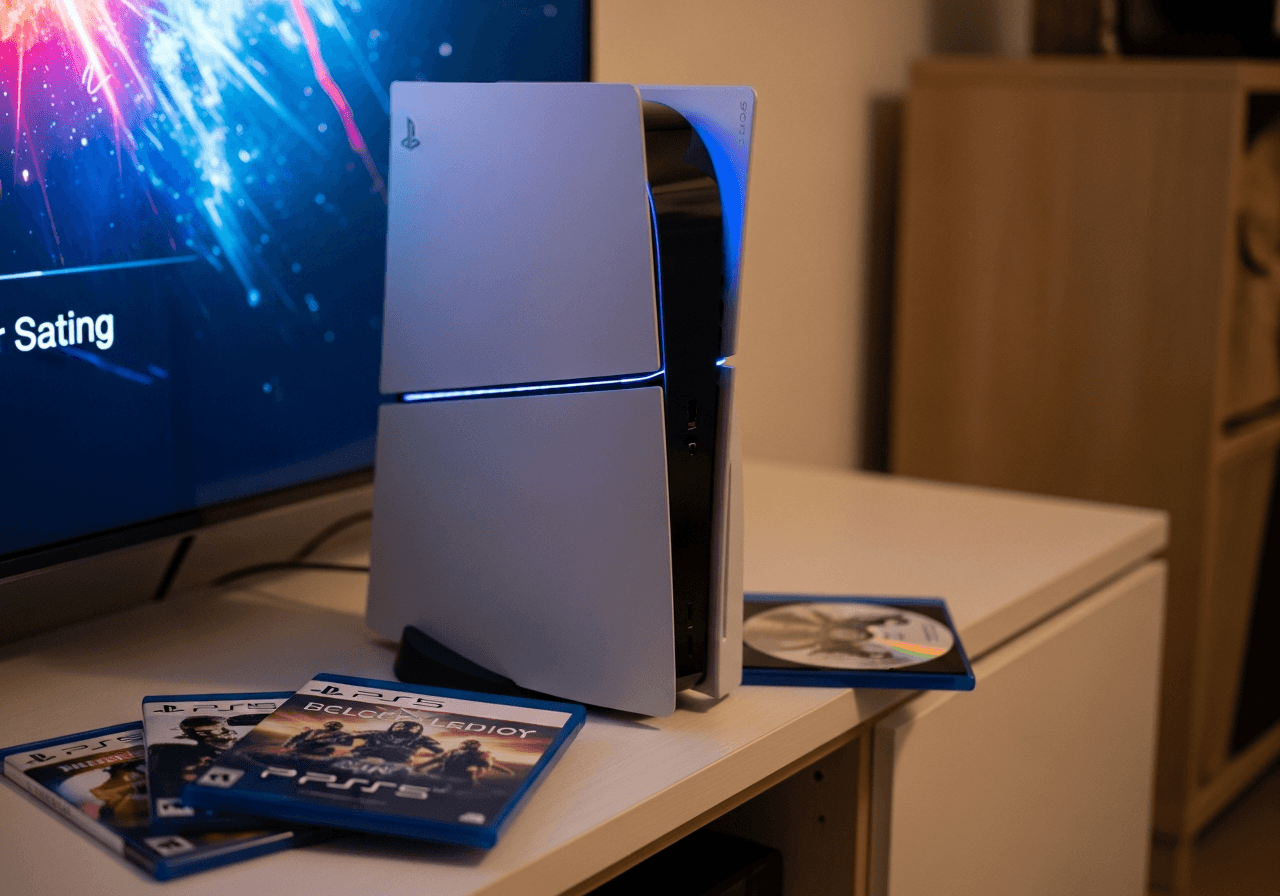
You slide a game disc into your PS5 and... nothing. Maybe the console won't accept the disc at all. Maybe it takes the disc but refuses to read it. Maybe there's a horrible grinding sound that makes your stomach drop. Or perhaps your disc is stuck inside and won't come out no matter what you try.
Whatever the symptom, a PS5 disc drive that's stopped working properly is incredibly frustrating - especially when you've just bought a new game and can't play it.
At Console Service Centre, we've completed over 300 disc drive repairs across PlayStation and Xbox consoles since 2011 - from simple laser replacements to full drive swaps. We know exactly what goes wrong with these drives and, more importantly, how to fix them. This guide shares everything we've learned so you can troubleshoot the problem yourself, and know when it's time to call in the professionals.
What Quick PS5 Disc Drive Fixes Can I Try in 5 Minutes?
Before assuming the worst, let's rule out the simple stuff. You'd be surprised how often these basic checks solve the problem.
1. Check Your Disc
Start with the disc itself - it's the culprit more often than you'd think:
- Clean the disc gently with a soft, lint-free cloth. Wipe from the centre outward in straight lines (not in circles)
- Check for scratches - hold the disc under a light and look for deep scratches on the data side (the shiny side without the label)
- Look for fingerprints and smudges - even a thumbprint in the wrong spot can cause read errors
- Try a different disc - if another game works fine, the problem is your disc, not the drive
2. Check Disc Orientation
This catches more people than you'd expect. The correct way to insert a disc depends on your PS5's position:
- PS5 standing vertically: The label side of the disc should face left (toward the side with the PlayStation logo)
- PS5 lying horizontally: The label side should face up
- Push the disc in gently but firmly until the drive grabs it - don't force it
3. Perform a Full Power Cycle
A proper restart can clear software glitches affecting the disc drive:
- Turn off your PS5 completely - not rest mode, fully off
- Unplug the power cable from the back of the console
- Wait 60 seconds - this drains residual power and resets the drive controller
- Plug back in and try your disc again
4. Check for a Stuck Disc
If your PS5 already has a disc inside (maybe you forgot about it), it won't accept another one:
- Press the eject button and wait for any disc to come out
- If nothing ejects but the drive sounds like it's trying, you may have a stuck disc - scroll down to our manual disc removal guide further in this article
5. Try a Different Type of Disc
This helps narrow down the problem:
- Try a game disc, a Blu-ray movie, and a DVD
- If games don't work but DVDs do (or vice versa), the laser may be partially failing
- If nothing reads, the problem is more likely mechanical or electrical
- Remember: PS5 cannot play PS3 or older game discs - only PS4 and PS5 discs
If one of these quick fixes sorted you out - excellent! If not, let's figure out exactly what's going on with your drive.
Identify Your PS5 Disc Drive Problem
Different symptoms point to different causes. Find your symptom below to understand what you're dealing with.
| Symptom | What's Likely Wrong | Severity |
|---|---|---|
| Disc won't go in at all | Foreign object blocking, roller mechanism jammed, or drive misaligned | Medium - High |
| Drive accepts disc but won't read it | Dirty or failing laser lens, disc damage, or firmware issue | Low - High |
| Grinding or clicking noise | Mechanical failure - rollers, gears, or motor wearing out | High |
| Disc spins then stops | Laser can't focus, disc is damaged, or drive motor failing | Medium - High |
| Console spits disc back out | Eject sensor malfunction or disc not recognised | Low - Medium |
| Disc is stuck inside | Eject mechanism failure or foreign object blocking ejection | Medium |
| Drive makes no sound at all | Drive not receiving power, flex cable disconnected, or drive board failure | High |
What Causes PS5 Disc Drive Problems?
Understanding the cause helps you find the right fix. Here are the five main reasons PS5 disc drives fail, based on what we see most often in our workshop.
1. Dirty or Damaged Discs
The most common cause - and the easiest to fix. Over time, discs accumulate fingerprints, dust, and micro-scratches that interfere with the laser reading data.
What to look for:
- Visible scratches, especially circular ones near the centre
- Fingerprints or smudges on the data side
- Disc warping from heat exposure (leaving discs in direct sunlight or near a heater)
- Cracks near the centre hole
The fix: Clean with a microfibre cloth wiping centre-to-edge. For stubborn marks, slightly dampen the cloth with water - never use household cleaners or alcohol on game discs.
2. Foreign Objects or Debris Inside the Drive
Small objects find their way into disc drives more often than you'd think. We've pulled out coins, small toys, food crumbs, and even insects from PS5 drives. In South Africa's warmer climate, cockroaches are particularly fond of nesting in warm electronics - and their droppings cause real problems inside a disc drive mechanism.
Symptoms:
- Drive won't accept discs (something's physically blocking the slot)
- Unusual rattling or scraping sounds
- Disc goes in but gets stuck halfway
The fix: Tilt the console gently and see if anything falls out of the disc slot. Do not blow air into the slot — that pushes debris onto the laser lens — and do not put a vacuum, a tool or anything else into the drive slot to fish objects out, as you'll likely cause more damage. If something is stuck inside, bring it in to us.
3. Mechanical Drive Failure
The PS5 disc drive has moving parts - rollers that pull the disc in, a motor that spins it, and gears that control the eject mechanism. Like any mechanical component, these wear out over time.
Common mechanical failures:
- Roller wear - the rubber rollers that grip and pull in the disc lose their grip over time
- Motor failure - the spindle motor that spins the disc stops working or becomes intermittent
- Gear stripping - plastic gears in the eject mechanism strip or crack
- Alignment issues - the drive mechanism shifts, causing the disc to sit off-centre
Symptoms: Grinding noises, disc not being pulled in properly, inconsistent behaviour (works sometimes, not others), or the drive motor spinning but the disc not moving.
4. Laser Lens Failure
The laser inside your PS5's Blu-ray drive reads data off the disc. Over time, the lens can get dirty, misaligned, or simply wear out.
How laser failure presents:
- Dirty lens: Console accepts disc, tries to read, gives up - cleaning sometimes fixes this
- Weak laser: Reads some discs but not others (usually newer or less-scratched discs work)
- Dead laser: Drive accepts disc, spins it, but can't read anything at all
- Partial failure: Reads Blu-ray game discs but not DVDs (or vice versa) - the drive has different lasers for different formats
Important: "Laser cleaning discs" sold online are something we'd strongly recommend against. They can scratch the delicate laser lens and make things worse. The reality is that when a laser starts failing, it's usually not just a surface dirt problem - there's a protective cap over the laser diode, and once dust or debris gets underneath it, there's no practical way to clean it without disassembling the laser unit (which isn't feasible). In our experience, a failing laser needs to be replaced entirely - and that's what we do. We swap the full laser assembly, which is a reliable, permanent fix.
5. Drive Board or Firmware Issues
The PS5 disc drive has its own circuit board (daughterboard) that manages the drive's functions. This board contains a Renesas chip that is digitally married to your PS5's motherboard. When this board develops faults, things get serious quickly.
A critical warning about DIY attempts: If you try to disassemble your PS5's disc drive and the flex cables aren't reconnected to the drive board correctly, switching the console on can short out the drive board - specifically the Renesas chip. If that chip blows, the damage is permanent and irreversible. No amount of repair can bring that specific chip back.
Why this matters beyond the disc drive: When the drive board is damaged, your PS5 can't detect the disc drive at all. This means system software updates will also fail - because the update process checks for the drive board and won't complete if it can't communicate with it. Long-term, this means your console falls behind on firmware updates, which creates further problems down the line.
There is a solution though: At Console Service Centre, we have specialist software that allows us to reprogram the PS5's BIOS chip, effectively converting it into a Digital Edition. The disc drive will never work again, but the console regains the ability to install system updates and function normally as a digital-only console. We can do this for PS4 consoles as well.
This is precisely why we always say: leave disc drive repairs to the professionals. The risk of permanently destroying the drive board through incorrect disassembly isn't worth it.
This all leads to one of the most misunderstood aspects of PS5 repairs: disc drive pairing.
PS5 Disc Drive Pairing: What You Need to Know
This is something most troubleshooting guides don't explain properly, but it's critical information if your disc drive needs replacing.
The Pairing Problem
Your PS5's disc drive isn't just a simple plug-and-play component. The drive's daughterboard is digitally paired to your PS5's motherboard. This means:
- You cannot simply buy a replacement disc drive and swap it in
- If you put a different drive in your PS5, it won't be recognised
- Sony implemented this as an anti-piracy measure
What This Means for Repairs
When we repair PS5 disc drives at Console Service Centre, we work around the pairing in specific ways:
Mechanical-only replacement: If the problem is the rollers, motor, or laser, we can replace just the mechanical components while keeping your original daughterboard. Since the daughterboard stays the same, the pairing is preserved. This is the most common and cost-effective repair.
Laser replacement: We can swap out just the laser assembly while keeping the original drive board. Again, pairing stays intact.
Full drive replacement: If the daughterboard itself has failed, both the drive and the motherboard need to come from the same console (a matched pair), or the drive needs to be re-paired. This is more complex and expensive.
PS5 Slim: The Detachable Drive
The PS5 Slim introduced a detachable disc drive that can be purchased separately for the Digital Edition. However, it still requires pairing:
- The drive connects via a USB-C port on the back of the console
- First-time setup requires an internet connection to pair the drive
- Once paired, the drive is locked to that specific console
- Newer PS5 Slim models (CFI-2116) have improved the pairing process, but the principle remains the same
The bottom line: Don't buy a cheap replacement drive off the internet thinking you can fix this yourself. Without proper pairing, you'll have an expensive paperweight. This is genuinely a repair that needs professional handling.
Fixing PS5 Disc Drive Problems With Safe Mode
If your disc drive issues might be software-related (drive was working fine, then suddenly stopped after an update or crash), Safe Mode can help.
How to Enter Safe Mode
- Turn off your PS5 completely - hold the power button until the light goes off
- Press and hold the power button until you hear a second beep (about 7 seconds)
- Connect your controller via USB cable - wireless won't work in Safe Mode
- Press the PS button on your controller
Safe Mode Options for Disc Drive Issues
Clear Cache and Rebuild Database
This is your best first step. It clears temporary files and rebuilds the system database without deleting your games or saves. This can resolve disc drive issues caused by corrupted system files or a glitched drive controller.
Update System Software
Sony occasionally releases firmware updates that fix disc drive bugs. If your drive stopped working after a failed update, try updating again from Safe Mode:
- Update from Internet if your PS5 has ethernet connected
- Update from USB by downloading the update file from PlayStation's website to a USB drive (folder structure:
PS5/UPDATE/PS5UPDATE.PUP)
Restore Default Settings
Resets all settings without deleting games. Worth trying if clearing the cache didn't help.
Reset PS5 (Reinstall System Software) - Last Resort
This wipes everything and reinstalls the OS from scratch. Only use this if you genuinely believe corrupted software is causing the disc drive problem, and nothing else has worked. Back up your saves to PS Plus cloud storage first.
How to Manually Remove a Stuck PS5 Disc
If your disc is trapped inside the drive and the eject button isn't working, you can remove it manually using the built-in manual eject screw.
What You'll Need
- A #1 Phillips head screwdriver
- Good lighting
- A steady hand
Steps for PS5 Original (CFI-1000/1100/1200)
- Turn off your PS5 completely and unplug all cables
- Place the PS5 on a flat surface with the disc drive side facing you
- Remove the base/stand if attached
- Locate the manual eject screw - with the console lying flat (disc slot facing you), remove the screw cover on the bottom of the console. The manual eject screw is inside this hole
- Insert the screwdriver and turn clockwise slowly
- Keep turning until the disc becomes visible and you can gently pull it out
- Do not force it - if the disc won't come out after several full turns, stop and seek professional help (forcing it can bend the disc or damage the drive further)
Steps for PS5 Slim (CFI-2000)
The PS5 Slim's detachable drive makes this slightly different:
- Turn off and unplug the console
- Remove the detachable disc drive from the console
- Locate the manual eject screw on the drive unit
- Turn clockwise with a Phillips screwdriver until the disc ejects
- Reattach the drive to the console
If the disc is damaged or cracked: Fragments of a broken disc inside the drive are a different problem entirely. Do not try to remove broken disc pieces yourself - the fragments can damage the laser and other internal components. Bring it to a professional.
When Should I Take My PS5 Disc Drive to a Repair Shop?
If the quick fixes, Safe Mode, and manual eject haven't solved your problem, it's time for professional repair. Here's how to know for certain.
Signs It's a Hardware Problem
- Grinding or clicking persists after power cycling - mechanical parts are worn or broken
- Drive accepts no discs at all and there's no obstruction - roller mechanism or motor failure
- Console doesn't even acknowledge the drive - drive board fault or disconnected flex cable
- Reads some disc types but not others consistently - laser is partially failed
- Drive worked fine then completely died overnight - drive board or power delivery failure
- Strange burning smell from the drive area - stop using immediately and bring it in
What Professional PS5 Disc Drive Repair Involves
At Console Service Centre, here's how we handle PS5 disc drive repairs:
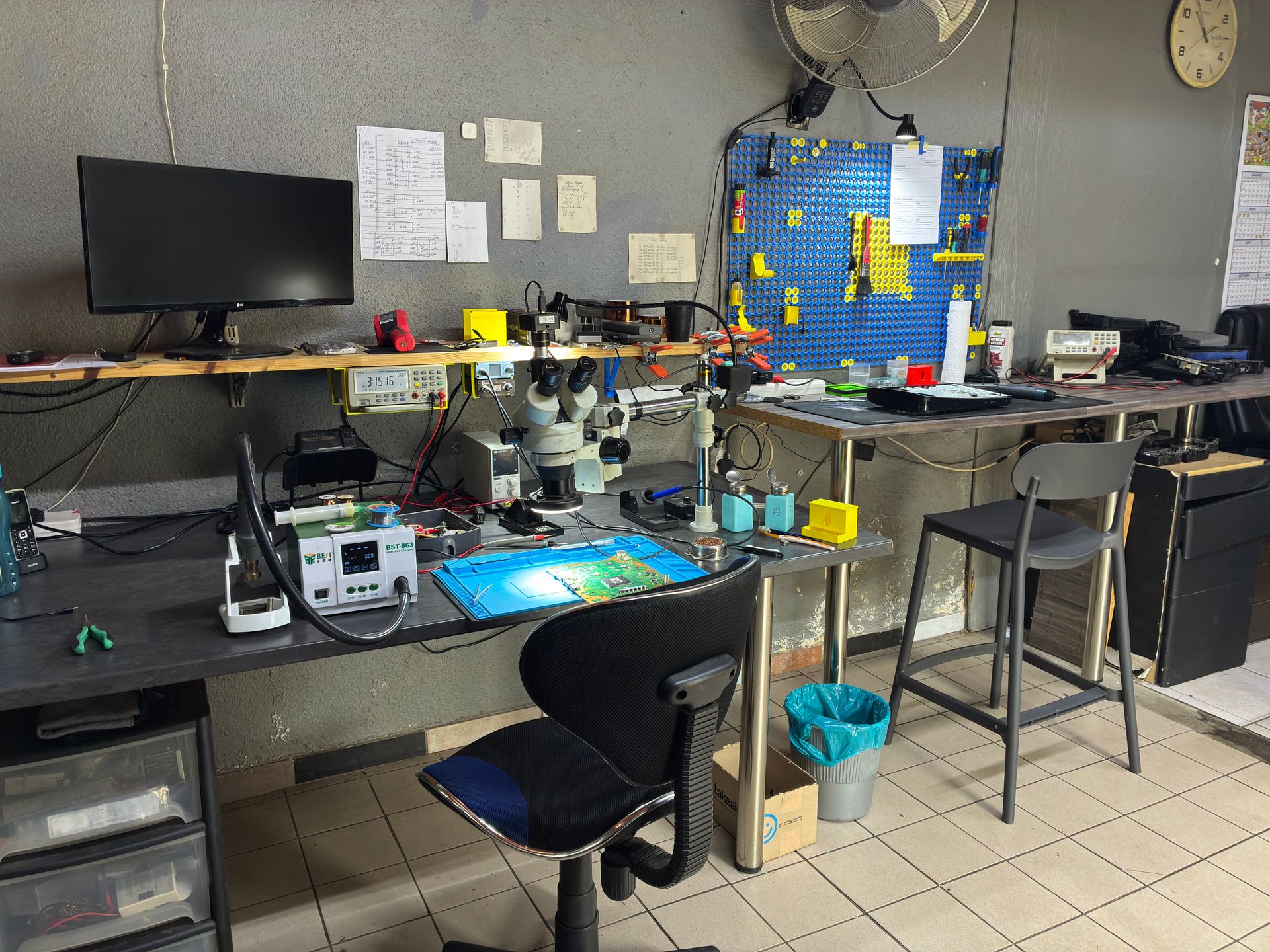
Diagnosis: We test the drive systematically - checking the mechanical components, laser, drive board, flex cable, and motherboard-side connections. This tells us exactly what's failed and the most cost-effective way to fix it.
Repair approaches (from simplest to most complex):
- Cleaning and adjustment - If the drive is dirty or misaligned, a thorough clean and realignment often brings it back to life
- Laser replacement - We replace just the failed laser assembly while keeping your original drive board (preserving the pairing)
- Mechanical repair - Replacing worn rollers, stripped gears, or a failed spindle motor
- Full drive replacement - If the entire drive mechanism is beyond repair, we replace it with a compatible unit and handle the drive pairing
- Drive board repair - For electrical faults on the daughterboard itself (the most complex repair)
Get a Quote for Your PS5 Disc Drive Repair
The cost of disc drive repair depends entirely on what's failed - a straightforward laser replacement is very different from a complex full drive replacement with board re-pairing. We always aim for the simplest (and most affordable) repair that properly fixes the problem.
Here are our current prices for PS5 disc drive-related repairs:
PS5:
| Repair | Price |
|---|---|
| 497A Laser | R1,999 - R2,049 |
| Disc Drive Only | R2,199 - R2,299 |
| Complete Drive with Laser | R2,699 - R2,749 |
*Prices shown are the total amount payable.
Get an exact quote on WhatsApp →PS5 Slim:
| Repair | Price |
|---|---|
| 497A Laser | R2,049 |
| Disc Drive Only | R2,199 |
| Complete Drive with Laser | R2,699 |
*Prices shown are the total amount payable.
Get an exact quote on WhatsApp →WhatsApp us: 087 550 2307 - We're available 24/7 and respond immediately. Describe your symptoms and we'll give you an honest assessment and a ballpark figure before you commit to anything.
Call us: 087 550 2307 - During business hours (Mon-Thu 08:00-16:00, Fri-Sat 08:00-13:00)
We always provide a firm quote after diagnosis, so there are no surprises.
How Do I Prevent PS5 Disc Drive Problems?
A bit of care goes a long way in keeping your disc drive healthy.
Handle Discs Properly
- Hold discs by the edges and centre hole - never touch the data surface
- Store discs in their cases when not in use - don't leave them lying around collecting dust and scratches
- Don't stack loose discs on top of each other
- Keep discs away from heat - direct sunlight and heaters warp discs
Position Your PS5 Correctly
- Horizontal is generally better for the disc drive - less strain on the mechanism and gravity helps seat the disc properly
- If you must stand it vertically, use the official stand and insert discs carefully
- Don't move your PS5 while a disc is inside - this can scratch the disc and damage the drive mechanism
Keep the Environment Clean
- Don't eat or drink near your PS5 - crumbs and liquid near the disc slot are a recipe for problems
- Keep the area around the console dust-free - dust gets pulled into the drive
- Keep the disc slot clear — wipe dust from the console's exterior around the slot with a dry cloth, but never put a vacuum or anything else into the slot and never blow air in, which pushes debris onto the lens
Power Protection
Load shedding can cause firmware glitches that affect the disc drive controller -- see our load shedding console protection guide for full details:
- Use a surge protector rated at 1000+ joules
- Power down your PS5 completely before scheduled load shedding
- Don't leave discs in the drive when powering off for extended periods
- Consider a UPS for clean power delivery
Don't Force It
- Never force a disc into the slot - if there's resistance, something is wrong
- Don't try to pull a stuck disc out by hand - use the manual eject screw
- Don't insert foreign objects into the drive slot to retrieve stuck discs
- If a disc is stuck, use the manual eject screw (see the steps above) or bring it in for professional removal
Frequently Asked Questions
Why is my PS5 not reading discs but the drive is working?
If your PS5 accepts the disc and you can hear it spinning, but games won't load or the console says "unrecognised disc," the laser is likely the problem. The laser can weaken over time and lose the ability to read data reliably. Try cleaning the disc thoroughly first, then test with a different disc. If multiple clean discs fail, the laser needs professional replacement. At Console Service Centre, laser replacement preserves your drive's motherboard pairing, so it's a straightforward repair.
Can I replace my PS5 disc drive myself?
We strongly recommend against it. The PS5 disc drive is digitally paired to the motherboard - you can't simply buy a replacement drive and swap it in. Even if you physically install a new drive, it won't function without proper pairing. On top of that, accessing the drive requires significant disassembly. Professional repair is more reliable and, considering the pairing complexity, often more cost-effective than a failed DIY attempt.
Why won't my PS5 accept discs at all?
If the disc slot won't take your disc, the most common causes are: a disc already stuck inside (press eject first), a foreign object blocking the slot, jammed or worn-out roller mechanism, or a misaligned drive. Try a full power cycle first. If that doesn't help and there's no obstruction visible in the slot, the internal rollers or mechanism likely need repair.
How much does PS5 disc drive repair cost in South Africa?
PS5 disc drive repairs range from R1,999 – R2,749 depending on what's actually wrong with the drive - a simple laser replacement costs significantly less than a complete drive replacement with board re-pairing. For the most up-to-date pricing, WhatsApp us on 087 550 2307 or give us a call on the same number. We're available 24/7 via WhatsApp and can give you a ballpark figure based on your symptoms. We always provide a firm, no-obligation quote after proper diagnosis.
Is it worth fixing a PS5 disc drive or should I go digital?
If you have a library of physical games, fixing the drive is almost always worth it. Disc drive repair costs a fraction of what a new PS5 costs, and replacing your entire physical game collection with digital versions could cost thousands of rands. Plus, physical games can be resold, lent to friends, and don't depend on download servers being available. The only scenario where going digital might make sense is if you only own one or two physical games and primarily buy digital anyway. Contact us on 087 550 2307 for a quote - you might be surprised at how affordable the repair is.
My PS5 makes a grinding noise when I insert a disc - is it safe to use?
A grinding noise is a warning sign - something mechanical is wrong inside the drive. While using it once or twice probably won't cause catastrophic damage, continued use risks scratching your discs and making the mechanical problem worse. We'd recommend stopping use, removing any disc using the manual eject screw (see the steps above in this guide), and getting the drive looked at before inserting more discs.
Can a PS5 disc drive problem affect other parts of the console?
Generally, no - a faulty disc drive won't damage your PS5's motherboard, storage, or other components. Your digital games, saves, and PlayStation account are completely unaffected by disc drive problems. The one exception is if there's an electrical short on the drive board, which in rare cases can affect power delivery to the rest of the system. But this is uncommon, and the vast majority of disc drive issues are isolated to the drive itself.
Does the PS5 Slim have the same disc drive problems?
The PS5 Slim uses a similar Blu-ray drive mechanism, so it can experience the same issues - laser failure, mechanical wear, and read errors. The key difference is the PS5 Slim's drive is detachable (connected via USB-C), which makes some repairs simpler. However, the drive is still paired to the console and requires an internet connection for initial setup. If your PS5 Slim's disc drive is having issues, the same troubleshooting steps in this guide apply.
Where Can I Get My PS5 Disc Drive Repaired in South Africa?
A PS5 disc drive that won't read, accept, or eject discs doesn't mean your gaming is over. Whether it's a dirty disc you can sort out right now or a laser that needs professional replacement, the fix is out there.
Here's why Console Service Centre is your best choice for disc drive repairs:
- 300+ disc drive repairs across PlayStation and Xbox since 2011 - from laser swaps to full drive replacements
- Console repair specialists since 2011 — we have seen every disc drive failure imaginable
- 25,000+ consoles repaired in total - We know what we're doing
- 1,329+ Google reviews with a 4.9-star rating - Real customers, real results
- PlayStation and Xbox specialists - We don't do phones or general electronics, just gaming consoles
- 6-month money-back warranty - If the same issue returns, we fix it free
- Drive pairing handled - We know how to work with Sony's pairing system properly
Ready to Get Your PS5 Disc Drive Working Again?
WhatsApp us: 087 550 2307 - We respond immediately, 24/7
Visit us: 6 Bester Street, Witfield, Boksburg
Can't get to us? We offer nationwide courier repairs. Ship your console to us via The Courier Guy, we'll fix it and send it back. Simple.
Not sure where to get your PS5 fixed? Read our guide on where to fix your PS5 in South Africa — it covers what to look for in a repair shop and why location doesn't matter with courier service.
Don't let a faulty disc drive force you into going all-digital. We'll diagnose the problem properly and get you back to your physical game library.
Console Service Centre specialises exclusively in PlayStation and Xbox repairs. Whether it's a PS5 that won't turn on, a PS5 with no picture, or a disc drive that's given up - we've got you covered. View our PS5 disc drive repair service page or our full range of PS5 repair services.
Topics Covered
About the Author

Shaun Potgieter
Founder & Head Technician
Expert console technician with 15+ years of hands-on repair experience.