
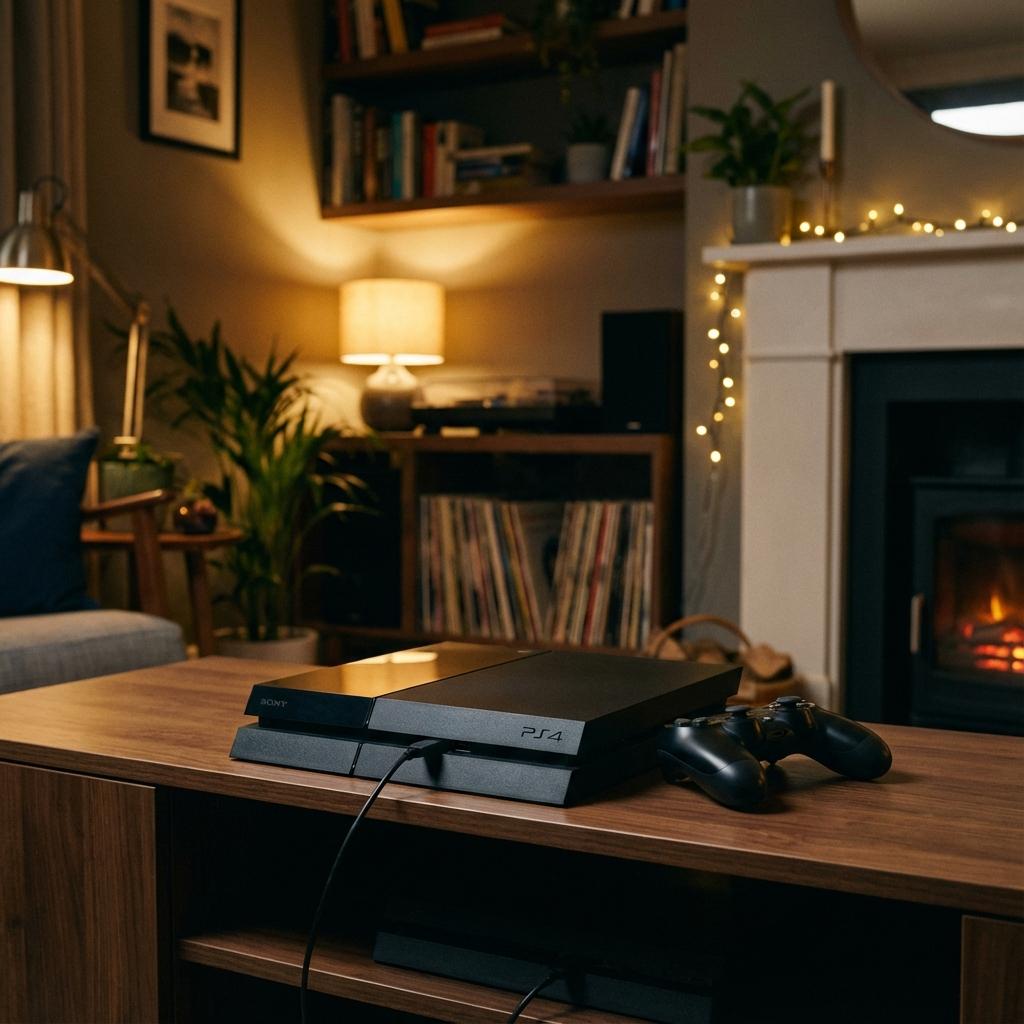
Looking for info on Sony shutting down PS4 online services? That is a separate topic — Sony has not announced any PS4 shutdown date. This guide is about your PS4 console physically turning itself off due to a hardware fault.
Your PS4 turns on, you see the blue light come alive, maybe you even hear the startup beep — then seconds later, it shuts itself off. No warning. No error message. Just silence. If this is happening to you, you are dealing with one of the most frustrating console problems we see at our workshop.
This is not the same as a PS4 that will not turn on at all. A console that powers on and then shuts down is giving you a different set of clues. The fact that it starts up tells you the power supply is at least partially working and the motherboard is attempting to boot. Something is then causing it to cut power, and that "something" is what we need to find.
At Console Service Centre, we have repaired over 25,000 consoles since 2011. PS4 shutdowns are one of our highest-volume repair categories — we see dozens of these every single month across all three PS4 models. This guide will walk you through everything you can safely try at home, explain what is really going on inside your console, and help you decide when it is time for professional repair.
Quick Fixes to Try When Your PS4 Turns On and Off
Before assuming the worst, try these simple steps. They solve about 15-20% of PS4 shutdown cases and cost you nothing.
1. Perform a Full Power Cycle
A power cycle clears any temporary glitch in the system:
- Turn off your PS4 completely (not rest mode)
- Unplug the power cable from the wall socket and the back of the console
- Wait 60 seconds — this allows internal capacitors to fully discharge
- Hold the power button for 10 seconds while it is unplugged (this drains residual power)
- Reconnect the power cable firmly and try powering on
If your PS4 stays on after this, the issue was likely a temporary software glitch. Keep an eye on it — if it happens again, there is probably an underlying cause.
2. Check Your Power Cable and Wall Socket
A loose or damaged power cable can cause intermittent shutdowns that look exactly like an internal fault:
- Inspect the cable for fraying, kinks, or damage
- Push the cable firmly into both the wall socket and the back of the PS4 — the IEC C7 (figure-8) connector should sit snugly
- Try a different power cable if you have one — any figure-8 cable from a laptop charger or similar device will work
- Test a different wall socket entirely, preferably one that is not on a multiplug or surge protector
3. Ensure Proper Ventilation
If your PS4 is crammed into a tight space, it might be overheating within seconds of starting up:
- Pull the console out into the open — leave at least 10-15 cm of clearance on all sides
- Never place it inside an enclosed TV cabinet, on carpet, or on a soft surface
- Check for dust buildup around the vents — if you can see dust bunnies, blast them away with compressed air from the outside (short bursts, 15 cm away)
- Avoid stacking anything on top of or directly behind the console
4. Disable HDMI Device Link
This setting can cause your PS4 to turn off when your TV does, which sometimes creates a confusing shutdown loop:
- If your PS4 stays on long enough to reach Settings, go to Settings → System → Enable HDMI Device Link
- Uncheck this option
- This prevents your TV from sending power-off commands to your PS4 via the HDMI cable
5. Check for Software Issues
If your PS4 turns on long enough for you to reach Safe Mode:
- Hold the power button for 7 seconds until you hear a second beep — this boots into Safe Mode
- Select Option 5: Rebuild Database — this clears corrupted cache data without deleting your games or saves
- If that does not help, try Option 3: Update System Software to install the latest firmware
If none of these quick fixes solve the problem, the issue is almost certainly hardware-related. Keep reading — we will explain exactly what is going on inside your PS4.
Why Does My PS4 Turn On Then Shut Off?
When a PS4 powers on and then shuts itself down, there are five main hardware causes. We have listed them from most common to least common, based on our repair data.
1. Overheating (Dried Thermal Paste)
This is the number one cause of PS4 shutdowns by a wide margin.
Every PS4 uses thermal paste between the APU (the main processor) and the heat sink. This paste transfers heat away from the chip so the fan can blow it out. After 3-5 years of use, thermal paste dries out, hardens, and stops conducting heat effectively.
When this happens, the APU temperature spikes within seconds of powering on. The PS4's built-in thermal protection detects the dangerous temperature and forces an immediate shutdown to prevent permanent damage to the processor. Sony's official PS4 maintenance guidance confirms that obstructed airflow and dust build-up are the leading user-facing causes; in our workshop the underlying compound failure is what triggers it.
Signs it is overheating:
- The console feels very hot to the touch, especially on top
- The fan runs extremely loud (like a jet engine) before shutdown
- The PS4 stays on longer when it is cool (morning vs evening)
- You might see a "PS4 is too hot" warning if it stays on long enough
- The console gradually stays on for shorter and shorter periods over weeks
A full service with fresh thermal paste is the fix. This involves a complete teardown, thorough cleaning, and replacement of the dried thermal paste with a high-quality tested compound.
2. Failing Power Supply Unit (PSU)
The PS4's internal power supply converts mains power into the various voltages the motherboard needs. When a PSU starts to fail, it might deliver enough power to start the console but cannot sustain the load once the APU, GPU, and memory all spin up.
Signs of a failing PSU:
- The PS4 shuts off with no warning — no overheating, no loud fan
- It sometimes powers on fine and other times shuts off immediately
- Shutdowns are random and do not follow a heat pattern
- You might hear a faint clicking or buzzing from inside the console
- The problem gets worse over time
PSU failures in South Africa are often linked to load shedding power surges. Even if you use a surge protector, a strong enough spike can degrade PSU components over time.
Each PS4 model uses a different PSU unit:
- PS4 Original: ADP-200ER, ADP-240CR, or ADP-240AR (depending on motherboard revision)
- PS4 Slim: ADP-160CR, ADP-160ER, or ADP-160FR
- PS4 Pro: ADP-300CR, ADP-300ER, or ADP-300FR
Power supply replacement costs range from R1,590 - R1,750 depending on your model.
3. APU Solder Joint Failure (BGA Failure)
The APU (Accelerated Processing Unit) is a combined CPU and GPU chip soldered to the motherboard using hundreds of tiny solder balls in a pattern called a Ball Grid Array (BGA). Over years of heating and cooling cycles, these solder joints can crack or develop micro-fractures.
When this happens, the console might power on briefly as the solder makes initial contact, but as components heat up and expand, the fractured joints break contact and the system crashes.
Signs of APU solder failure:
- The PS4 turns on for a few seconds and shuts off — often with no video output
- The shutdown is very consistent (always at roughly the same time after power-on)
- The blue light pulses but never turns white (similar to the Blue Light of Death)
- The console has been heavily used for 5+ years
- The problem appeared gradually and is now constant
This is a more serious repair that involves APU reballing — removing the chip, replacing the solder balls, and reattaching it. Success rates vary, and this repair requires specialised equipment.
4. Faulty Fan or Fan Connector
If the internal fan is not working, the PS4's thermal sensors detect the lack of cooling and shut the system down almost immediately as a safety measure. This is different from gradual overheating — it is a rapid shutdown because the system knows it has no cooling at all.
Signs of a fan failure:
- The console shuts off within 10-30 seconds
- You hear no fan noise at all during the brief power-on period
- Previously the fan was making grinding or rattling noises (bearing failure)
- The console is completely silent when it powers on
Fan replacement on a PS4 costs R1,225.
5. Short Circuit on the Motherboard
Liquid damage, corroded components, or a blown capacitor can create a short circuit that trips the PSU's internal protection. The power supply detects the excessive current draw and cuts power to prevent further damage.
Signs of a short circuit:
- The PS4 shuts off almost instantly (within 1-2 seconds)
- You might notice a faint burning smell
- The console was exposed to liquid or high humidity
- There was a recent power surge or lightning strike
- No fan movement, no display, just a brief light and immediate shutdown
Short circuits require board-level diagnosis and repair. The specific cost depends on which component has failed.
How Long Does Your PS4 Stay On? A Diagnostic Clue
The amount of time your PS4 stays on before shutting down is actually one of the most useful diagnostic clues:
| Time Before Shutdown | Most Likely Cause | Why |
|---|---|---|
| Less than 2 seconds | Short circuit or PSU protection | Instant protection trip |
| 2-10 seconds | Fan failure or APU solder failure | No cooling detected, or BGA contact lost |
| 10-30 seconds | Severe overheating (no thermal paste) | APU hits thermal limit very quickly |
| 1-5 minutes | Moderate overheating (dried thermal paste) | Takes longer for heat to build |
| 5-30 minutes | Mild overheating or intermittent PSU | Heat accumulation or PSU degradation under sustained load |
| Random (no pattern) | Intermittent PSU failure | Voltage drops are unpredictable |
Use this table to narrow down your issue. If your PS4 shuts off at roughly the same time every attempt, it is almost certainly thermal or APU-related. If the timing is random, suspect the power supply.
PS4 Turns On and Off: Model-Specific Differences
While all three PS4 models can experience shutdown issues, there are some differences worth knowing.
PS4 Original (CUH-1000 / CUH-1100 / CUH-1200)
The original PS4 is the most prone to overheating shutdowns because:
- It produces the most heat of any PS4 model
- It has the least efficient cooling design
- Most original PS4 consoles are now 8-10+ years old, meaning thermal paste degradation is almost guaranteed
- The CUH-1000 and CUH-1100 models have a capacitive eject button that can malfunction, but this causes disc ejection rather than shutdowns
Common PSU models: ADP-200ER (most common), ADP-240CR, ADP-240AR
PS4 Slim (CUH-2000)
The PS4 Slim runs cooler than the original thanks to a smaller, more efficient chip and improved airflow design. Shutdowns on the Slim are less commonly caused by overheating and more often linked to:
- PSU failure (the ADP-160 series is smaller and can degrade)
- Power surges from load shedding
- Software corruption
Common PSU models: ADP-160CR, ADP-160ER, ADP-160FR
PS4 Pro (CUH-7000)
The PS4 Pro pushes more power through its enhanced APU for 4K gaming, which means:
- It generates significantly more heat than the original or Slim
- Thermal paste degradation hits harder because of higher operating temperatures
- The larger ADP-300 PSU draws more power and is more susceptible to surge damage
Common PSU models: ADP-300CR, ADP-300ER, ADP-300FR
When Your PS4 Needs Professional Repair
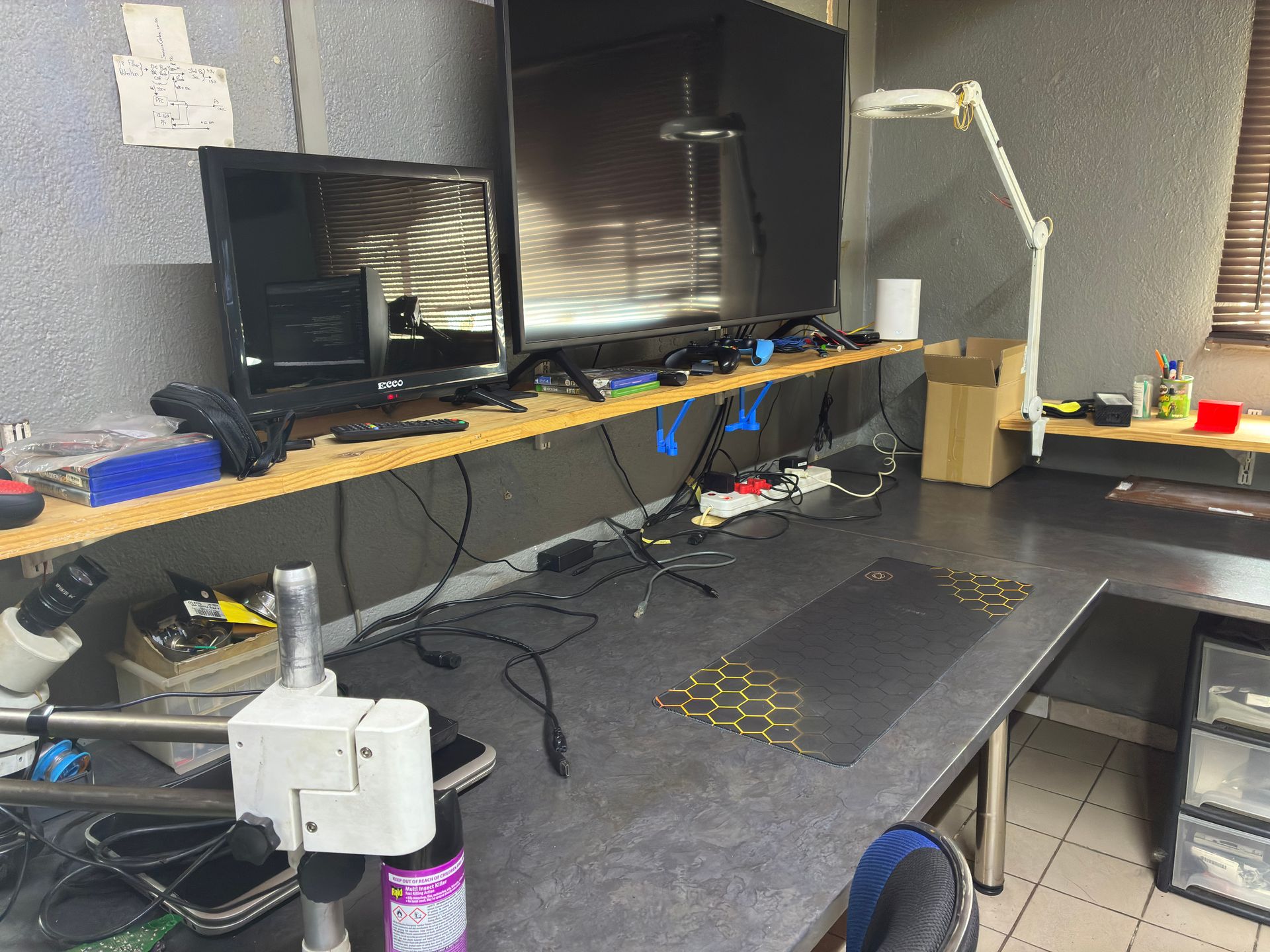
If you have tried all the quick fixes above and your PS4 still turns on and shuts off, the problem is internal and requires professional repair. Here is what to expect.
What We Do When You Bring in a Shutting-Down PS4
- Visual inspection — We check for obvious signs of damage, liquid exposure, or burnt components
- Power supply test — We test PSU voltage outputs under load to determine if the PSU is delivering stable power
- Thermal inspection — We open the console and inspect the thermal paste condition, heat sink mounting, and fan operation
- Board-level diagnosis — If PSU and thermals are fine, we inspect the motherboard for shorted components, APU solder failure, or damaged ICs
- Quote and repair — We diagnose the exact cause, quote you a fixed price, and repair with genuine or high-quality replacement parts
PS4 Shutdown Repair Pricing
Here is what PS4 shutdown repairs typically cost, depending on the root cause:
| Repair | Price |
|---|---|
| Full Service | R849 |
| Fan Replacement | R1,225 |
| PSU ADP-160CR Replacement | R1,590 |
| PSU ADP-160FR Replacement | R1,590 |
| PSU 4pin ADP-240CR Replacement | R1,615 |
| PSU ADP-300CR Replacement | R1,625 |
| PSU 5pin ADP-240AR Replacement | R1,635 |
| BLOD | R1,670 |
| PSU ADP-300ER Replacement | R1,720 |
| PSU ADP-300FR Replacement | R1,720 |
| PSU ADP-160ER 160P1A (N16) Replacement | R1,725 |
| PSU 4pin ADP-200ER Replacement | R1,750 |
*All prices include 15% VAT. Contact us for an exact quote.
All repairs include our 6-month money-back warranty. If the same issue comes back within six months, we fix it free of charge.
Not sure what is wrong? WhatsApp us at 087 550 2307 — we respond immediately, 24/7, and can often give you a good idea of what is wrong based on your symptoms before you send your console in.
For a published-by-Sony list of PS4 self-help steps before sending a console in (the same steps we run through on intake) see the PlayStation 4 troubleshooting hub.
Why You Should Not Open Your PS4 Yourself
We understand the temptation to open your PS4 and check the thermal paste or fan yourself. YouTube makes it look easy. But here is what we see regularly at our workshop from customers who tried:
- Broken fan connectors — The fan connector on the PS4 motherboard is small and fragile. Pulling it at the wrong angle rips the connector and traces off the board. Rebuilding traces takes 3-4 hours of micro-soldering and costs far more than the original service.
- Stripped screws — Using the wrong screwdriver or applying too much force strips the screw heads, making the console extremely difficult to disassemble later.
- Torn flex cables — The ribbon cables connecting the disc drive, power button, and other components tear easily if not released from their connectors correctly.
- Thermal paste on the wrong components — Applying too much thermal paste or using a poor-quality compound that contains metal shavings can short-circuit the APU.
The power supply is genuinely dangerous. Console power supplies contain capacitors that store 200-400V each. If those capacitors are not properly discharged, they can burn you or kill you. We will never advise customers to open a power supply, and neither should any guide on the internet.
Opening your console yourself risks causing additional damage — broken flex cables, stripped screws, or damaged connectors that make the repair more expensive. We strongly recommend leaving internal repairs to professionals.
How to Prevent Your PS4 From Shutting Down
Once your PS4 is repaired, follow these tips to prevent the problem from coming back.
Keep It Cool
- Place your PS4 on a flat, hard surface — never on carpet, blankets, or soft furniture
- Leave at least 10-15 cm of clearance on all sides for airflow
- Keep it out of enclosed cabinets or shelves with no ventilation
- Consider keeping your PS4 in a cooler room, especially during South African summers when ambient temperatures can exceed 35°C
Protect Against Power Surges
South Africa's load shedding is brutal on console power supplies. Protect your PS4:
- Use a quality surge protector with a minimum 1,000-joule rating
- Even better, use a UPS (Uninterruptible Power Supply) — this gives you time to shut down properly during load shedding
- Never leave your PS4 in rest mode during load shedding — when power returns, the surge can damage the PSU
- Unplug your console from the wall during scheduled load shedding if possible
For more detail, read our complete load shedding protection guide.
Regular Maintenance
- Clean external vents every 2-3 months with compressed air (short bursts from the outside)
- Get a professional full service every 2-3 years to replace thermal paste and do a proper internal clean — this is the single most effective way to prevent overheating shutdowns
- Keep your system software updated — Sony regularly releases firmware updates that improve stability
Use the Right Power Setup
- Plug your PS4 directly into a wall socket rather than a cheap multiplug
- If you must use a power strip, make sure it is a quality surge-protected model
- Avoid daisy-chaining multiple extension cords
- In areas with unstable power, a UPS is a worthwhile investment for any gaming setup
Frequently Asked Questions
Why does my PS4 turn on for a few seconds then turn off?
The most common reason is overheating from dried thermal paste. After 3-5 years, the thermal paste between the APU and heat sink degrades, causing the processor to overheat within seconds of powering on. The PS4 shuts itself down to prevent permanent damage. A professional full service with fresh thermal paste — starting from R849 — usually resolves this completely.
Can a PS4 that keeps shutting down be fixed?
Yes, in the vast majority of cases. At Console Service Centre, we successfully repair PS4 shutdown issues on a daily basis. Whether it is a thermal paste replacement, power supply swap, or fan replacement, most PS4 shutdown problems are fixable. The only exception is severe motherboard damage from liquid exposure or multiple failed DIY repair attempts.
How much does it cost to fix a PS4 that turns on and off in South Africa?
PS4 shutdown repairs typically cost between R849 and R1,670 depending on the cause. A full service (cleaning and thermal paste) starts from R849, power supply replacement ranges from R1,590 - R1,750, and more complex repairs like BLOD (APU failure) cost R1,670. All prices include 15% VAT and come with a 6-month warranty.
Is it worth repairing my PS4 or should I buy a new console?
A PS4 repair is almost always worth it financially. Even the most expensive PS4 repair at R1,670 is a fraction of the R5,000-R8,000 you would spend on a second-hand PS4, or R12,000+ for a PS5. Your existing PS4 has your games, saves, and digital library already on it. For a detailed breakdown, read our repair vs buying new guide.
Does rebuilding the database fix PS4 shutdown issues?
Rebuilding the database (Safe Mode Option 5) can fix shutdown issues that are caused by corrupted system data — but this only accounts for a small percentage of cases. If your PS4 shuts down due to overheating or a failing power supply, rebuilding the database will not help. It is still worth trying because it is free and takes only a few minutes, but do not expect it to fix a hardware problem.
Why does my PS4 only shut down when playing games but not on the home screen?
This is a classic sign of overheating. The PS4's APU works much harder when rendering a game than when sitting on the home screen. More processing power means more heat. If the thermal paste is dried out, the cooling system cannot remove heat fast enough during gaming, so the temperature hits the safety limit and the console shuts down. A full service with thermal paste replacement fixes this.
How long does a PS4 shutdown repair take?
PS4 shutdown repair turnaround depends on the workshop queue, the fault, and parts availability — anywhere from 1 hour for quick jobs to 7 working days for complex board-level work like APU reballing. We give you a clear time estimate on WhatsApp before you bring the console in.
Can load shedding cause my PS4 to keep shutting down?
Absolutely. Load shedding power surges are one of the top causes of PS4 power supply damage in South Africa. The surge when power returns can degrade PSU components over time, eventually causing intermittent shutdowns. If your PS4 started shutting down after a period of load shedding, the PSU is the prime suspect. Use a surge protector (minimum 1,000-joule rating) or UPS to protect your console going forward.
Get Your PS4 Fixed
Here is why Console Service Centre is your best choice for PS4 shutdown repairs:
- Console repair specialists since 2011 — over 25,000 consoles repaired
- Every PS4 shutdown scenario — we have seen them all
- 1,247+ Google reviews with a 4.9-star rating — Our customers trust us
- PlayStation and Xbox specialists — We do not do phones or general electronics
- 6-month money-back warranty — If the same issue returns, we fix it free
Ready to Get Your PS4 Working Again?
WhatsApp us: 087 550 2307 — We respond immediately, 24/7
Visit us: 6 Bester Street, Witfield, Boksburg
Can't get to us? We offer nationwide courier repairs. Ship your console to us via The Courier Guy, we fix it and send it back. Simple.
Topics Covered
About the Author

Shaun Potgieter
Founder & Head Technician
Expert console technician with 15+ years of hands-on repair experience.