
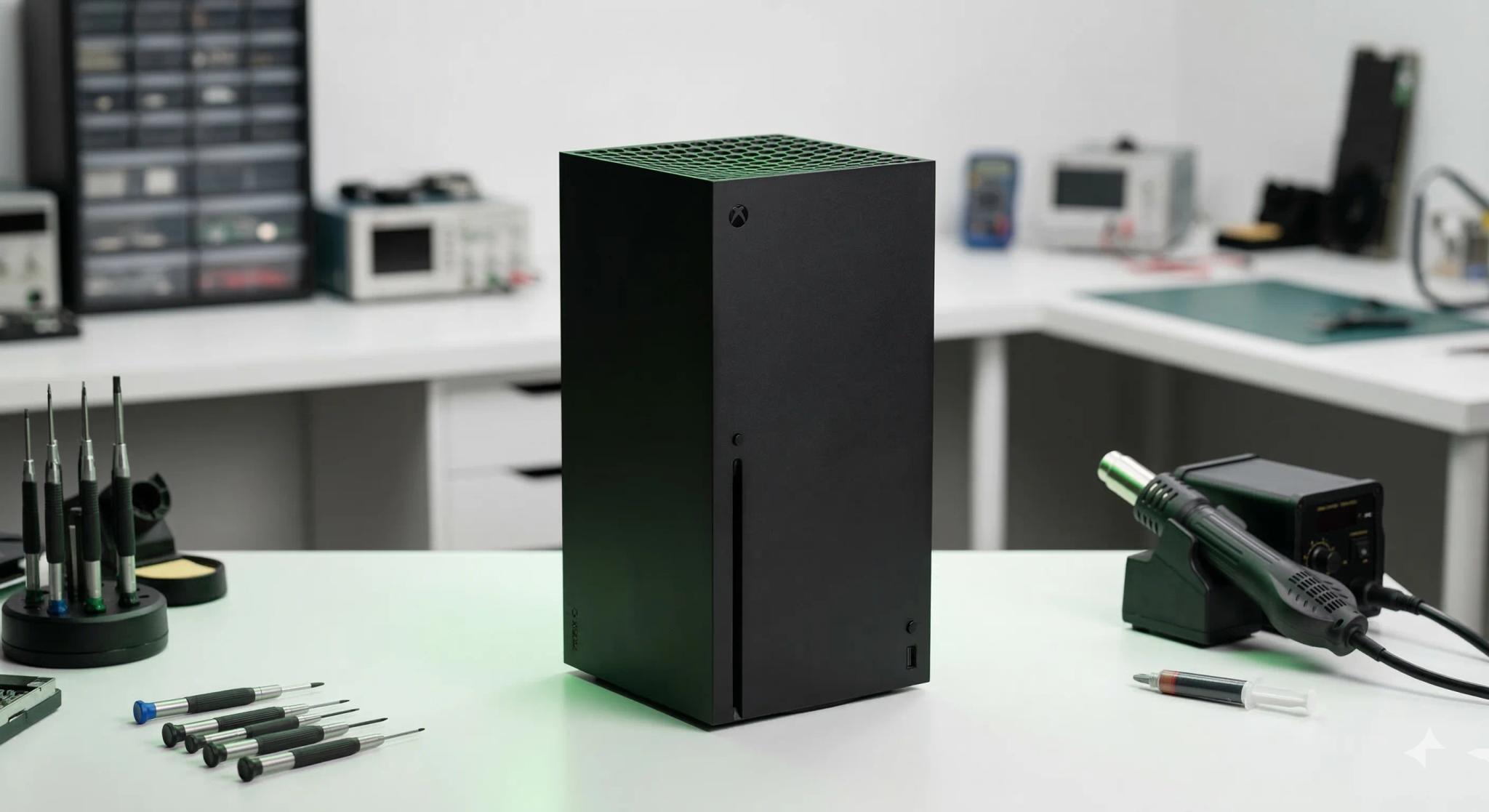
Your Xbox Series X was supposed to be the ultimate gaming machine. Instead, it's giving you a black screen, shutting down mid-game, spitting out discs, or refusing to turn on at all. Sound familiar?
You're not alone. Since 2011, after repairing thousands of Xbox consoles, we see the same Series X problems walk through our doors week after week. The good news? Some of these issues have simple fixes you can try right now. The not-so-good news? Some require professional repair — and we'll be straight with you about which is which.
This guide covers every common Xbox Series X problem we encounter at our Boksburg workshop, from quick wins you can try at home to the hardware faults that need expert attention. Own the smaller model instead? Our Xbox Series S problems guide for South Africa covers its most common faults.
Quick Wins: Try These First
Before diving into specific problems, these universal fixes resolve a surprising number of Xbox Series X issues:
-
Hard reset — Hold the power button for 10 full seconds until the console shuts off completely. Unplug the power cable, wait 30 seconds, plug it back in, and power on. This clears the cache and resolves many software glitches.
-
Check your HDMI cable — Swap to a different HDMI cable (preferably a certified Ultra High Speed HDMI cable for Series X). Try a different HDMI port on your TV as well.
-
Check ventilation — The Series X pulls cool air from the bottom and expels hot air from the top. Make sure there's at least 10-15 cm of clearance on all sides, especially above the top vent.
-
Update your console — Go to Settings > System > Updates and install any available system updates. Microsoft regularly pushes fixes for known issues.
-
Try a different power outlet — Plug the console directly into a wall socket, not a multi-plug or extension cord. Faulty power strips cause more problems than people realise.
If none of these solve your issue, read on for specific problem diagnosis.
Xbox Series X HDMI Problems
HDMI port damage is the single most common hardware fault we repair on the Xbox Series X. The symptoms are unmistakable — and unfortunately, there's no software fix for a physically damaged port.
Signs of a Damaged HDMI Port
- No picture at all — Console powers on (you hear the startup chime) but the TV shows "No Signal"
- Flickering or intermittent picture — Display cuts in and out, especially when the cable is moved
- Sparkly or speckled display — Random coloured dots across the screen
- Loose HDMI cable — The cable doesn't click firmly into the port or wiggles freely
- Bent or broken pins — If you shine a torch into the port, you can see pins that aren't straight
What Causes HDMI Port Damage
The Xbox Series X uses HDMI 2.1, which supports 4K at 120Hz and features like VRR (Variable Refresh Rate) and Auto Low Latency Mode. The port itself is the same standard Type A connector found on every console — and it's just as vulnerable to damage.
Common causes include:
- Rough cable insertion — Forcing the HDMI cable in at an angle bends the tiny pins inside the port
- Console being knocked or moved with the cable still connected — the leverage on the port bends or breaks solder joints
- Tripping over the HDMI cable — A sudden yank can damage both the port and the motherboard traces underneath
- Cheap or oversized cables — Some third-party cables have slightly oversized connectors that stress the port
Quick Fixes to Try
Before assuming the worst, try these steps:
- Try a different HDMI cable — Use a certified Ultra High Speed HDMI 2.1 cable
- Try a different HDMI port on your TV — Rule out a faulty TV port
- Try a different TV entirely — This confirms whether the issue is with your Xbox or your TV
- Check TV input settings — Make sure the TV is set to the correct HDMI input and that HDMI 2.1 features are enabled (sometimes labelled "Enhanced" or "Game Mode")
When It Needs Professional Repair
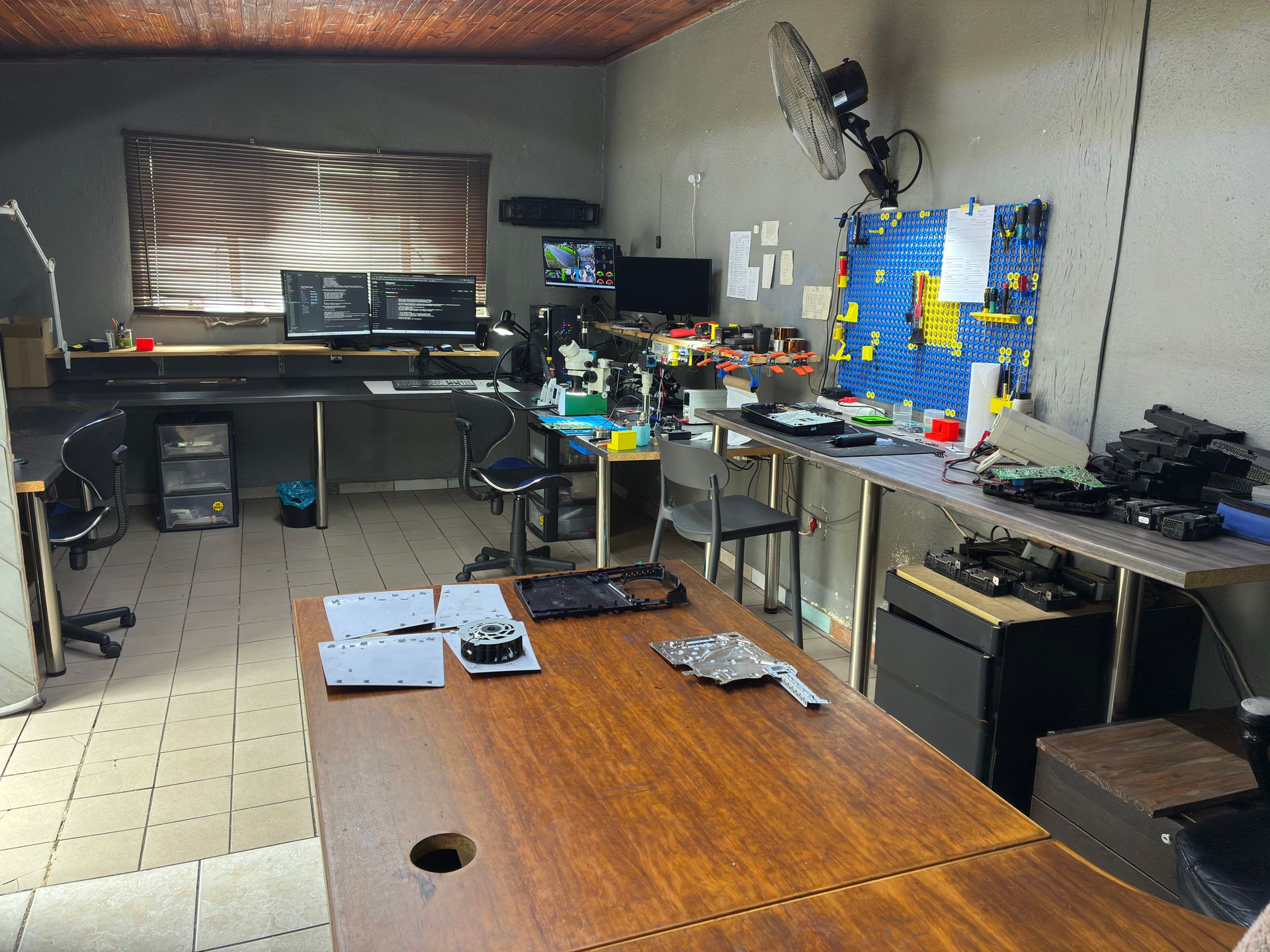
If you've tried different cables and TVs with no luck, and you can see physical damage to the port, the HDMI port needs replacing. This is a micro-soldering repair that requires a hot air rework station — not something you can do with a standard soldering iron at home.
The repair involves:
- Removing the damaged port using controlled hot air at 350-400°C
- Cleaning the pads and inspecting for trace damage
- Soldering a brand-new HDMI port onto the motherboard
- Testing at 4K resolution to verify full functionality
In some cases, the HDMI retimer chip (NB7N621M) also needs replacing. This chip sits between the APU and the HDMI port and handles the signal processing. If the port damage sent a voltage spike through the circuit, the retimer chip may have failed too. Signs include: new port installed but still no picture, or the console outputs video but only at lower resolutions.
Xbox Series X HDMI port repair costs R1,449 – R1,499 at our workshop, and most jobs are done in 3-5 working days, depending on how many repairs are in our queue and parts — quicker for a simple fix and longer when we're busy. For a full breakdown of what an HDMI port replacement costs across Xbox models, see our Xbox HDMI port repair cost guide.
Xbox Series X Overheating Problems
Launch-era Xbox Series X consoles (2020-2023) have an impressive cooling system — a large vapour chamber heatsink with a single 130mm fan (the 2024 refresh models use a copper heat-pipe cooler instead) that exhausts hot air straight up through the top vent. It's one of the better-cooled consoles on the market. But it's not immune to overheating.
Signs Your Series X Is Overheating
- Console shuts down mid-game — Especially during graphically demanding titles
- On-screen warning message — "Your console is too hot" or similar thermal warning
- Loud fan noise — The fan spinning at maximum speed constantly
- Performance drops — Frame rate stuttering or games running poorly before shutdown
- Hot to the touch — The top vent area feels abnormally hot (some warmth is normal)
What Causes Xbox Series X Overheating
Dust buildup is the number one cause. Over months and years of use, dust accumulates inside the console, coating the heatsink fins and fan blades. This reduces airflow efficiency and traps heat.
Poor ventilation is a close second. The Series X is designed to stand vertically (like a tower) or lie horizontally. Either way, it needs clear space around all vents:
- Top vent (or side vent if horizontal) — This is the exhaust. Never place anything on top of the console when it's standing upright.
- Bottom intake — Needs clearance from the surface it's resting on
- Side vents — Must not be pushed against walls or other equipment
Enclosed entertainment centres are a common culprit. Placing the Series X inside a closed cabinet is essentially putting it in an oven — the hot air has nowhere to go and recirculates.
Third-party cooling fans can actually make things worse. Some aftermarket fan attachments redirect airflow in ways Microsoft didn't intend, disrupting the natural airflow pattern and causing hotspots.
Dried thermal paste is less common on newer consoles but becomes a factor after 2-3 years of heavy use. The thermal paste between the APU and the vapour chamber heatsink dries out, reducing heat transfer efficiency.
Fixes You Can Try at Home
- Reposition your console — Ensure at least 10-15 cm clearance on all sides. Remove it from enclosed cabinets or shelving units.
- Clean external vents — Run a low-powered vacuum along the vents to lift the dust out. This is the method we use on the bench, as a vacuum pulls dust out rather than driving it deeper. Do this with the console powered off and unplugged.
- Remove third-party cooling attachments — If you've added aftermarket fans, try removing them to see if the issue improves.
- Check your room temperature — Gaming in a hot room (above 30°C) pushes any console closer to its thermal limits. South African summers can be brutal — consider a fan or air conditioning in your gaming space.
- Avoid marathon sessions — If the console shuts down after extended play, give it a 15-20 minute cool-down break.
When It Needs Professional Help
If your Xbox Series X still overheats after ensuring proper ventilation and cleaning the external vents, the issue is likely internal — dust deep inside the heatsink or degraded thermal paste.
Opening your console yourself risks causing additional damage — broken flex cables, stripped screws, or damaged connectors that make the repair more expensive. We strongly recommend leaving internal repairs to professionals.
A professional full service includes complete disassembly, thorough dust removal, fan cleaning, heatsink cleaning, and fresh thermal paste application. For the Xbox Series X, we use a high-quality thermal paste specifically tested on gaming console chipsets — no metal shavings that could short-circuit the APU.
An Xbox Series X full service costs R1,249 at our workshop.
Xbox Series X Disc Drive Problems
The Xbox Series X features a 4K Ultra HD Blu-ray disc drive — and it's one of the more complex mechanical components in the console. When it fails, the symptoms are hard to miss.
Common Disc Drive Symptoms
- Not accepting discs — You push a disc in but the console won't pull it in
- Not reading discs — The disc goes in but games won't load, or you see "Can't read disc" errors
- Grinding or clicking noises — Mechanical sounds when a disc is inserted
- Disc gets stuck — The disc won't eject, or gets stuck halfway
- Ejecting discs randomly — The console spits out discs without being prompted
- Loud spinning — The disc spins loudly but the game won't launch
What Causes Disc Drive Failure
- Laser degradation — The optical laser weakens over time, especially with heavy use. It can no longer read the data pits on the disc surface reliably.
- Mechanical wear — The rollers and gears that pull discs in and eject them wear down or break.
- Foreign objects — Dust, crumbs, or small items falling into the disc slot jam the mechanism.
- Disc damage — Scratched or warped discs can damage the laser lens or scratch other discs that follow.
- Power surges — Load shedding and power surges can damage the drive's controller board. If you're in South Africa, a quality surge protector is essential. Read our guide on protecting your console from load shedding.
Fixes You Can Try
- Restart your console — A hard reset (hold power for 10 seconds) can clear software glitches affecting the drive.
- Check the disc — Inspect for scratches, smudges, or fingerprints. Clean with a soft cloth from centre to edge (never in circles).
- Try a different disc — If one disc fails but others work, the problem is the disc, not the drive.
- Clear the Blu-ray cache — Go to Settings > Devices & connections > Blu-ray > Persistent storage > Clear persistent storage.
- Check for system updates — Microsoft occasionally pushes firmware updates that address disc drive bugs.
- Try an offline system update — Download the offline update from Xbox.com onto a USB drive and install it manually. This can resolve firmware issues affecting the drive.
When It Needs Professional Repair
If the drive makes grinding noises, refuses to accept or eject discs, or fails to read any disc at all, the mechanical components or laser need replacing. This isn't a DIY repair — the disc drive in the Xbox Series X requires careful disassembly to access, and the drive may need to be paired to the motherboard after replacement.
Xbox Series X disc drive repair costs R1,249 at our workshop, depending on whether the issue is the laser, the drive mechanism, or the full drive assembly.
Not sure what's wrong? WhatsApp us at 087 550 2307 — we respond immediately, 24/7, and can often give you a good idea of what's wrong based on your symptoms before you send your console in.
Xbox Series X Power Issues
A console that won't turn on is arguably the most frustrating problem of all. There's no error message to Google, no on-screen clue — just silence.
Symptoms of Power Problems
- Completely dead — No response at all when you press the power button. No light, no sound, nothing.
- Power light flickers then dies — The console briefly shows signs of life before shutting off
- Turns on then immediately shuts off — Powers up for a second or two, then clicks off
- Beeps but doesn't turn on — You hear the power chime but the console doesn't boot
- Random shutdowns — Console powers off unexpectedly during use (could also be overheating — see above)
What Causes Power Failures
The Xbox Series X has an internal 315W power supply unit (PSU). Unlike the original Xbox One which had an external power brick, the Series X PSU is built into the console chassis. It uses an IEC C7 figure-8 (2-pin) power cable.
Common causes of power failure include:
- Power surges — South Africa's load shedding is a major culprit. When power returns after a load shedding cycle, the voltage spike can damage the PSU's capacitors and voltage regulators. We see a spike in Xbox power supply repairs after every round of heavy load shedding.
- Lightning strikes — Even indirect lightning can send a surge through the mains that destroys the PSU.
- Faulty power cables — A damaged or frayed power cable can cause intermittent power delivery.
- Worn capacitors — Capacitors inside the PSU degrade over time, especially in areas with unstable power supply.
- Motherboard fault — In rare cases, the motherboard itself has a power regulation issue rather than the PSU.
Fixes You Can Try
- Full power cycle — Unplug the power cable from the console (not just the wall). Wait 60 seconds. Hold the power button for 10 seconds (while unplugged) to drain residual power. Plug back in and try again.
- Try a different power cable — The Series X uses a 2-pin figure-8 cable. Borrow one from a PlayStation, an Xbox Series S or a small laptop brick to test.
- Try a different wall outlet — Plug directly into the wall, bypassing any multi-plugs, surge protectors, or extension cords. A faulty adapter or strip could be the problem.
- Check for overheating signs — If the console was running hot before it died, let it cool down completely (30+ minutes) before trying again. The thermal protection may have kicked in.
- Look for visible damage — Check the power cable and plug for burn marks, fraying, or a burning smell. If you see any, stop using that cable immediately.
When It Needs Professional Repair
If none of the above works, the internal power supply has likely failed and needs replacing. Do not attempt to open the console to access the PSU — console power supplies contain capacitors that store 200-400V each. If not discharged properly, these capacitors can cause serious burns or even be fatal.
Xbox Series X power supply repair costs R2,099 at our workshop.
Protecting your Xbox from future power damage: Invest in a quality surge protector with a minimum 1,000 joule rating. For the best protection during load shedding, consider a UPS (uninterruptible power supply) that gives you time to shut down properly when the power cuts. Never leave your Xbox in instant-on mode during scheduled load shedding. Read our full load shedding protection guide for more details.
Xbox Series X Wi-Fi and Network Issues
While not as common as the hardware faults above, network connectivity problems can be incredibly frustrating — especially since so many Xbox games require an online connection.
Common Network Symptoms
- Won't connect to Wi-Fi — Can't find your network or fails to connect
- Frequent disconnections — Drops from Xbox Live mid-game
- Slow download speeds — Games and updates take far longer than expected
- NAT type issues — Strict or moderate NAT causing multiplayer problems
- "DNS isn't resolving Xbox server names" error
Fixes You Can Try
- Restart your router — Unplug your router for 30 seconds and plug it back in. This resolves most temporary connection issues.
- Test your connection — Go to Settings > General > Network settings > Test network connection. This will identify where the connection is failing.
- Switch to a wired connection — The Series X has a gigabit Ethernet port. A wired connection is always more stable and faster than Wi-Fi for gaming.
- Change DNS settings — Go to Settings > General > Network settings > Advanced settings > DNS settings. Try Google DNS (8.8.8.8 / 8.8.4.4) or Cloudflare DNS (1.1.1.1 / 1.0.0.1).
- Clear MAC address — Go to Settings > General > Network settings > Advanced settings > Alternate MAC address > Clear. This resets your network configuration.
- Change Wi-Fi band — If your router supports both 2.4GHz and 5GHz, try switching. The 5GHz band is faster but has shorter range; 2.4GHz has better range but is more prone to interference.
When It's a Hardware Problem
If you've tried everything above and the console still can't connect (especially if Ethernet doesn't work either), the Wi-Fi or LAN IC chip on the motherboard may have failed. This requires board-level repair and is not something you can fix at home.
Xbox Series X Error Codes
The Xbox Series X communicates hardware and software failures through error codes — typically starting with "E" followed by numbers. We've written a comprehensive guide covering every common error code, what it means, and how to fix it.
Read our full Xbox Series X & S error codes guide for detailed troubleshooting on E100, E102, E106, and other common codes.
The short version: if a hard reset and offline USB update don't clear the error, the console likely needs professional diagnosis. Error codes that persist after a software reset usually indicate hardware failure — commonly the SSD, southbridge chip, or other board-level components.
Xbox Series X Pricing: All Repairs
Here's what Xbox Series X repairs cost at Console Service Centre.
| Repair | Price |
|---|---|
| NFD Replacement (ESD) | R1,149 |
| Drive Repair | R1,249 |
| Full Service | R1,249 |
| Power/Eject Button Flex Cable Connector Nexus FPC | R1,399 |
| HDMI Port Replacement | R1,449 |
| Fan Replacement | R1,499 |
| HDMI Port Trace Repair | R1,499 |
| HDMI IC NB7N621M Replacement | R1,799 |
| Power Supply | R2,099 |
*Prices shown are the total amount payable.
Get an exact quote on WhatsApp →Every repair comes with our 6-month money-back warranty. If the same issue returns within 6 months, we fix it free of charge. Visit our Xbox Series repair page for more details on what we fix and how the process works.
How to Prevent Xbox Series X Problems
Most Xbox Series X failures we see could have been prevented. Here are our top recommendations after repairing thousands of Xbox consoles:
Ventilation and Placement
- Keep at least 10-15 cm clearance on all sides
- Never place the console inside an enclosed cabinet
- If standing vertically, don't place anything on top
- If lying horizontally, don't stack anything on it
- Avoid placing it near heat sources (radiators, direct sunlight, other electronics)
Power Protection
- Use a quality surge protector (minimum 1,000 joule rating)
- Consider a UPS for load shedding protection
- Never use instant-on mode during scheduled load shedding — turn the console off completely
- Plug directly into the surge protector — not through extension leads
Disc Drive Care
- Insert discs gently and straight — never force them
- Keep the disc slot area clean and free of debris
- Store game discs in their cases when not in use
- Clean discs from centre to edge with a soft, dry cloth
General Maintenance
- Lift dust from external vents with a low-powered vacuum every few months
- Keep the area around your console clean and dust-free
- Install system updates promptly — they often include stability fixes
- Don't move the console while a disc is spinning
Cable Management
- Don't leave the HDMI cable under tension or at a sharp angle
- Route cables so they can't be tripped over or snagged
- Use a certified Ultra High Speed HDMI cable for the best 4K/120Hz experience
Frequently Asked Questions
Why does my Xbox Series X have no picture?
The most common cause of no picture on an Xbox Series X is a damaged HDMI port — check for bent pins or a loose cable connection. Try a different HDMI cable and TV first. If the console powers on (you hear the chime) but shows nothing on screen, the HDMI port or retimer chip likely needs professional repair. Xbox Series X HDMI repair costs R1,449 – R1,499 at our workshop.
Why does my Xbox Series X keep overheating?
Dust buildup inside the console is the primary cause of Xbox Series X overheating. Ensure proper ventilation (10-15 cm clearance all sides), clean external vents with a low-powered vacuum, and remove any third-party cooling attachments. If it still overheats, the thermal paste likely needs replacing — a professional full service costs R1,249.
How much does Xbox Series X repair cost in South Africa?
Xbox Series X repairs at Console Service Centre range from R1,249 depending on the fault. HDMI port replacement costs R1,449, full service costs R1,249, and power supply repair costs R2,099. Every repair comes with a 6-month warranty.
Can a broken Xbox Series X disc drive be fixed?
Yes, in most cases. We repair Xbox Series X disc drives by replacing the faulty laser, drive mechanism, or complete drive assembly depending on the specific issue. Disc drive repair costs R1,249. The repaired drive is tested with multiple disc types before the console is returned.
Is it worth repairing an Xbox Series X or should I buy a new one?
An Xbox Series X costs around R11,000-R13,000 new. Most repairs cost well under half that. Even the most expensive repair is significantly cheaper than replacement. With our 6-month warranty, you're getting a fully functional console at a fraction of the price. Read our detailed repair vs buying new analysis for the full breakdown.
How long does Xbox Series X repair take?
Most Xbox Series X repairs are done in 3-5 working days from when we receive the console, depending on how many repairs are in our queue, the fault, and parts. Complex board-level repairs (like southbridge issues) or busy periods take longer. We'll give you an estimate when we assess your console.
Do you repair Xbox Series X consoles from outside Boksburg?
Absolutely. We offer nationwide courier repairs via The Courier Guy. You ship your Xbox Series X to us, we repair it, and ship it back. Customers from Cape Town, Durban, Pretoria, and everywhere in between use our courier service regularly.
Will repairing my Xbox Series X delete my games and saves?
For most repairs (HDMI, power supply, disc drive, full service), your data stays intact. The only repairs that may affect your data are those involving the internal SSD. If there's any risk to your data, we'll let you know upfront before starting the repair. We always recommend keeping your games and saves backed up to cloud storage via Xbox Live.
Get Your Xbox Series X Fixed
Here's why Console Service Centre is your best choice:
- Console repair specialists since 2011 — over 25,000 consoles repaired
- We know what we're doing — every Xbox Series X issue, every fix
- 1,346+ Google reviews with a 4.9-star rating
- PlayStation and Xbox specialists — We don't do phones or general electronics
- 6-month money-back warranty — If the same issue returns, we fix it free
Ready to Get Your Xbox Series X Working Again?
WhatsApp us: 087 550 2307 — We respond immediately, 24/7
Visit us: 6 Bester Street, Witfield, Boksburg
Can't get to us? We offer nationwide courier repairs. Ship your console to us via The Courier Guy, we'll fix it and send it back. Simple.
Topics Covered
About the Author

Shaun Potgieter
Founder & Head Technician
Expert console technician with 15+ years of hands-on repair experience.