
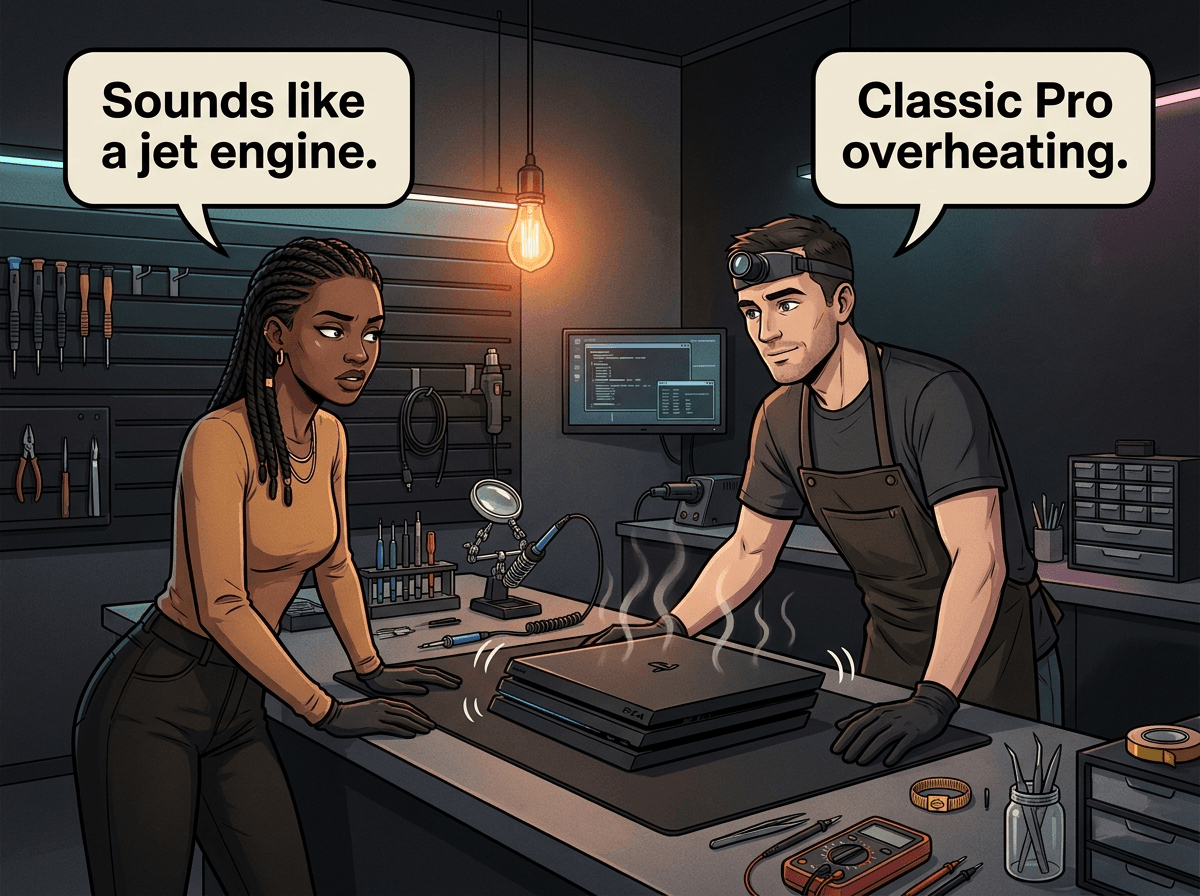
The PS4 Pro was Sony's 4K gaming powerhouse — more processing power, a bigger GPU, and the ability to run games at higher frame rates than the original PS4 or Slim. That extra performance comes at a cost: the Pro runs significantly hotter than the other PS4 models, and that heat creates problems that are specific to this console.
We have repaired more than 30 PS4 Pro units from our CRM alone, with overheating, Blue Light of Death, and disc drive failures making up the majority of those jobs. This guide covers every common PS4 Pro problem we see at Console Service Centre, what causes each one, what you can try at home, and what it costs when professional repair is needed.
Why the PS4 Pro Fails Differently to Other PS4 Models
The PS4 Pro (CUH-7000 series) has a more complex cooling system than the original PS4 or Slim, handling a higher thermal load from its more powerful GPU and CPU. When that cooling system starts struggling — from dust buildup, dried thermal paste, or fan wear — the Pro overheats faster and harder than its siblings.
The APU on the PS4 Pro is also more expensive to reball when it fails. A standard PS4 BLOD repair costs around the same as on other models, but the Pro's board layout and the value of the console means the repair decision carries more weight.
Understanding these differences helps you make smarter decisions about when to try a home fix and when to get a professional involved. If you're not sure which PS4 you own or how the models stack up, our PS4 Original vs Slim vs Pro comparison breaks down the differences, and PS4 Slim owners can head straight to our PS4 Slim problems repair guide.
Quick Fixes to Try Before Sending Your PS4 Pro In
These steps are safe and require no tools. They resolve a surprising number of PS4 Pro issues — plenty of the cases we see started with nothing more than a software glitch or poor ventilation.
1. Hard Power Reset
- Hold the power button for 7-10 seconds until the PS4 Pro beeps twice
- The console will force shut down
- Unplug the power cable from the back
- Wait 60 seconds — this drains residual charge from the capacitors
- Plug the power cable back in and restart
This clears temporary glitches that cause blue light hangs, black screens, and unexpected shutdowns.
2. Check Your Ventilation Setup
The PS4 Pro needs clear airflow to run reliably. Check:
- At least 10 cm of clearance on all sides, especially behind and above
- Not sitting inside a closed entertainment unit
- Not stacked on top of another console or AV device
- Vents not blocked by cables, controllers, or decorative items
A Pro that overheats due to poor ventilation will keep overheating until the environment changes.
3. Clean the External Vents
Dust builds up in the intake and exhaust vents over time, reducing airflow. Run a low-powered vacuum along the vents to lift the dust out — this is Sony's own guidance for PlayStation consoles, because a vacuum pulls dust out rather than driving it deeper. Unplug the power cable first.
Do not attempt to open the console. The PS4 Pro's internal components include a power supply with high-voltage capacitors. If you need internal cleaning, a professional full service is the right call.
4. Update Your PS4 Pro's Software
Outdated firmware can cause crashes, disc reading failures, and display issues. Update via:
Settings → System Software Update → Update Now
If the console won't boot far enough to reach the settings, you can update from Safe Mode (Step 3 in Safe Mode menu).
5. Try Safe Mode
Safe Mode lets you run basic system diagnostics without loading the full operating system. To enter Safe Mode:
- Hold the power button until the second beep (about 7 seconds)
- Connect your controller via USB cable (Bluetooth does not work in Safe Mode)
- Press the PS button on the controller
From here, try Rebuild Database (Option 5) — this fixes many performance and crash issues. If your issue is display-related, try Change Resolution (Option 2) to rule out a resolution mismatch.
PS4 Pro Problems: Full Breakdown
1. Overheating — The Most Common PS4 Pro Problem
What you notice:
- Console becomes very loud (fans run at full speed continuously)
- Hot air from the exhaust vents
- Games crash, PS4 shuts down mid-session
- Error message: "Your PS4 is too hot"
- Console feels warm even in the main menu
Why the PS4 Pro overheats:
The PS4 Pro's thermal paste — the compound that transfers heat from the APU to the heatsink — dries out and becomes less effective after 3-5 years. When the paste fails, temperatures spike and the console throttles performance to protect the hardware. Combined with dust restricting airflow and fan wear reducing cooling efficiency, the Pro's higher power draw creates a perfect overheating scenario.
Citable fact: The PS4 Pro generates significantly more heat than the PS4 Slim due to its higher-performance GPU. After 3-5 years, the stock thermal paste typically dries out, reducing thermal conductivity and causing the console to overheat even in a well-ventilated space. A professional full service — including dust removal, fan cleaning, and fresh thermal paste — resolves most PS4 Pro overheating problems.
What we find at our workshop:
The vast majority of overheating PS4 Pro units we see have not been serviced since purchase. Six or seven years of continuous use without a thermal paste replacement is common — and by that point, the paste has turned to a chalky powder with almost no heat transfer ability.
What to do:
External cleaning (a low-powered vacuum along the vents) can provide temporary relief, but a PS4 Pro that is regularly triggering thermal shutdowns needs a full internal service. This involves full disassembly, replacing the thermal paste, cleaning the fans and heatsink, and testing thermals after reassembly.
Important: Opening the PS4 Pro yourself risks damaging the fan connector, flex cables, and plastic housing. We see consoles come in with additional damage caused by self-service attempts — broken connector tabs, stripped screws, and ripped ribbon cables. Professional service protects your console.
See our PS4 overheating repair service for details.
2. Blue Light of Death (BLOD)
What you notice:
- Press power button — console beeps once
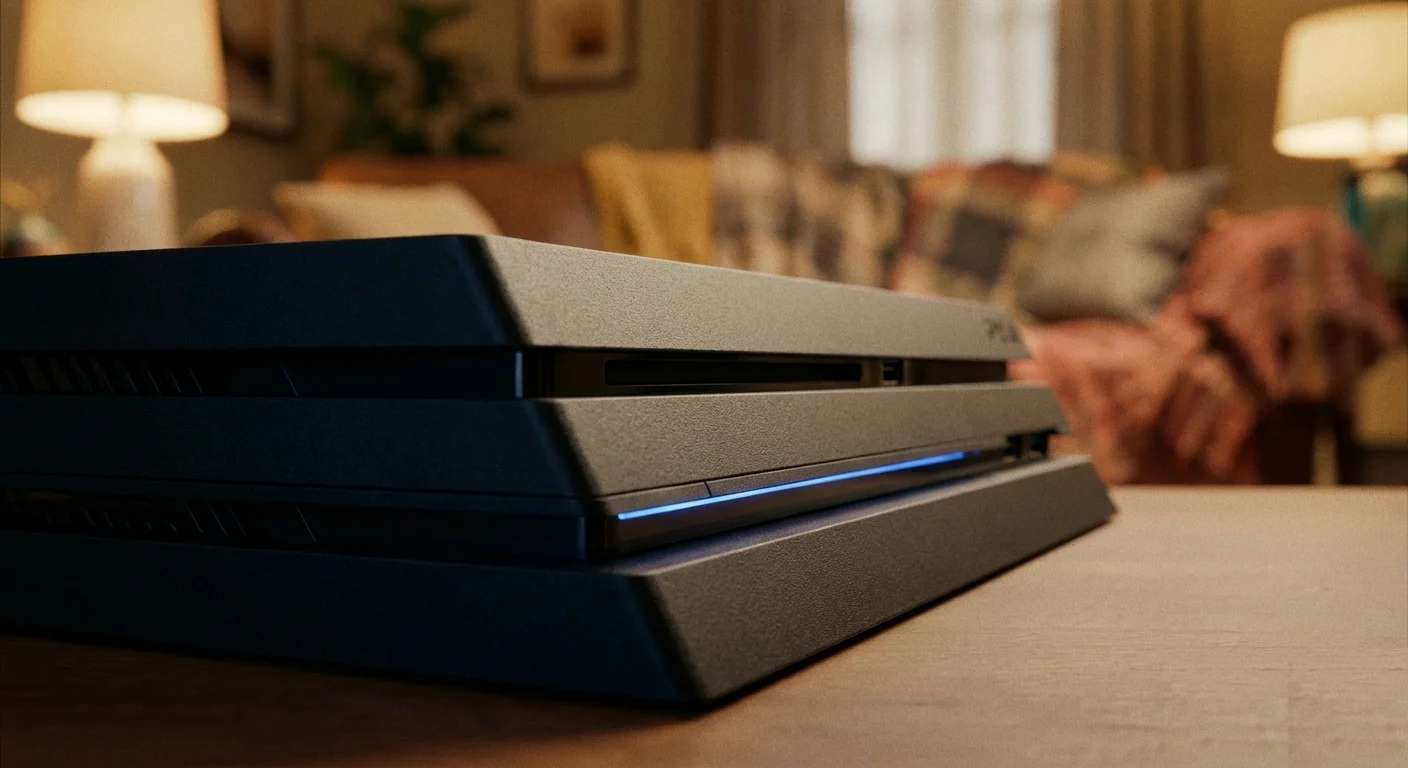
- Blue light pulses continuously
- TV shows no video signal
- Console sometimes shuts off after several seconds of pulsing
- Never reaches the solid white light of normal operation
What causes BLOD:
The PS4 Blue Light of Death is almost always a hardware fault. The two most common causes are:
- APU solder failure (BGA failure) — The main processor chip loses its solder connection to the motherboard. The console tries to boot but the APU cannot communicate properly. This is the most expensive BLOD repair.
- HDMI encoder chip failure — The MN864729 chip responsible for video output fails. The console boots successfully internally but cannot produce a video signal.
The PS4 Pro distinction:
On the Pro, APU reball repairs are more involved due to the board's complexity and the chip's higher thermal cycling over its lifespan. If your Pro is 6+ years old and has been running hot, APU failure is a real possibility.
For a full breakdown of BLOD causes and home troubleshooting steps, see our PS4 Blue Light of Death guide.
Citable fact: The PS4 Blue Light of Death (BLOD) occurs when the console fails to complete its boot sequence. The two primary hardware causes are APU BGA solder failure and HDMI encoder chip (MN864729) failure. On the PS4 Pro, APU reball repair costs R1,599 at Console Service Centre in Boksburg, South Africa. HDMI IC replacement costs R1,649.
What we do:
We run diagnostics to identify whether the issue is the APU, HDMI IC, or another component before quoting you. We will not ask you to commit to a repair without knowing what is wrong first.
See our board-level repair service for BLOD and APU work.
3. No Video Output / Black Screen (With Power)
What you notice:
- PS4 Pro powers on (solid white light or pulsing white)
- TV shows "No Signal"
- Audio works through optical/USB audio but no picture
- HDMI cable works fine on other devices
The most likely causes:
a) HDMI port damage — The PS4 Pro's HDMI port is soldered directly to the motherboard. Bent or broken pins from an accidental knock or forceful cable insertion break the connection. This is one of our most common PS4 Pro repairs.
b) Resolution mismatch — If the PS4 Pro was last set to 4K/HDR output and is now connected to a TV that does not support those settings, you will get a black screen. Fix this through Safe Mode → Change Resolution.
c) HDMI encoder chip failure — The MN864729 chip that converts the console's output to HDMI video fails. Less common than port damage but possible on older units.
If your TV shows no signal despite Safe Mode not helping, the issue is almost certainly hardware. A damaged HDMI port cannot be fixed at home — it requires a hot air rework station to desolder and resolder the replacement port.
See our HDMI repair service for PS4 Pro HDMI port and IC repairs.
4. Disc Drive Not Reading / Not Accepting Discs
What you notice:
- Disc drive makes grinding or clicking noise
- Discs are rejected immediately
- Console accepts discs but cannot read them (game not found error)
- Disc slot has no mechanical response when inserting
Common causes on PS4 Pro:
The PS4 Pro (CUH-7000 and CUH-7100) uses a KES-496A laser on the KEM-496AAA deck — the same family as the PS4 Slim. After 4-5 years of heavy use, laser diodes weaken and can no longer reliably read discs — especially scratched or dual-layer discs.
The drive mechanism itself can also fail. A worn cradle (the tray that grips and loads the disc) causes the grinding/clicking sound and immediate disc rejection.
What to try at home:
- Clean the disc — wipe from centre to edge with a soft, lint-free cloth (never circular)
- Try another disc to confirm whether the issue is disc-specific or drive-wide
- Check the disc for deep scratches (surface scratches are usually fine; deep gouges are not)
- Restart the console — occasionally a disc drive timeout needs a reboot to clear
If the problem affects all discs, the laser or drive mechanism needs replacement. This requires disassembly and is not a home repair.
Citable fact: The PS4 Pro (CUH-7000 and CUH-7100) uses KES-496A laser units. Laser replacement at Console Service Centre costs from R1,549. A complete disc drive replacement with new laser costs R1,899. All repairs include a 6-month warranty.
See our disc drive repair service for PS4 Pro disc issues.
5. No Power — Won't Turn On
What you notice:
- No response when pressing the power button
- No lights, no beeps, no fan spin
- Power cable is firmly connected
- Hard reset has no effect
Why the PS4 Pro won't turn on:
The PS4 Pro uses an internal ADP-300 series power supply. Two things typically cause complete power failure:
- Power supply failure — The PSU itself has failed. This can happen due to a power surge (especially relevant in South Africa where load shedding causes voltage fluctuations during power restoration), component wear, or liquid damage.
- Surge damage — A particularly bad power cut or lightning strike can damage the PSU or other motherboard components in addition to the PSU.
The PS4 Pro power supply is internal and integrated into the console — unlike the Xbox One Original, which had an external power brick. You cannot simply unplug and replace it without opening the console.
Before assuming the PSU has failed, verify that:
- The power cable is fully seated at both ends
- The power outlet is working (test with another device)
- There is no visible burn mark or smell from the console
If none of the above apply, see our PS4 won't turn on guide for additional home troubleshooting before booking a repair.
PSU repair note: The PS4 Pro's power supply is rated well above what the console actually pulls — measured draw under load is roughly 150-180W, against Sony's 310W maximum figure. Replacement costs from R1,799 depending on the specific PSU model your unit uses.
6. Wi-Fi Dropping / Not Connecting
What you notice:
- PS4 Pro frequently drops PSN connection
- Cannot see Wi-Fi networks
- Download speeds much slower than expected
- Other devices on the same network work fine
The cause:
Wi-Fi on the PS4 Pro is handled by a combined Wi-Fi/Bluetooth module connected to the motherboard. The antenna is a small clip-on wire routed inside the chassis. Over time, the module degrades — especially in environments with high Wi-Fi congestion — and the antenna connection can loosen.
What to try at home:
- Move the console closer to your router temporarily to test signal strength
- Switch to a 2.4GHz network (better range) vs 5GHz (less interference at short range)
- Go to Settings → Network → Set Up Internet Connection and set up the connection fresh
- Restart both the PS4 Pro and your router
- Check if the same issue happens with an Ethernet cable — if wired works fine, the problem is definitely Wi-Fi specific
If these steps do not resolve it and Wi-Fi genuinely does not work, the module likely needs replacement.
7. Slow Performance / Freezing
What you notice:
- Games take much longer to load than they used to
- PS4 home screen feels sluggish
- Console freezes mid-session and requires a hard restart
- Database corruption error at startup
The most common causes:
a) Database corruption — Over time, the PS4 Pro's software database becomes fragmented and occasionally corrupted. This is one of the most common causes of general slowness and freezing, and it is easily fixed.
Fix: Safe Mode → Rebuild Database (Option 5). This typically takes 10-60 minutes and does not delete your save data.
b) Hard drive problems — The PS4 Pro shipped with a 1TB 2.5" SATA hard drive. After years of heavy use, the HDD can develop bad sectors that cause slow reads, stuttering, and freezes.
To check for HDD issues: Settings → Initialise PS4 (Full) — if the initialisation process itself freezes or produces errors, the drive has likely failed.
c) Overheating causing thermal throttling — A Pro running too hot reduces GPU and CPU speed to protect itself. This looks like general sluggishness but is actually a thermal management response.
When to Seek Professional PS4 Pro Repair
The home fixes above — power resets, Safe Mode, database rebuilds, external cleaning — resolve a fair share of PS4 Pro problems. For everything else, professional repair is the practical route.
Get your PS4 Pro repaired by a professional if:
- Overheating continues after checking ventilation (internal thermal paste replacement needed)
- Blue Light of Death persists after a power reset and Safe Mode attempt
- There is no video output and Safe Mode resolution change does not help
- The disc drive makes grinding noises or rejects all discs
- The console does not respond to the power button at all
Opening your PS4 Pro yourself is strongly discouraged. We see consoles come in regularly with additional damage caused by self-service attempts. The most common damage we see:
| Customer Action | What Went Wrong | Result |
|---|---|---|
| Tried to clean fan | Fan connector broken off | 3-4 hours of trace rebuild |
| Attempted thermal paste replacement | Flex cable ripped | Additional component replacement |
| Tried to remove drive | Stripped screws | Console housing damaged |
| Applied thermal paste on APU | Wrong application | Short risk, still overheating |
Professional repair saves money in the long run. The original repair cost is always lower than the original repair plus the cost of fixing the damage caused by the attempt.
Not sure what's wrong? WhatsApp us at 087 550 2307 — we respond immediately, 24/7, and can often help you identify the problem from symptoms before you even visit.
PS4 Pro Repair Pricing
| Repair | Price |
|---|---|
| Full Service | R1,249 |
| Hard Drive Repair & Software Reload | R1,249 |
| HDMI Port Replacement | R1,249 |
| HDMI Port Trace Repair | R1,499 |
| Laser KES-490A Replacement | R1,549 |
| Fan Replacement | R1,599 |
| Laser KES-490A With Deck Replacement | R1,599 |
| HDMI IC MN864729 Replacement (WLOD) | R1,649 |
| Laser KES-496A Replacement | R1,649 |
| Disc Drive Only | R1,799 |
| Complete Drive with Laser | R1,899 |
| Hard Drive Replacement & Software Reload 1TB (Normal) | R1,899 |
| Hard Drive Replacement & Software Reload 2TB (Normal) | R2,299 |
| Hard Drive Replacement & Software Reload 1TB (SSD) | R2,749 |
*Prices shown are the total amount payable.
Get an exact quote on WhatsApp →Note: A R599 bench fee applies if you decline the repair after assessment, or if the console is determined unrepairable.
Preventing PS4 Pro Problems
The PS4 Pro's tendency to run hot means proactive maintenance matters more for this model than for the Original or Slim.
Ventilation (Most Important)
Keep the console in an open space with at least 10 cm of clearance on all sides. Avoid:
- Closed entertainment units with no ventilation
- Carpeted surfaces (block the underside vents)
- Stacking other devices on or directly beside the console
If your Pro is in a cabinet, consider leaving the cabinet door open during gaming sessions or cutting ventilation holes in the cabinet rear.
Horizontal vs Vertical Placement
The PS4 Pro can run in either orientation, but horizontal placement is generally better for long gaming sessions. Vertical placement with a poorly designed stand can restrict airflow to the bottom intake vents.
Power Protection (South African Specific)
Load shedding voltage spikes when the power returns are a real risk for any electronic device, including the PS4 Pro. The spike at power restoration can damage the internal PSU and, in severe cases, the motherboard.
Protect your PS4 Pro with:
- An AVR (Automatic Voltage Regulator) — filters voltage spikes during power restoration. Far more effective than basic surge protectors.
- A UPS (Uninterruptible Power Supply) — provides battery backup during outages and regulates voltage. Best protection for frequent load shedding.
At minimum, switch the console off and unplug it before the start of a scheduled outage. Switching it off at the outlet during load shedding removes the spike risk entirely.
When to Book a Full Service
Most PS4 Pro units benefit from a professional full service every 2-3 years of regular use. If your console is more than 5 years old and has never been serviced, it is likely overdue — even if it has not started showing symptoms yet.
Signs your PS4 Pro needs a service sooner:
- Fan noise has increased noticeably in recent months
- Games feel warmer to the touch on the console chassis
- Loading times have slowed down compared to when the console was new
- You notice the console getting loud more quickly into a gaming session than before
Frequently Asked Questions
Why does my PS4 Pro overheat when my original PS4 didn't?
The PS4 Pro has a more powerful GPU and higher power draw than the PS4 Original or Slim. It generates more heat under load and relies on its cooling system working efficiently. After 3-5 years, the thermal paste dries out and becomes less effective, causing the Pro to overheat even under conditions that would not trouble a recently serviced console. The PS4 Original has a less demanding thermal situation, so it is more forgiving of aged thermal paste.
How much does PS4 Pro repair cost in South Africa?
PS4 Pro repair costs depend on the fault. A full service (thermal paste replacement, internal cleaning) costs R1,249. HDMI port repair costs R1,249. Blue Light of Death (BLOD) repair ranges from R1,649 for an HDMI IC replacement to R1,599 for an APU reball. Power supply replacement costs from R1,799. All prices come with a 6-month warranty at Console Service Centre in Boksburg.
Is it worth repairing a PS4 Pro in 2026?
Yes, in most cases. The PS4 Pro still runs a large library of PS4 and PS4 Pro enhanced games, and a repaired console with a fresh full service will last several more years. The most expensive common repair — APU reball at R1,599 — is still significantly less than the cost of a replacement. For issues like full service, HDMI port, or disc drive, the repair cost-to-value ratio is clearly in favour of repair. We recommend getting a diagnosis first: WhatsApp us at 087 550 2307 for an honest assessment of whether repair makes sense for your specific situation.
What is the Blue Light of Death on PS4 Pro?
The PS4 Blue Light of Death (BLOD) is when your PS4 Pro powers on with a pulsing blue light that never turns to solid white, meaning the console fails to complete its startup sequence. The most common causes are APU solder failure (BGA failure) or HDMI encoder chip failure. A power reset clears BLOD occasionally — if the blue light returns repeatedly, the console needs a hardware diagnosis. See our full PS4 BLOD guide for detailed home troubleshooting steps.
How long does PS4 Pro repair take?
PS4 Pro repair turnaround depends on the workshop queue, the fault, and parts availability — anywhere from 1 hour for quick jobs to 7 working days for complex board-level work. We give you a realistic timeframe on WhatsApp before you drop off or ship your console.
Can I send my PS4 Pro for repair if I'm not in Boksburg?
Yes. We offer a nationwide courier repair service via The Courier Guy. You ship your console to us, we repair it and ship it back. Customers from Cape Town, Durban, Johannesburg, and across South Africa use this service regularly. WhatsApp us at 087 550 2307 to arrange a courier repair.
Does a PS4 Pro full service delete my games and saves?
No. A full service is a physical service — we disassemble the console, clean it internally, replace the thermal paste, clean the fans and heatsink, and reassemble. We do not touch the hard drive or software. Your games, saves, and PSN profile remain completely intact.
Get Your PS4 Pro Fixed
Here's why Console Service Centre is your best choice:
- 15+ years of console repair experience — We started in 2011
- 25,000+ consoles repaired — We know what we're doing
- 1,329+ Google reviews with a 4.9-star rating
- PlayStation specialists — We do not repair phones or general electronics
- 6-month money-back warranty — Same issue returns? We fix it free
Ready to Get Your PS4 Pro Working Again?
WhatsApp us: 087 550 2307 — We respond immediately, 24/7
Visit us: 6 Bester Street, Witfield, Boksburg
Can't get to us? We offer nationwide courier repairs. Ship your PS4 Pro to us via The Courier Guy — we'll fix it and send it back. Simple.
Topics Covered
About the Author

Shaun Potgieter
Founder & Head Technician
Expert console technician with 15+ years of hands-on repair experience.