
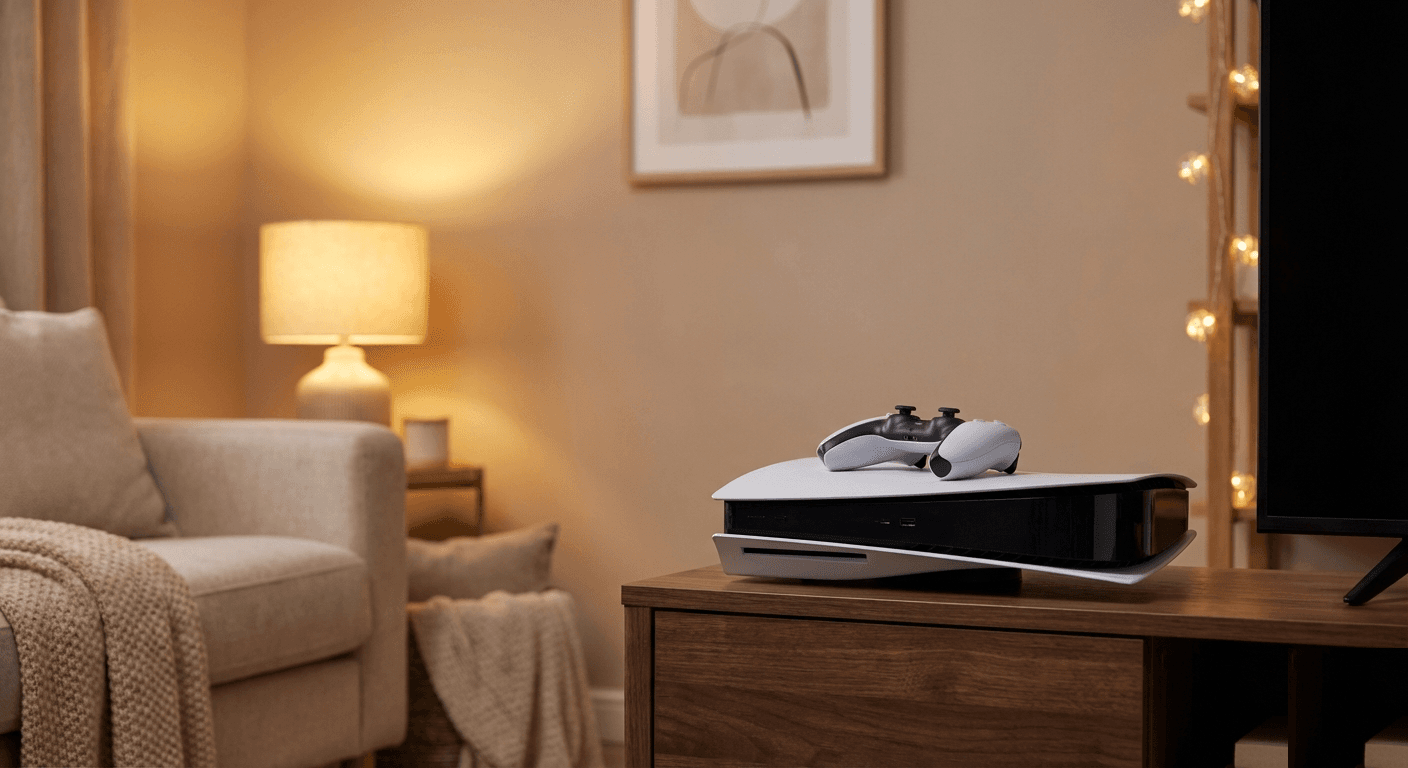
Your console freezing mid-game — or worse, mid-save — is one of the most frustrating faults we see at Console Service Centre in Boksburg. In over 15 years of repairing PlayStation and Xbox consoles, we've fixed 25,000+ units, and freezing is consistently one of the top complaints. The good news: a frozen console is not always a death sentence. Most cases come down to overheating, corrupted software, or a struggling SSD — all fixable. This guide walks you through the most common causes of console freezing on PS5, PS4, Xbox One, and Xbox Series consoles, what to try at home, and when the fault is hardware-level and needs professional attention.
Try These First (Quick Wins)
Before diving into diagnostics, work through these in order. They fix roughly 30–40% of freezing cases without any hardware work.
- Power cycle completely. Hold the power button until the console beeps twice (PS5/PS4) or hold it for 10 seconds (Xbox). This clears the memory cache — a full shutdown is different from rest mode.
- Check for a firmware update. A pending system software update can cause instability. On PS5: Settings → System → System Software → System Software Update and Settings. On Xbox: Settings → System → Updates.
- Clear your console's cache. On PS5, boot into Safe Mode (hold power until second beep) and select "Clear Cache and Rebuild Database." On Xbox, hold the power button for 10 seconds, unplug from the wall for 30 seconds, then restart.
- Move the console to a cooler spot. If the freezing happens after 30–60 minutes of play, overheating is the likely cause. Make sure there's at least 10cm of clear space on all sides.
- Test a different game. If only one game freezes, the issue is that game's data (corrupt install) rather than the console itself.
What Causes a Console to Freeze?
Freezing is a symptom, not a diagnosis. These are the five most common causes, ranked by frequency based on our repair data.
1. Overheating
The most common cause, especially on PS4 Pros and original PS4s over 4 years old. When internal temperatures exceed safe limits, the console throttles performance and eventually halts to protect itself. On PS5, we see this tied to liquid metal migration — when the console is stored vertically for long periods, the liquid metal thermal interface between the APU and heatsink can shift, creating hot spots.
Signs of overheating: freezing after 30+ minutes of play, loud fan before the freeze, console warm to the touch on the top or rear vents.
2. Corrupted Game Data or System Software
A corrupted game install or a botched firmware update can cause freezes during specific scenes, loading screens, or on startup. This is a software fault — no hardware damage involved.
Signs: freezing on one specific game, freezing during loading screens, freeze after a recent update.
3. Failing or Full SSD / HDD
On older PS4 models, the 2.5" hard drive degrades over time. On PS5 and Xbox Series consoles, SSD failures — while less common — do happen, especially on units that have been through load shedding surges. A struggling drive causes stuttering, long load times, and then freezes.
Signs: games take unusually long to load, the console freezes mid-load, you hear clicking sounds (on PS4 HDDs only — SSDs are silent). If freezing comes with these storage symptoms, work through our console hard drive problems guide to confirm whether the drive is the cause.
4. RAM or APU Fault (Hardware)
This is the hardware-level cause. Faulty RAM or a degrading APU (the main processor) causes random freezes with no consistent trigger — any game, any time, regardless of temperature. This requires board-level diagnosis.
Signs: freezes happen at random times with no pattern, safe mode tools don't help, the console freezes on the home screen too.
5. Power Supply Instability
South Africa's load shedding means consoles are switched on and off far more than they were designed for. Surges during Eskom switching can damage the internal power supply, causing voltage instability under load — which leads to freezes and unexpected shutdowns.
Signs: freezing accompanied by an unexpected shutdown, more frequent issues after load shedding events, console won't stay on under load.
How to Fix Console Freezing
Fix Overheating
The only external thing you can safely do is improve the console's environment and clean the vents.
- Place the console horizontally (flat). For PS5 especially, horizontal placement prevents liquid metal migration inside the APU cooling system.
- Run a low-powered vacuum along the vents from the outside — this is Sony's own guidance for PlayStation consoles, and a vacuum lifts dust out rather than driving it deeper. Never open the console to clean internally. Customers who open their consoles to clean the fan frequently damage the fan connector or break flex cables, turning a R1,249 service into a much costlier repair.
- Keep the console in a ventilated area. A closed entertainment unit with no airflow is the number one environmental cause of overheating.
If the console is overheating despite good placement and clean-looking vents, the internal dust buildup or degraded thermal compound is the issue — that requires a professional full service.
Opening your console yourself risks causing additional damage — broken flex cables, stripped screws, or damaged connectors that make the repair more expensive. We strongly recommend leaving internal repairs to professionals.
Fix Corrupted Game Data
On PS5:
- Go to Settings → Storage → Console Storage → Games and Apps
- Find the affected game, press Options, select Delete
- Reinstall from the disc or re-download from the PlayStation Store
- If the issue persists across all games, boot Safe Mode → the Clear Cache and Rebuild Database option
On PS4:
- Hold the power button until the second beep (about 7 seconds) to enter Safe Mode
- Select Rebuild Database
- This re-indexes all installed data without deleting games — it takes 30–90 minutes
On Xbox One / Xbox Series:
- Settings → System → Storage → Clear local saved games
- Alternatively: Settings → Devices & connections → Blu-ray → Persistent Storage → Clear Persistent Storage
- For a deeper reset: hold the power button for 10 seconds, unplug from the wall for 2 minutes, restart
Fix a Full Storage Drive
A console operating with less than 10% free storage can freeze during loading. Delete games you're not playing, or move them to extended storage.
- PS5: You can store PS4 games on USB extended storage to free internal SSD space
- Xbox: Move games to an external drive or delete them via My games & apps → See all → Queue
If the drive itself is failing (not just full), software fixes won't help — the drive needs replacement.
PS5-Specific Fixes
The PS5 Safe Mode menu is your best diagnostic tool. To enter it:
- Turn the PS5 off completely (not rest mode)
- Hold the power button until you hear the second beep (about 7 seconds)
- Connect a controller via USB cable
- Press the PS button
Safe Mode options to try for freezing:
- Update System Software: Installs any pending updates that may not have installed correctly
- Clear Cache and Rebuild Database: Clears temporary data without affecting your saves or games
- Reset PS5: This wipes all data. Use only as a last resort, and back up your saves to PS Plus cloud or a USB drive first
Xbox-Specific Fixes
Xbox consoles have a "soft factory reset" option that reinstalls the operating system without deleting your games or saves:
- Settings → System → Console info → Reset console
- Choose "Reset and keep my games & apps"
This fixes most software-related freezing on Xbox One, Xbox One S, Xbox One X, Xbox Series S, and Xbox Series X.
For Xbox consoles freezing on the green startup screen specifically — that's a different fault (corrupted OS partition) that often requires an Xbox One repair service rather than a home fix.
When to Seek Professional Help
Try the home fixes above first. If the freezing continues after a full database rebuild, a system reset, and proper ventilation, you're dealing with a hardware fault. Here's what that looks like:
Signs you need professional diagnosis:
- Freezing happens on the home screen (not just in games)
- Freezing occurs within 5–10 minutes regardless of how cool the console is
- The console shuts off instead of just freezing
- Error codes appear before or after the freeze (e.g. CE-108255-1 on PS5)
- The console freezes during the initial setup screen after a reset
At Console Service Centre, our diagnostic process identifies the root cause — whether it's a thermal issue, SSD fault, or board-level problem — before any repair work begins. We'll give you a clear quote and let you decide whether to proceed.
Typical repair costs for freezing-related faults:
| Fault | Repair | Price |
|---|---|---|
| Overheating (dust + thermal service) | Full Service — PS4 | R1,249 |
| Overheating (liquid metal service) | Full Service — PS5 | R1,249 |
| Hard drive replacement (PS4) | HDD Replacement | R1,899 |
| SSD failure (PS5 / Xbox Series) | Diagnostic + Repair | Quoted after diagnosis (R599 bench fee) |
| Power supply fault | Power Supply Repair | R1,699 |
| Diagnostic (no repair) | Bench Fee | R599 |
Not sure what's wrong? WhatsApp us at 087 550 2307 — we respond immediately, 24/7, and can often give you a good idea of what's wrong based on your symptoms before you send the console in.
Preventing Console Freezes
A few habits that extend console lifespan significantly:
Ventilation is everything. Don't put your console inside a closed cabinet. If your entertainment unit has a door, open it when gaming. Consoles need airflow to survive South African summers.
Store your PS5 horizontally. Sony designed it to work both ways, but we've seen PS5 APUs crack from prolonged vertical storage due to liquid metal migration. Flat is safer.
Use a surge protector — not just a plug strip. Standard "extension leads" provide no surge protection. A proper surge protector or UPS absorbs load shedding spikes that degrade your console's power supply over time. Budget R300–R800 for a decent unit; it's cheap insurance against a R2,000+ repair.
Service your console every 2–3 years. Thermal compound dries out. Dust accumulates even if the console looks clean externally. A routine full service at the R1,249 mark prevents the escalating faults that come with a severely overheated console.
Don't switch off during saves. Load shedding hitting during a save can corrupt the save file and occasionally the game install. A UPS backup gives you 10–15 minutes to save and shut down cleanly before the power cuts.
Frequently Asked Questions
Why does my PS5 keep freezing but my PS4 never did?
The PS5 uses liquid metal instead of thermal paste between the processor and heatsink. Liquid metal is more thermally efficient but can migrate over time — especially in vertically stored consoles — leaving part of the processor without thermal coverage. This causes localised overheating that the older paste-based PS4 didn't experience. A professional liquid metal re-application fixes it.
Does rebuilding the PS5 database delete my games?
No. The "Clear Cache and Rebuild Database" option in PS5 Safe Mode does not delete your games, saves, or account data. It re-indexes the console's storage, which can take 30 minutes to a few hours depending on how much is installed.
How much does a console freezing repair cost in South Africa?
It depends on the root cause. A full service (overheating fix) costs from R1,249 for a PS4 and from R1,249 for a PS5. If the SSD or HDD needs replacement, costs vary by part. If we diagnose the console but you decline repair, a R599 bench fee applies.
Can load shedding cause a console to freeze?
Yes. Load shedding causes two problems: power surges when the electricity comes back on can damage the internal power supply, and sudden cutoffs during gameplay can corrupt game data or the system software. Both lead to freezing. A UPS prevents both issues.
My Xbox Series X freezes on the green screen at startup — is it broken?
The Xbox Series X and Series S green startup screen freeze usually indicates a corrupted system partition. This is different from in-game freezing and typically can't be fixed by a home reset — the console needs a software flash or hardware check. Bring it in for a Xbox Series repair rather than repeatedly forcing resets, which can make the fault worse.
Is it worth repairing a freezing PS4 or is it better to buy a PS5?
If your PS4 is freezing due to overheating (the most common cause), a full service at R1,249 is absolutely worth it — it adds years to the console's life. If the motherboard or SSD is failing, we'll tell you honestly: sometimes the repair cost approaches the value of the console, and replacement makes more sense. We'll always give you a straight answer before you commit to any repair.
Does a factory reset fix console freezing?
Sometimes, if the cause is software corruption. A factory reset on PS5 (Safe Mode → Reset PS5) or Xbox ("Reset and keep my games & apps") reinstalls the system software. It won't fix hardware faults like overheating, a failing drive, or a power supply problem. If the freeze returns after a reset, the cause is hardware.
Get Your Console Fixed in Boksburg
If the home fixes haven't solved it, here's why Console Service Centre is the right call:
- 15+ years of console repair experience — we've been fixing PlayStation and Xbox since 2011
- 25,000+ consoles repaired — we've seen every version of this fault
- 1,353+ Google reviews at 4.9 stars — the world's most-reviewed dedicated gaming-console repair specialist on Google — our work speaks for itself
- PlayStation and Xbox specialists — we don't do phones or general electronics
- 6-month warranty — if the same fault returns, we fix it free
For PS5 repairs in Boksburg, PS4 repairs, or any Xbox console, we offer both walk-in and courier options across South Africa.
Ready to Get Your Console Working Again?
WhatsApp us: 087 550 2307 — we respond immediately, 24/7
Visit us: 6 Bester Street, Witfield, Boksburg
Mon–Thu: 08:00–16:00 | Fri–Sat: 08:00–13:00 | Sun: Closed
Can't get to us? We offer nationwide courier repairs via The Courier Guy — ship your console to us, we'll fix it and send it back.
Also read: PS5 black screen fix guide | PS5 repair service | Xbox One repair service | PS4 repair service
Topics Covered
About the Author

Shaun Potgieter
Founder & Head Technician
Expert console technician with 15+ years of hands-on repair experience.