
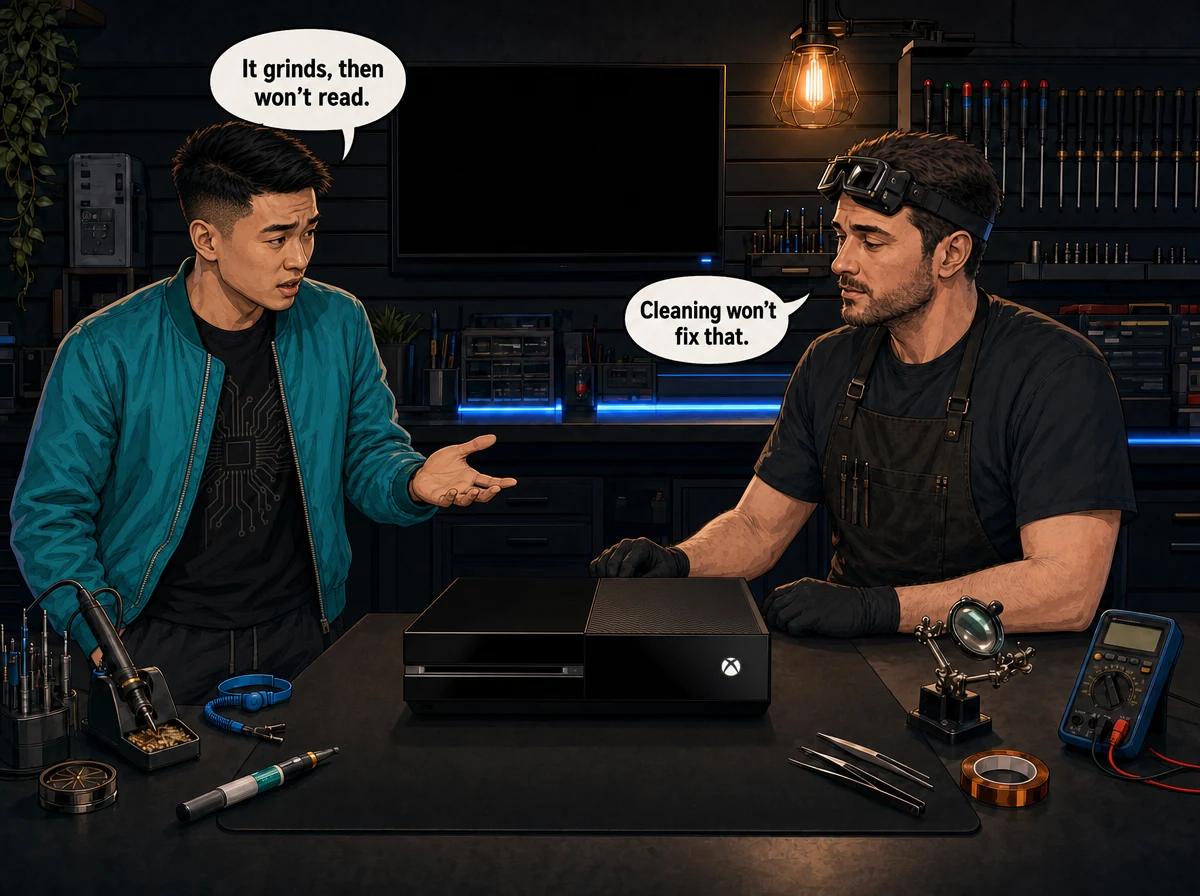
You slide a game into your Xbox One and, instead of the usual quiet whirr, you get a grinding, clicking or ratcheting sound. Sometimes the disc gets pulled in, spins up, and the console then says it cannot read it. Sometimes the drive spits the disc straight back out. Sometimes it keeps grinding with nothing inside at all.
You have probably already wiped the disc, tried a lens-cleaning disc and searched online. If the noise is still there, this guide is for you. It explains why cleaning so rarely fixes a grinding drive, what is actually failing inside, and what a proper repair costs in South Africa.
An Xbox One disc drive that grinds or will not read discs almost always has a hardware fault rather than a dirty lens. The three usual culprits are a slipped or damaged gear in the loading mechanism, a failing disc-detection sensor, and a worn laser (the HOP-B150 laser unit on Xbox One drives). Lens cleaners do nothing for any of these. Before booking a repair, power-cycle the console, clear the Blu-ray persistent storage, lay the console flat and test a second clean disc. If the grinding continues, Console Service Centre in Boksburg diagnoses and repairs Xbox One, Xbox One S and Xbox One X drives, and couriers consoles in from anywhere in South Africa.
Why Your Xbox One Disc Drive Is Grinding and Won't Read
A healthy Xbox One drive makes a short, smooth sequence of sounds: the disc is drawn in, it spins up, the laser assembly moves into position and the game loads. When something in that chain breaks, the drive keeps trying. That repeated attempt is the grinding you hear.
Owners and repair forums have a nickname for this problem: the "disc drive of death". The name sounds final, but it isn't. In most cases the drive is repairable. Even when the drive itself is beyond saving, the console usually is not, as long as the right part of the original drive is kept (more on that below).
Grinding on an Xbox One generally comes from one of three places:
- The loading mechanism. Small plastic gears and a drive belt pull the disc in and push it out. If a gear slips out of mesh or loses teeth, the motor keeps turning while the gears skip. That produces a harsh, repetitive grinding or clicking.
- The disc-detection sensors. The drive needs to know whether a disc is present and where the laser carriage is. If a sensor gets dirty or wears out, the drive can try to load a disc that is not there, or drive the laser carriage against its end stop.
- The laser. A worn or weak laser cannot focus on the disc properly. The drive spins up, the laser hunts back and forth, you hear repeated seeking and clicking, and eventually you get a "can't read this disc" message.
These are three different repairs. That is why one owner online swears a fix worked, while the next person tries the same thing and gets nowhere. The noise sounds alike, but the cause is different.
Quick Checks to Try Before Anything Else
These steps are all external and safe. They will not fix a broken gear or a dead laser. They do rule out the software and handling problems that can mimic a hardware fault, and they take a few minutes.
How to Troubleshoot a Grinding Xbox One Disc Drive at Home
- Eject the disc and inspect it. Hold it under a bright light. Look for deep scratches, cracks near the centre hole, or a warp when you sight along the edge. A cracked or warped disc can make any drive rattle.
- Try a second, known-good disc. Use a different game, ideally one that worked recently. If the second disc reads silently, the first disc is the problem, not your console.
- Try a different type of disc. Test a game disc, a Blu-ray film and a DVD film if you have them. If one type reads but another does not, the laser is often starting to weaken.
- Lay the console flat. Put the Xbox One horizontal on a stable, level surface. A drive standing on its side, or sitting on a soft or uneven surface, works harder to keep the disc steady.
- Do a full power cycle. Hold the Xbox button on the front of the console for about 10 seconds until it switches off. Unplug the power cable, wait a minute or two, plug it back in and switch on again. A full power cycle resets more than a normal restart does.
- Clear the Blu-ray persistent storage. Go to Settings > Devices & connections > Blu-ray > Persistent storage, then choose Clear persistent storage. Restart the console and try the disc again.
- Install any pending system update. Go to Settings > System > Updates and install anything waiting. Then power-cycle once more.
If the grinding stopped after step 1 or 2, you are sorted. Replace or resurface the damaged disc and carry on playing. If the drive still grinds, rejects every disc, or makes noise with no disc inside, the fault is inside the drive.
A word on lens-cleaning discs: they are harmless to try once, but they are designed for light dust on the lens surface. They do nothing for a slipped gear, a worn sensor or a laser that has lost power. If one cleaning disc pass made no difference, running it ten more times will not help either.
Why Cleaning Won't Fix an Xbox One Disc Drive That Grinds
This is the part most guides skip. Cleaning only helps when the problem is dirt on the laser lens, and that is the least likely cause of grinding.
Think about what each sound tells you:
- A loud, rhythmic grinding or clicking as soon as the disc goes in points to the loading mechanism. The motor is turning, but a gear is skipping. No amount of lens cleaning will put a gear back in mesh.
- Grinding or clicking with no disc in the console (often at start-up or when waking from sleep) points to the drive's sensors or the laser carriage. The drive thinks something is happening when it isn't.
- The disc is pulled in, spins up, the drive seeks for a while, then you get a read error points towards the laser. The lens may be clean, but the laser itself no longer produces a strong enough signal to read the disc.
- The disc is accepted then ejected straight back out can be either the laser failing to read anything at all, or a sensor reporting the wrong position.
When the Xbox One launched in 2013, Microsoft publicly acknowledged that some early consoles had faulty disc drives that made grinding noises. That problem was mechanical, not dust. The faults we see on the bench today are mostly mechanical too: gears, belts, sensors and lasers that have done years of work.
The "whack it" advice: please don't
You will find online advice telling you to flip the console over or knock it to "reset" a slipped gear. Occasionally a gear does jump back into place. More often you crack the casing, damage the drive further, or knock the hard drive while it is running. A console that only needed a gear fix can end up needing a full drive replacement. We see this on the bench and it is never worth the risk.
The Three Faults Behind the Grinding
1. Loading Mechanism and Gear Faults
Every Xbox One family console with a disc drive (Xbox One, Xbox One S and Xbox One X) uses a slot-loading drive. There is no tray. Instead, rollers and a small train of plastic gears driven by a motor pull the disc in and push it back out. A separate gear arrangement moves the laser carriage across the disc.
Over time the plastic gears wear, the belt can stretch or slip, and a gear can lift out of mesh. When that happens, the motor keeps spinning but the parts it is meant to move do not follow properly. The result is the classic loud grinding.
What you notice:
- Loud grinding or ratcheting the moment a disc is inserted
- The disc is not drawn in fully, or gets stuck halfway
- The disc is ejected repeatedly, or will not eject at all
What the repair usually involves: cleaning, re-seating or replacing the mechanism parts, or fitting a replacement drive when the original is too worn to trust.
2. Disc-Detection Sensor Faults
The drive uses small sensors to know two things: whether a disc is present and where the laser carriage is sitting. Dust, wear or a failing sensor can feed the drive the wrong information.
When that happens the drive can try to load a disc that isn't there, or keep driving the laser carriage against its end stop. Both produce grinding or clicking with no disc inside, often when you switch the console on or it wakes from sleep.
What you notice:
- Grinding or clicking with an empty drive
- Noise at start-up that stops after a while
- Discs accepted and then ejected for no clear reason
What the repair usually involves: cleaning or replacing the affected sensor, or replacing the mechanism if the fault is part of a worn assembly.
3. Laser Failure (HOP-B150)
Xbox One drives use a HOP-B150 laser unit. Like any laser, it weakens with use. A tired laser can still spin the disc and seek, but it cannot focus and read the data reliably.
Laser faults often build gradually. At first, one or two discs are slow to load. Then films stop playing. Eventually, nothing reads. Because the drive keeps seeking while it tries to read, a failing laser can also produce clicking or light grinding.
What you notice:
- Discs spin up, the drive seeks repeatedly, then a "can't read" message appears
- Some discs work while others never do
- Blu-ray films fail while some game discs still load, or the other way round
What the repair usually involves: replacing the laser, or the laser together with its mounting deck if the carriage is also worn.
Why You Can't Just Swap In Any Xbox One Disc Drive
Here is a detail that catches out many DIY attempts and some general repair shops.
Every Xbox One disc drive has a small circuit board (the drive's logic board) that is paired to that console's motherboard at the factory. A drive from another console, or a new replacement drive, will not play games in your Xbox One with its own board fitted, even if it accepts the disc. To make a replacement drive work, the original drive's logic board has to be moved across to the new drive.
This has two practical consequences:
- The original drive board must survive. If it gets damaged during a DIY attempt (from static, a torn connector or a slip of the screwdriver), the console may never read discs again, even with a perfectly good new drive.
- Buying a "plug-and-play" replacement drive online is a trap. Without the board transfer it will not play your games, and the transfer needs proper equipment and experience.
This is one of the main reasons we tell people not to open their Xbox One to fix the drive themselves.
Please don't open the console yourself. Opening your Xbox One risks broken flex cables, stripped screws, snapped clips and damaged connectors, and it puts the paired drive board at risk. That turns a straightforward drive repair into a more expensive one. We strongly recommend leaving internal repairs to professionals.
Which Xbox One Models Are Affected?
All three Xbox One family consoles with a disc drive can develop the grinding and no-read faults described here:
- Xbox One Original: the large black console with the external power brick. These are now the oldest Xbox One consoles in circulation, so worn gears and tired lasers are common.
- Xbox One S: the smaller white console with an internal power supply. Its drive is also slot-loading and prone to the same mechanical and laser wear.
- Xbox One X: the compact black console. Its drive suffers the same gear, sensor and laser wear as the other two models.
The Xbox One S All-Digital Edition has no disc drive, so it cannot have this problem. If you own one and see a disc-related message, it relates to software or downloads, not a drive.
If you own a newer Xbox, read our guide to the Xbox Series X disc drive not reading. The causes overlap, but the hardware is different.
Software vs Hardware: How to Tell Which Problem You Have
Not every disc problem is a broken drive. Here is a simple way to separate them:
| What happens | Most likely cause |
|---|---|
| One disc fails, others work | The disc itself |
| Discs fail after an update, no unusual noise | Software; clear persistent storage and power-cycle |
| Grinding the moment a disc goes in | Loading mechanism or gears |
| Grinding or clicking with no disc inside | Sensors or laser carriage |
| Disc spins, seeks for a while, then read error | Laser |
| Discs read sometimes, depending on the disc type | Laser starting to fail |
| Disc stuck inside, will not eject | Mechanism fault |
If you are in the bottom five rows and the quick checks above made no difference, it is a hardware fault. For a broader look at software-side fixes, see our Xbox One not reading discs fix guide.
When to Bring Your Xbox One In for Disc Drive Repair
Book a repair when any of these apply:
- The grinding continues after a power cycle and clearing persistent storage
- The drive makes noise with no disc inside
- Every disc fails, including discs that worked before
- A disc is stuck and the eject button and power cycle do not free it
- The drive has started rejecting discs and the problem is getting worse over time
Stop using the drive once it starts grinding. Each failed attempt puts more strain on worn gears. In some cases a grinding drive can also mark the disc it is struggling with.
Not sure what's wrong? WhatsApp us at 087 550 2307. We respond immediately, 24/7. Tell us what the noise sounds like, when it happens and which model you have, and we can often point you to the likely fault before you send the console in.
What Happens When We Repair Your Xbox One Disc Drive
- Diagnosis on the bench. We test the drive with known-good discs and listen to exactly when and how it grinds. That tells us whether it's the mechanism, a sensor or the laser.
- Quote before work. We tell you what is wrong and what it costs. Nothing is replaced without your go-ahead.
- The repair itself. Depending on the fault, we repair the mechanism, replace the laser, or fit a replacement drive. When a replacement drive is needed, we transfer your console's original paired drive board onto it so it plays your games again.
- Testing. We test with several game discs and films to confirm the drive reads reliably and quietly before the console goes back to you.
If you decide not to go ahead after diagnosis, or the drive turns out to be unrepairable, a R599 bench fee applies to cover the diagnostic work.
Xbox One Disc Drive Repair Cost in South Africa
These are our current Xbox One family drive repair prices. They update automatically from our live price list, so what you see here is what we charge:
- Laser replacement (HOP-B150): R1,349
- Laser replacement with deck: R1,449
- Replacement disc drive: R1,599
- Complete replacement drive with new laser: R1,749
Which one you need depends on the diagnosis. A laser-only fault is the most affordable fix. A drive with worn gears and a weak laser usually calls for a complete replacement drive with your original board transferred across.
Every repair carries our 6-month money-back warranty. If the same fault comes back within that period, we fix it free.
For more on the work we do across all three models, see our Xbox One repair services page and our dedicated disc drive repair service.
Is It Worth Repairing an Xbox One Disc Drive?
For most owners, yes. A drive repair costs a fraction of a replacement console, and you keep your existing setup, saved games on the console and installed content.
It is especially worth it if:
- You have a collection of physical games and Blu-ray films
- The rest of the console works well, with no overheating or power problems
- You want to keep using physical media rather than re-buying games digitally
It may be less worthwhile if the console has several other faults at the same time. In that case, talk to us first. We will tell you honestly whether the total repair makes sense.
How to Prevent Xbox One Disc Drive Problems
You cannot stop gears and lasers from ageing, but you can slow the wear down:
- Keep the console horizontal on a firm, level surface. This keeps the disc steady and reduces strain on the mechanism.
- Insert discs gently and straight. Let the drive pull the disc in. Never push it in hard or pull it out while the drive is still working.
- Keep discs clean and in their cases. Fewer dirty or damaged discs means fewer repeated read attempts.
- Give it breathing room. Leave space around the vents and keep the console out of an enclosed cabinet. Heat speeds up wear on every part inside, and a dusty console runs hotter. Our overheating and full service repair covers internal cleaning safely.
- Protect it from power problems. Load shedding and power surges are a reality in South Africa. A surge protector, or a small UPS, helps avoid a sudden cut while the drive is in the middle of loading or ejecting.
- Don't move it while it's on. Lifting or turning the console while a disc is spinning is hard on the laser and mechanism.
- Stop at the first grinding sound. Catching a slipped gear early can mean a smaller repair than waiting until the mechanism has chewed itself up.
Frequently Asked Questions
Why does my Xbox One make a grinding noise when I put a disc in?
Grinding as soon as a disc goes in usually means a gear in the loading mechanism has slipped out of mesh or lost teeth. The motor keeps turning while the gears skip. It can also come from a worn belt or a sensor feeding the drive the wrong position. A lens cleaner will not fix it; the mechanism needs repair.
Why does my Xbox One disc drive grind with no disc inside?
Noise with an empty drive usually points to the drive's disc-detection sensors, or to the laser carriage running against its end stop. The drive thinks it needs to do something when nothing is there. It often happens at start-up or when the console wakes from sleep. Try a full power cycle first; if it continues, the drive needs a technician.
Will a lens-cleaning disc fix my Xbox One disc drive?
Only if the problem is light dust on the laser lens, which is rarely the cause of grinding. Lens cleaners cannot fix slipped gears, failing sensors or a worn laser. If one pass made no difference, more passes will not help, and it's time for a proper diagnosis.
How much does Xbox One disc drive repair cost in South Africa?
At Console Service Centre, the price depends on the fault: a laser replacement is the most affordable fix, and a complete replacement drive costs the most. Current live prices for each option are listed in the pricing section above. If you decline the repair after diagnosis, or the drive is unrepairable, a R599 bench fee applies. All repairs carry a 6-month money-back warranty.
Can I just buy a replacement Xbox One disc drive and fit it myself?
Not easily. Each Xbox One drive has a logic board that is paired to the console's motherboard. A new drive will not play games until the original drive's board is transferred to it, and if that board is damaged the console may never play game discs again. Opening the console also risks damaging cables and connectors, so we recommend leaving it to a professional.
Will repairing the disc drive delete my games or saves?
A disc drive repair does not involve the console's hard drive, so your installed games and saves stay where they are. Cloud saves linked to your Xbox account are stored online anyway. We still suggest making sure you're signed in and synced before sending the console in.
Does the Xbox One S have the same disc drive problems as the Xbox One Original?
Yes. The Xbox One, Xbox One S and Xbox One X all use slot-loading drives that can develop gear, sensor and laser faults. The only Xbox One model that can't have this problem is the Xbox One S All-Digital Edition, which has no disc drive.
Get Your Xbox One Disc Drive Fixed
Here's why Console Service Centre is the right place for your Xbox One:
- Console repair specialists since 2011
- Thousands of consoles repaired. We know these drives inside out.
- 1,329+ Google reviews at 4.9 stars — the world's most-reviewed dedicated gaming-console repair specialist on Google from real Google reviews
- PlayStation and Xbox specialists. We don't do phones or general electronics.
- 6-month money-back warranty. If the same issue returns, we fix it free.
Ready to Get Your Xbox One Reading Discs Again?
WhatsApp us: 087 550 2307. We respond immediately, 24/7.
Visit us: 6 Bester Street, Witfield, Boksburg. Open Monday to Thursday 08:00 – 16:00, Friday and Saturday 08:00 – 13:00, closed Sunday.
Can't get to us? We offer nationwide courier repairs. Send your console to us via The Courier Guy, we fix it and send it back. You can also reach us through our contact page.
Topics Covered
About the Author

Shaun Potgieter
Founder & Head Technician
Expert console technician with 15+ years of hands-on repair experience.